


 Remove.bg is an AI-powered tool that automatically removes backgrounds from images, including people, products, and animals. It simplifies complex photo editing by instantly creating transparent PNGs or images ready for other designs. Users can also edit images further by erasing or restoring parts, blurring backgrounds, or adding custom backdrops. Furthermore, this tool supports bulk processing of multiple images, making it ideal for e-commerce, marketing, and design projects that work on multiple images. It also integrates with popular tools like Figma, Photoshop, and Zapier, and is accessible via web, desktop (Windows, Mac, Linux), and a mobile app for Android. Despite its convenience, some users look for alternatives due to pricing, additional feature needs, offline use, or more control over results. In this article, we review 8 Remove.bg alternative tools, covering both online and desktop background removers, so you can find the right tool for fast, professional, high-quality image editing.
Top 5 Web-based Tools Alternative to Remove.Bg
| Tool | Free Limit | Pricing Plan/s |
|---|---|---|
| AceThinker AI Background Remover | 10 credits | One-Time Credits: $1.99 - $39.99 Subscription Plans: $2.50 - $30 |
| Cutout.Pro | 5 credits and low-resolution downloads | Subscription Plans: $5 - $69 Pay As You Go: $4.99 - $1,399 |
| Erase.Bg | 3 credits | One-Time Payment
10 credits - $5 |
| Fotor Background Remover | Free trial | Fotor Pro: $3.33/month Fotor Pro+: $7.49/month |
| Removal.AI | 1 lifetime credit | Lifetime: $1.89 - $189.99 Monthly: $5.99 - 359.90 |
1. AceThinker AI Background Remover
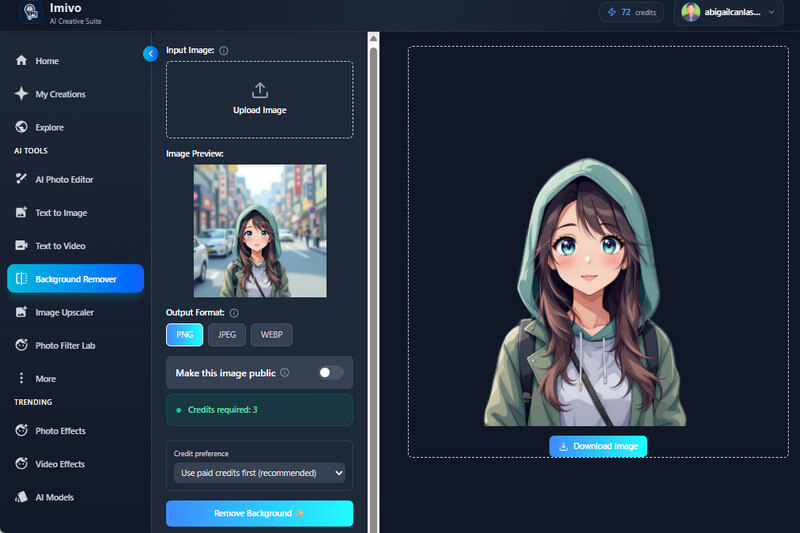
AceThinker AI Background Remover is just one of the tools that AceThinker offers to simplify everyday background tasks. It can be a good alternative to the Remove.bg tool because it is easy to use and accessible. This background-removal tool can give you precise cutouts, even with complex details like hair or animal fur. It uses AI to automatically detect the main subject, so you don’t need to manually trace or erase areas. In addition, what’s good about this tool is that you can save the output image in different formats, such as PNG, JPEG, and WebP. Furthermore, this tool provides real transparency, so you can change the background instantly without hassle. However, AceThinker AI Background Remover is not totally free; you can access the tool for free, but removing the background requires enough credits to do so.
2. Cutout.Pro
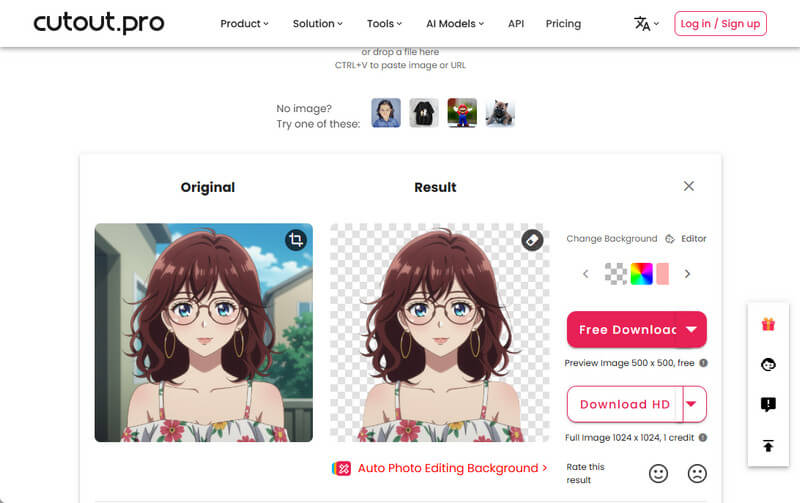
Another Remove.Bg alternative tool that offers a streamlined solution for removing photo backgrounds is Cutout.Pro. Like Remove.Bg, this tool also uses advanced AI algorithms with high precision and accuracy in removing image backgrounds. As you upload the photo, you will see the results appear instantly beside the original. In addition, this tool allows you to refine the output image, where you can erase some of the details that the background eraser didn’t remove. Moreover, this tool lets you instantly add a new background with its available solid colors. On top of that, this best AI image background remover allows you to download the output image in PNG and JPG formats. However, high-quality downloads are only available to those who created an account, which is limited to those who don’t want to sign up.
3. Erase.Bg
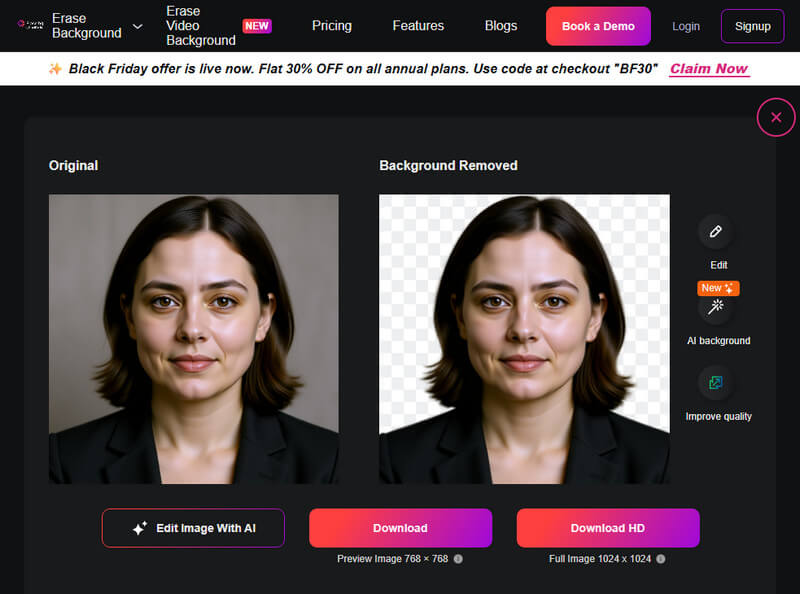
The next website like Remove.Bg, is Erase.Bg. The AI tool supports image formats such as PNG, JPG, WebP, and HEIC. This means that you can upload photos from different devices and cameras without worrying about file compatibility. In addition, Erase.Bg uses AI to automatically detect the main subject and quickly remove the background, making it useful for quick edits. It also provides basic editing options so you can fine-tune the cutout or replace the background if needed. What makes this tool stand out with Remove.bg is that, in addition to photos, you can also use it to remove backgrounds from your videos. It supports removing video backgrounds with a maximum of 30 seconds per clip. However, reports indicate the tool is too slow to handle large image files.
4. Fotor Background Remover
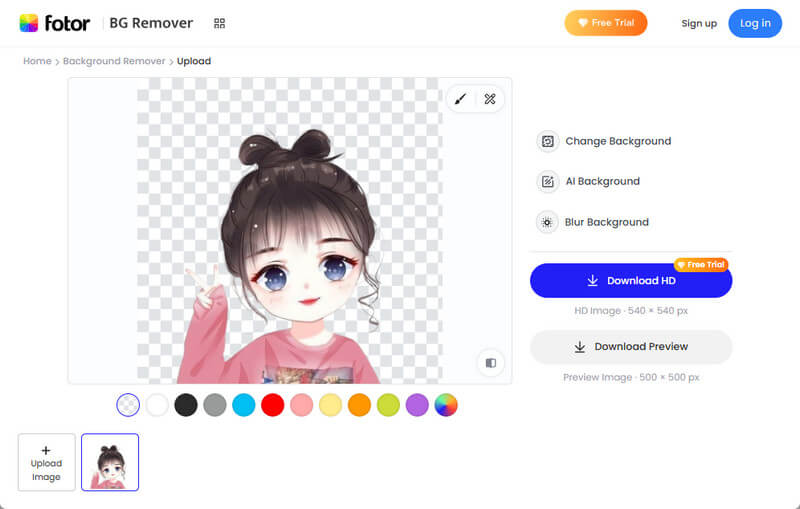
Looking for sites like Remove.Bg? Look no further with Fotor Background Remover! The tool supports uploading PNG, JPG, and WebP image files, as well as images from URLs. This means that you can quickly process images from your device or directly from the web without downloading them first. Like Remove.bg and other tools, Fotor also uses AI when removing backgrounds and gives you precise cutouts. You can also change the background instantly by adding a solid color, applying a new backdrop with its AI background generator, or blurring the background. Furthermore, Fotor offers additional features, such as Erase and Restore, which you can use to fine-tune edges or restore parts removed by mistake. However, upon trying this tool, it struggles to process certain images accurately, especially when the subject blends with the background or when the image contains very fine details.
5. Removal.AI
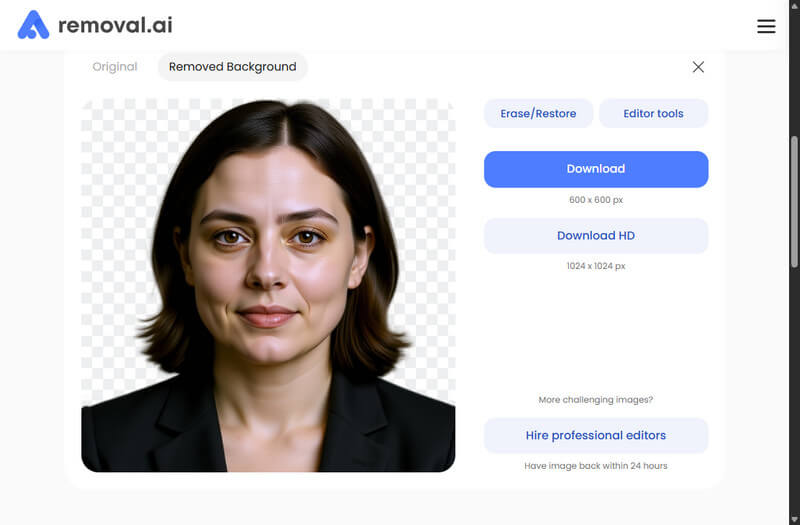
Removal.AI is an online-based image background remover that quickly removes backgrounds with AI, producing transparent cutouts without manual work. It can remove the checkered background from an image, even from photos with complicated backgrounds. Like Remove.BG, this tool also includes advanced tools to refine the output image, such as erasing unnecessary parts or restoring them with AI. Moreover, Removal.AI provides basic editing tools, such as adding text, elements (e.g., stickers and emojis), and applying a new background to your photos. Besides that, you can save the output image in PNG, which ensures a true transparent background. However, downloading the high-quality output photo requires a subscription plan.
Best 3 Remove.Bg Alternative Software
| Tool | Free Limit | Pricing Plan/s |
|---|---|---|
| AceThinker PicWish | No free tier | Pro Plan: $5.99 - $9.99 Pay As You Go: $12.99 - $99.95 |
| Photoshop | 7-day Free Trial | $22.99/month |
| GIMP | No limit | Completely free |
1. AceThinker PicWish
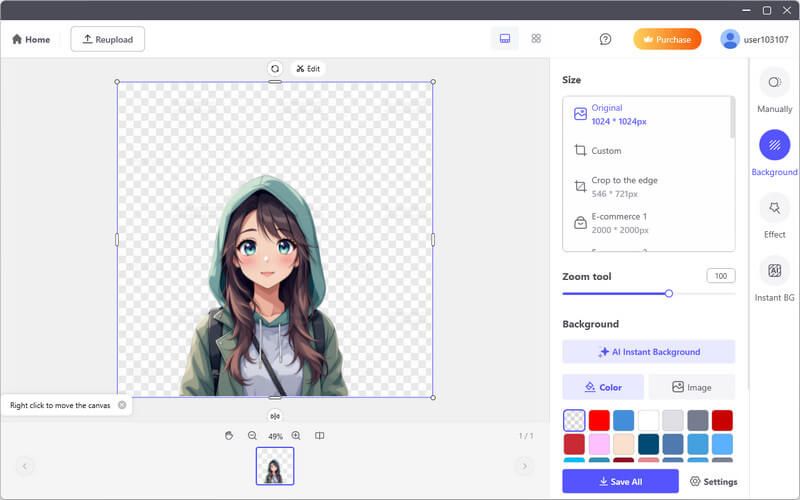
AceThinker PicWish is a background remover available on Windows and Mac. It is a versatile tool for removing backgrounds with high-precision cutouts, even for images with complex edges, such as hair, fur, or intricate objects. The tool uses AI technology to automatically detect the main subject. This means you don’t need to manually remove the photo's background, since the AI will do it for you. Besides background removal, AceThinker PicWish offers additional features, such as background replacement. This includes solid colors, images, and custom designs, as well as basic editing tools like cropping, resizing, and adding shadows or effects. Moreover, like Remove.Bg, AceThinker PicWish supports batch processing, so you can remove backgrounds of multiple images at once. Furthermore, you can adjust the image size using the tool's available aspect ratios, depending on your preferences.
2. Photoshop
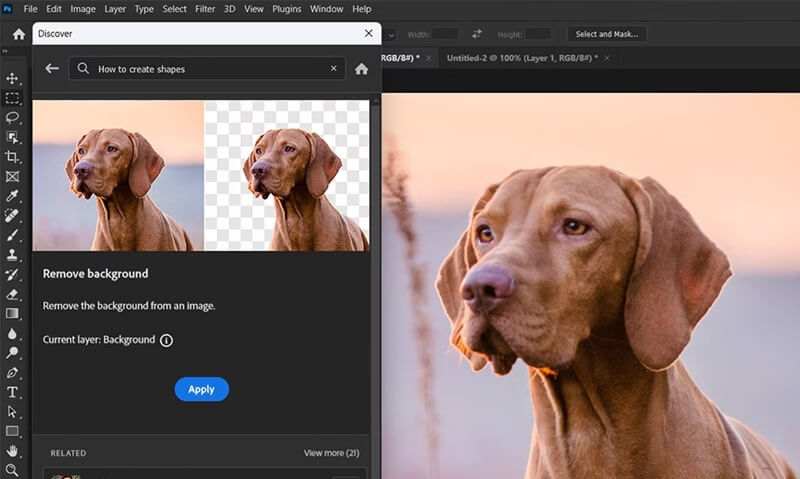
One of the popular photo editors on the internet is Photoshop. With its powerful features, you can edit images with precision and creativity. One of its powerful functions is background removal. It offers multiple methods for removing photo backgrounds. You can use the AI-powered background removal that automatically detects subjects. On the other hand, you can use manual methods like the Pen Tool, Layer Masks, or Quick Selection Tools, which give you full control over the editing process. In addition, Photoshop supports many image formats, including JPEG, PNG, PSD, and TIFF, and maintains transparency when exporting to formats such as PNG or layered PSDs. However, removing background in Photoshop is not free, so you need to buy a subscription plan before using the tool.
3. GIMP
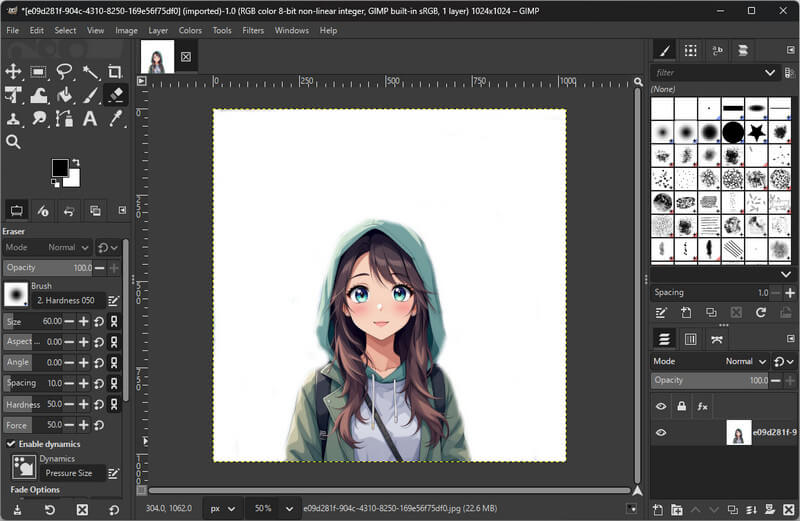
GIMP is a free, open-source photo editor available for Windows, Mac, and Linux. It offers several ways to remove backgrounds, from semi-automatic to manual methods. For simple backgrounds, you can use the Fuzzy Select or Select by Color tools. For more detailed work, the Foreground Select and Paths Tool helps with complex selections. This Remove.Bg free alternative also supports layer masks, allowing you to hide or show parts of an image without making permanent changes. You can also use its additional features, such as feathering, color correction, and manual brush adjustments, to have full control over the final output. Moreover, it supports many file formats, including PNG, JPEG, TIFF, and PSD, and you can export images with transparent backgrounds as PNGs. Unlike Remove.Bg, which removes backgrounds automatically, GIMP takes more manual work and practice to get clean results.
Final Words
To sum up, there are many good alternatives to Remove.bg, each with features for different needs. For example, Photoshop and AceThinker PicWish offer quick, AI-powered background removal with high accuracy. Meanwhile, AceThinker AI Background Remover, Cutout.Pro, Erase.Bg, Fotor Background Remover, and Removal.AI provide online tools that combine automation with extra editing options. On the other hand, GIMP gives you full manual control, which works well for complex images or professional use. It’s best to pick a tool that matches your workflow, whether you want speed, batch processing, or detailed editing. Therefore, trying out a few options can help you find the right mix of automation and manual control for the best results. With so many choices, you can find a background remover that fits your needs.