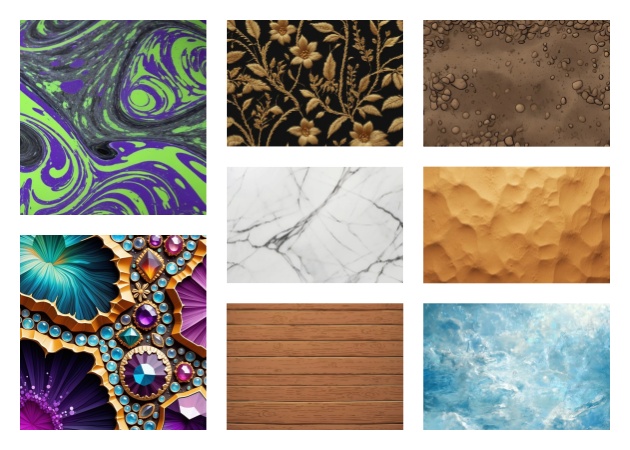
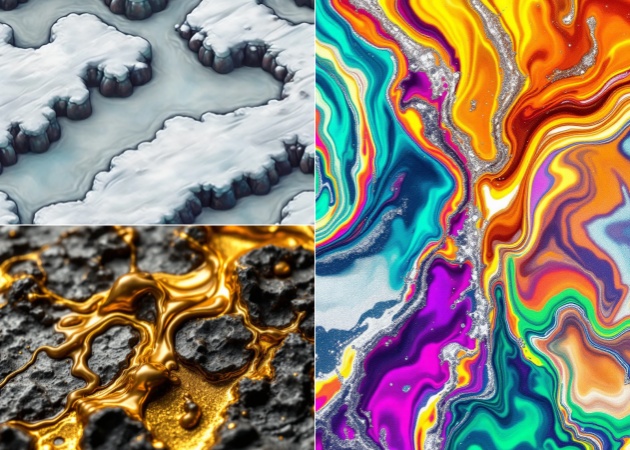
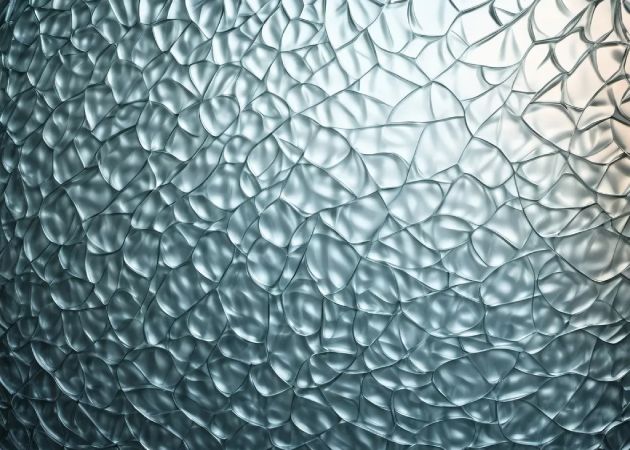
The AI Texture Generator Online produces textures that appear as tiles along all edges and generates natural, realistic texture patterns that can be used in games, 3D models, or digital art. It perfectly recreates features like depth, surface patterns, and material properties, ensuring your textures are professional and maintain a consistent look without hours of hand-editing or side adjustments.
With its smooth output, it is ideal for designers, artists, and developers who require ready-to-use textures. The tool produces high visual fidelity and regular patterns, whether producing stone walls, fabric, wood, or abstract patterns. Instead of being concerned about the incompatibility of tiles, uneven lines, and repeated objects that usually break the theme of realism, one can devote oneself to being creative.

The AI takes only a single click to create a complete texture based on the text description you provided in a few seconds. The device does all its technical processing, and no complicated settings or adjustments are required. This fast, productive process enables users to create multiple textures very quickly and further refine an idea without slogging down their creativity.
It is fast and would suit tight schedules, prototypes, or large volume jobs. Developers and artists can quickly create numerous variations, experiment with styles, or refine textures until they are just right for the project. It combines convenience, precision, and speed to streamline the creative process.


Produced textures are provided in high-resolution, crisp formats for use in digital and print media. The AI is accurate in surface patterns, lighting, shadows, and grain, so your textures appear crisp regardless of size. This can be used in high-quality 3D rendering, visual effects, marketing graphics, and professional design projects.
Colors, contrast, and even stylistic elements can also be edited to suit specific project specifications. High-resolution, editable output is guaranteed to include all textures ready for production. These textures can be used by designers, game developers, and other content creators without further editing in their professional or even commercial projects.


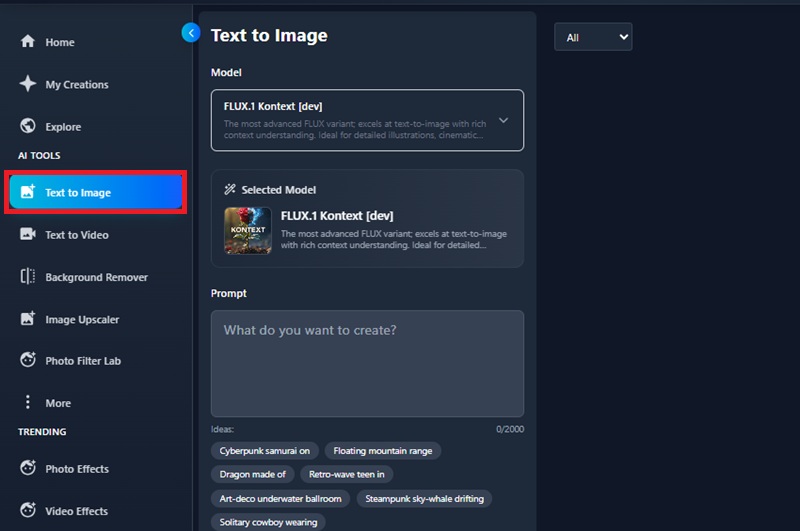
Open the Free AI Texture Generator using any modern browser. Since it's fully online, you can start creating textures right away without downloading or installing anything.
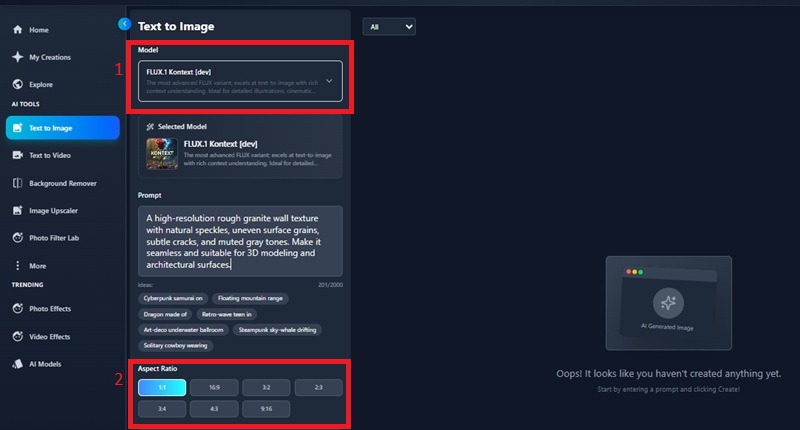
Type a short prompt describing the type of texture you want—such as "rough granite wall," "smooth leather surface," or "abstract neon circuit pattern." You can also adjust optional settings, such as resolution or style, if available.
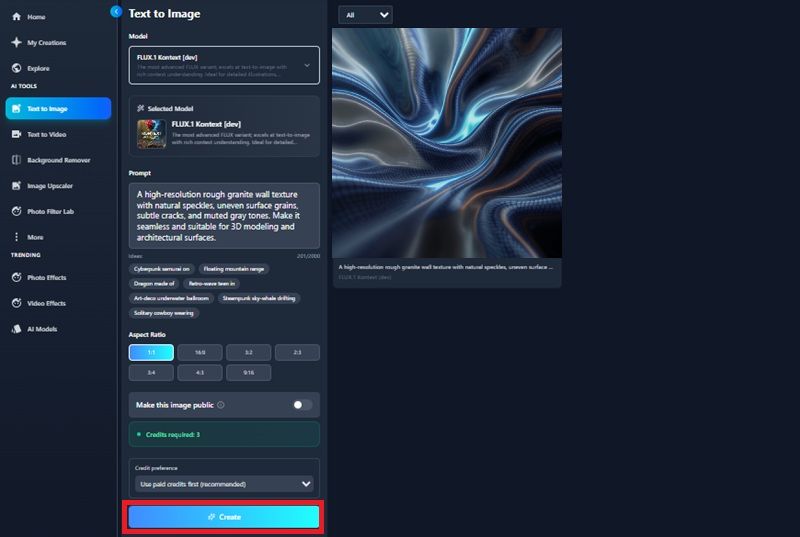
Click Generate, wait a moment for the AI to process, then preview your results. If satisfied, download the texture and use it in your game, design project, 3D model, or background layout.
Yes, the AI has been trained to generate smooth textures that tile perfectly in any direction. This implies that you can duplicate them in 3D space, use them as UI backdrops, or place them on large surfaces without visible edges or inappropriate patterns. The model examines the alignment of edges to provide a transition. Nevertheless, with very intricate prompts, you can still narrow down the output with the built-in editing functions.
The majority of texture generators on the internet can be used commercially, but this is subject to the site's policy. Usage rights should always be checked before using textures in a commercial game, digital products, or printed materials. Overall, the tool is both design- and professionally safe, with no harm to others, except that this is claimed otherwise.
The generator can create a wide variety of textures, including natural surfaces (wood, stone, fabric), abstract patterns, sci-fi and tech panels, cartoon-style textures, and stylized game materials. Because it is prompt-based, you can mix styles—for example, "mossy metal surface" or "cracked ceramic with gold accents.
The thing is, numerous online generators let you select resolutions suitable for various workflows. You may produce little textures for use in mobile games or huge textures for fine rendering or printing. The tool is also detailed, regardless of the chosen output size.
You can refine your prompt by adding more descriptive details such as color, finish, density, lighting, or material type. AI-generated textures are highly responsive to specific instructions, so clearer wording often yields better results. You may also generate multiple variations and combine them in your design tool for more personalized outcomes.