menu

Make Stunning Retro Pixel Designs

make pixel art from text

Make Pixel Art from Text

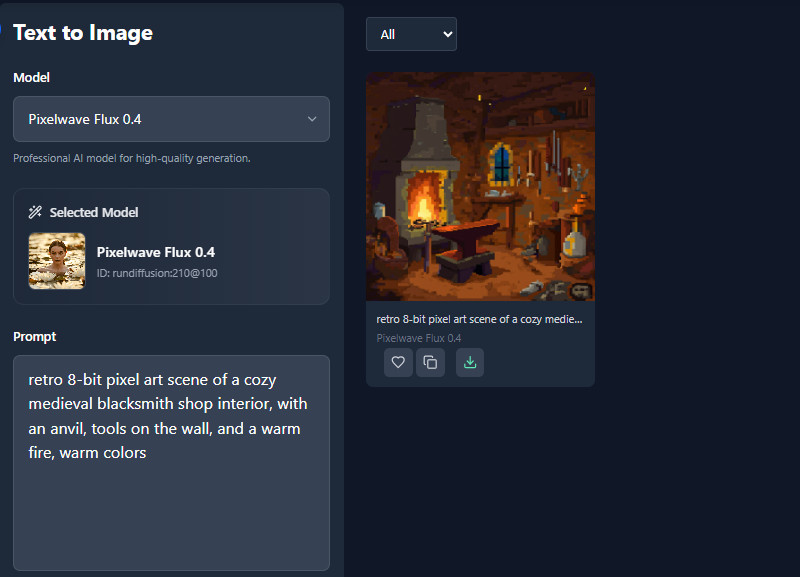
Turning your words into pixel art has never been easier. With our free AI Pixel Art Generator, you can type your idea and watch it transform into a retro-style image instantly. This feature is perfect for bringing your imagination to life without needing any drawing skills.

It’s also a fun way to quickly experiment with different concepts. You can tweak your text prompts to explore new styles, colors, or designs in just a few seconds. Whether you’re designing game assets or personal projects, it saves time and sparks creativity effortlessly.

Craft Heroes, Objects, and Scenes

Creating detailed heroes, magical objects, or full fantasy scenes is simple with the best AI Pixel Art Generator. You can design every element of your pixel world, from brave characters to enchanted landscapes, all in one place. This makes it easy to build complete projects that look cohesive and professional.

The tool also lets you experiment with different styles and perspectives. You can craft characters ready for games or objects that fit perfectly into your scenes. It’s ideal for anyone who wants full control over their creative pixel universe.

craft heroes, objects, and scenes
quick image creation tool

Quick Image Creation Tool

Even beginners can generate pixel art instantly with an AI Pixel Art Generator online using a quick image creation tool. Just type your text prompt, and the AI transforms it into a pixel design in seconds. You don’t need any drawing skills to create detailed, retro-style art.

You can explore different prompts, styles, and ideas effortlessly, and our tool generates them in just a few seconds. The tool also lets you create multiple pixel designs quickly and hassle-free. It’s built to make text-to-pixel art simple, fast, and enjoyable for everyone.


How to Create a Pixel Art Easily

type your idea
make your pixel art
save the pixel art
  • 01
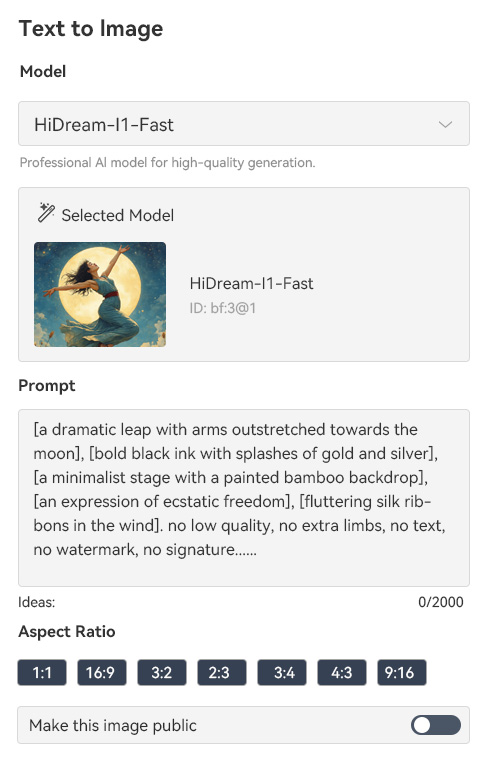
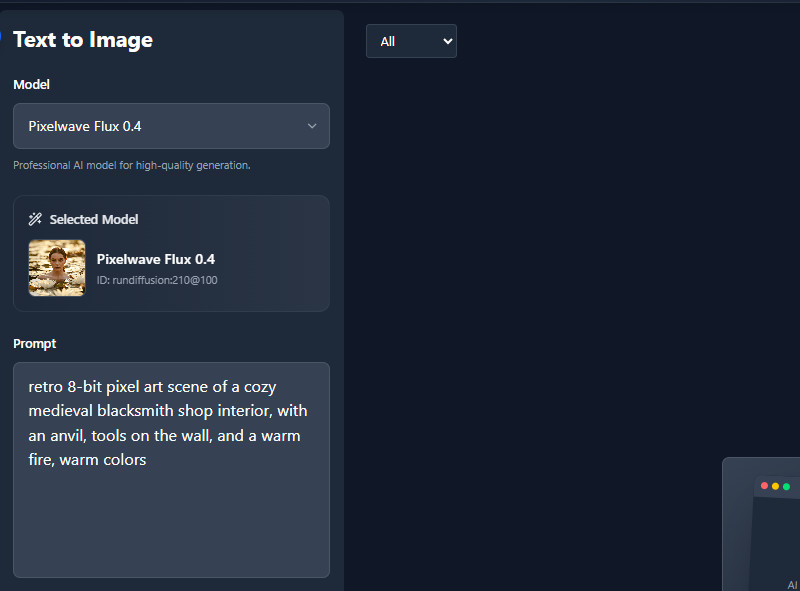
    Type Your Idea

    In the prompt box, type your idea clearly, including style, character, objects, and scenes. Then, select an image size below from 1:1 to 9:16.

  • 02
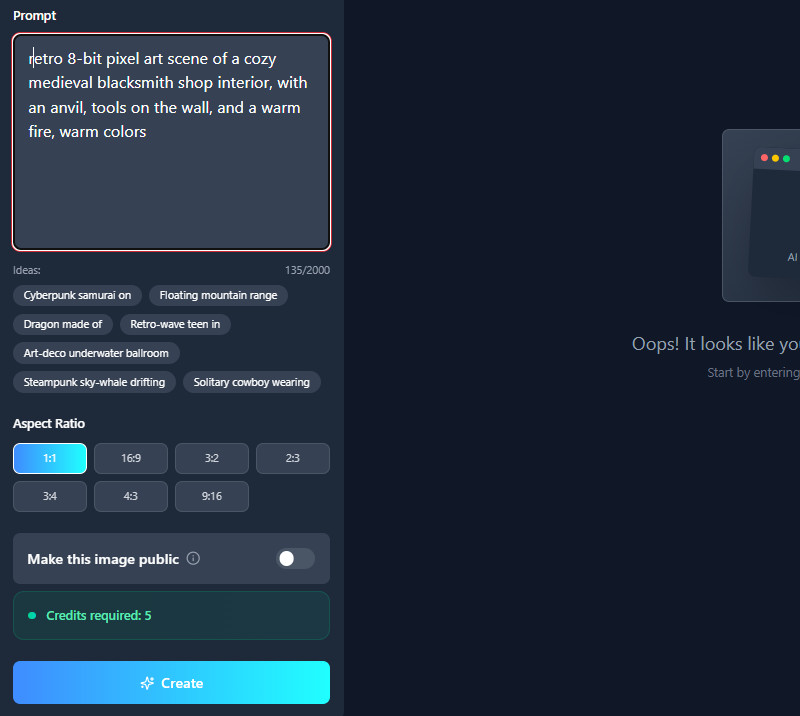
    Make Your Pixel Art

    Next, click the "Create" button to start the process. The tool will make your pixel art in a few seconds.

  • 03
    Save the Pixel Art

    When the result comes in, you can save it to your local drive using the download button. Then, you will get a high-quality output in JPG format.

Need Help? FAQs

Do I need an account to generate images?

Yes, our tool requires registration before you can generate images. This helps save your creations and manage your designs easily. Once registered, you can access all features without any hassle.

Does it support retro or modern pixel styles?

Yes, it supports both retro and modern pixel styles. Just include your preferred style in your description when generating images. Then our AI tool will create artwork in the style you choose.

Can beginners use it easily?

Yes, our tool is made for everyone, including beginners. The AI tool interface is simple and easy to navigate. You can create amazing pixel art without any prior experience.

Do I need a high-performance computer?

No, you don’t need a high-performance computer to use the tool. It works online, so all the processing is done in the cloud. This makes it fast and accessible on most devices.

Is there a copyright on the output?

No, there is no copyright restriction on the images you generate. You own the artwork you create with the tool. That said, you can use it freely for personal or commercial projects.

product iconAceThinker PicWish

Your Quick Solution for Background Removal

pro image editor
Back to Top
Contact Us
Learning Center