menu

Make Line Drawings from Prompts with AI Line Art Generator

create sketches from photo and prompts

Create Sketches with Your Photos or Text Prompts

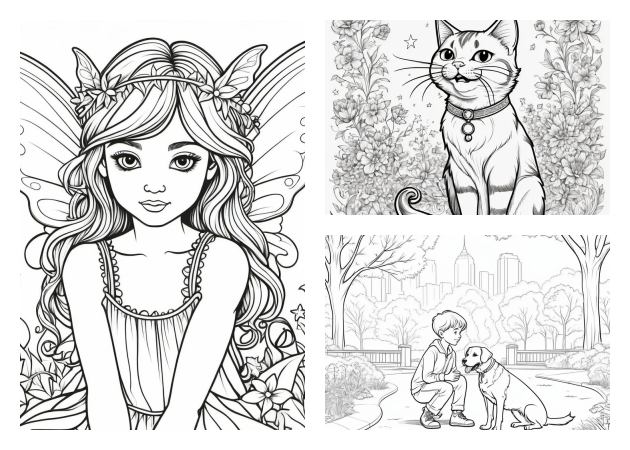
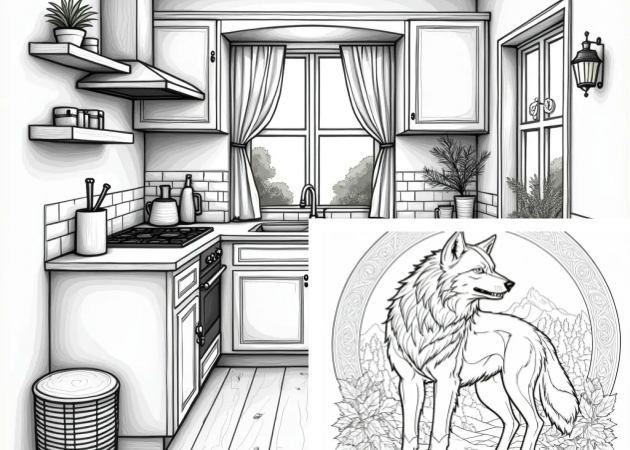
You can bring your ideas to life with just a few words. Simply type your concept, and the AI will transform it into smooth, creative line art that matches your imagination. With our AI tool, you can make hand-drawn-style artwork in just seconds.

Additionally, our AI line art generator from the photo tool also easily converts your photos into sketches. Our tool provides sketch effects that give your images a look reminiscent of pencil drawings or artistic outlines. It’s fun, simple, and perfect for personal projects, social posts, or any creative idea.


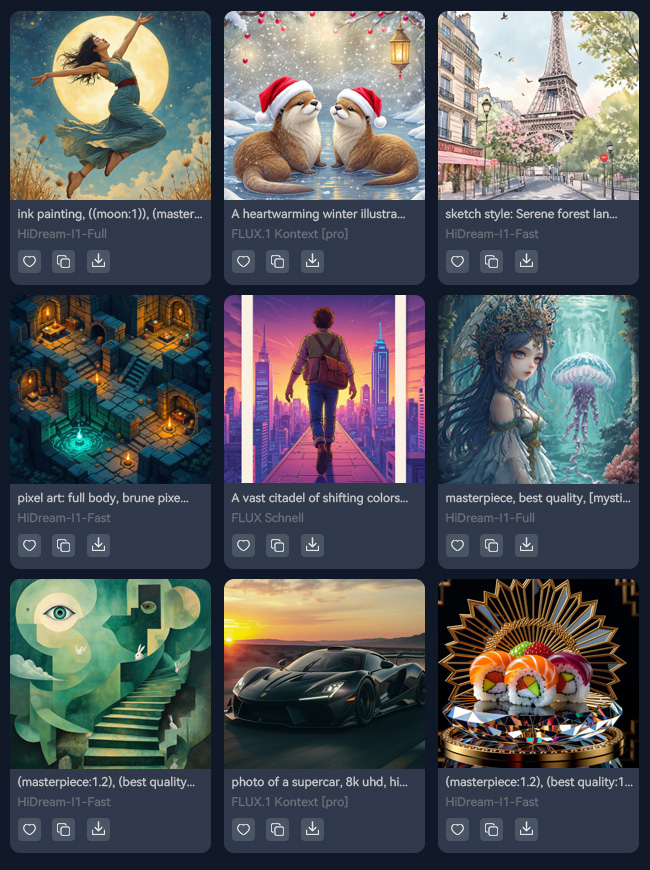
Explore Various Professional AI Models

Our tool offers a range of AI models to suit your unique creative style. You can choose from options like Juggernaut Pro Flux by RunDiffusion, HiDream-I1-Fast, FLUX1.1 [pro] Ultra, and Pony Diffusion V6 XL. These AI line art generator free options let you explore different looks—from realistic to artistic.

Each model has its own unique style, giving your artwork a different feel every time. It’s like working with other artists who all have their own touch. No matter your goal, you’ll always find a model that suits your project perfectly.

explore various ai models
let ai capture every fine detail

Let AI Capture Every Fine Detail

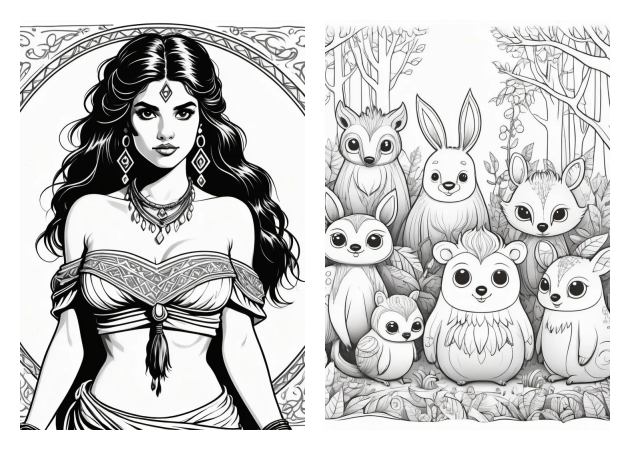
To achieve the best results, ensure your photo is clear and well-lit. This helps the AI line art generator free online detect every edge and create precise, clean outlines. The better your input, the sharper and smoother your final line art will be.

Our tool is designed to capture even the smallest details, ensuring nothing is missed. Whether you’re making a portrait, product sketch, or detailed design, you’ll see how accurate the results are. Just let the AI handle the hard work while you focus on being creative.

Simple Steps to Create Line Art Drawings

visit our ai line art generator
alt input
generate your text prompt
  • 01
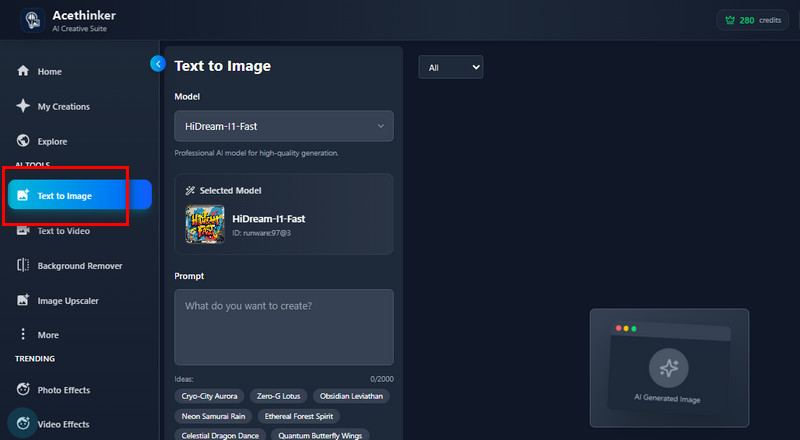
    Visit Our AI Line Art Generator

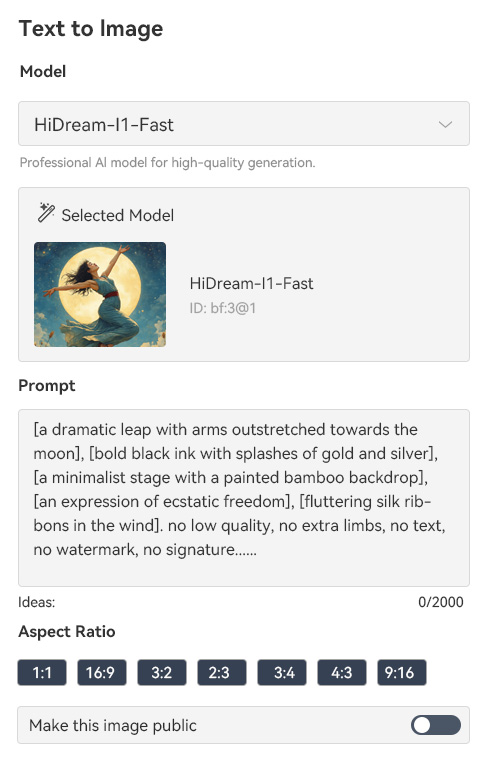
    Start by visiting our online AI Line Art Generator on your web browser. Once you arrive at the main homepage, look in the left corner and click "Text to Image."

  • 02
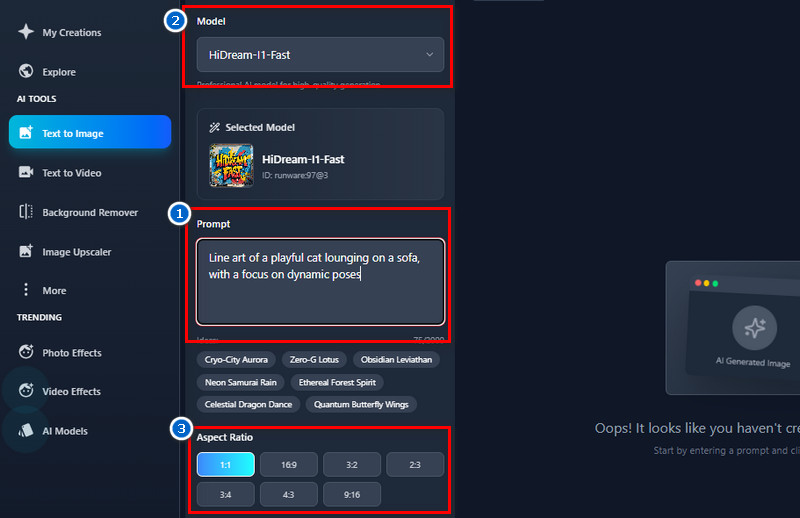
    Input Your Text Prompt

    Next, enter the prompt that describes the image you want to create. You can be as detailed as you like—mention the subject, style, or mood to help the AI understand your idea better. Then, choose an AI model and an aspect ratio you prefer.

  • 03
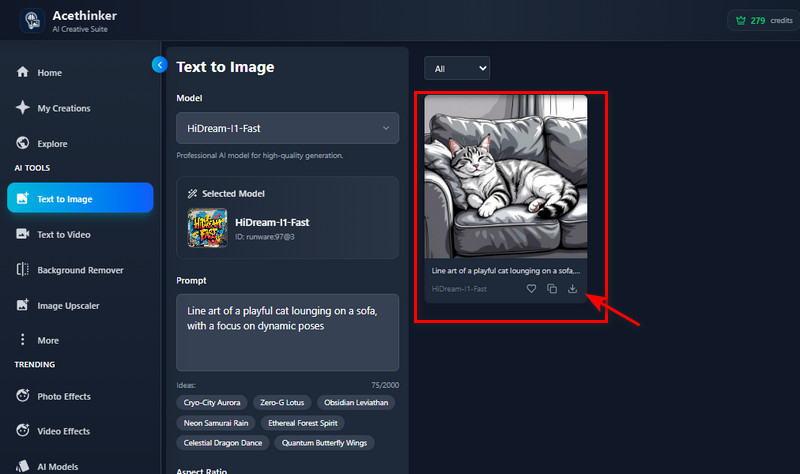
    Generate Your Text Prompt

    Once you're done, click the "Create" button, and our AI tool will instantly turn your text into a clean, artistic line drawing. Finally, see the result and download it afterward.

Frequently Asked Questions

Can I use my generated line art for commercial projects?

Yes, you can use your generated line art for commercial purposes. As long as you make the prompts or photos, you fully own the rights to your creations. This means you can use them for your products, designs, or any business-related projects.

Does the AI Line Art generator save or store my images?

Yes, our tool automatically saves your generated photos within your account. This allows you to access your previous creations at any time without needing to re-upload or regenerate them. You can also delete or manage your saved works at any time.

How does the tool handle complex backgrounds in photos?

Our tool uses smart AI detection to focus on the main subject while simplifying or cleaning up busy backgrounds. It separates important details from unnecessary ones, making the line art clear and well-defined. For best results, use photos with a sharp focus and good lighting.

Is the AI line art generator free to use?

Our tool isn’t totally free, as you’ll need credits to generate images. However, we offer free credits, allowing you to test and explore the tool before purchasing additional credits. This way, you can try it risk-free and decide if it suits your creative needs.

Is there a limit to the number of photos I can convert?

There’s no fixed limit as long as you still have available credits. You can generate as many images as you want until your credits run out. If you need more, you can easily top up and continue creating without interruption.

product iconAceThinker PicWish

Edit Smarter, Faster, and More Beautifully

pro image editor
Back to Top
Contact Us
Learning Center