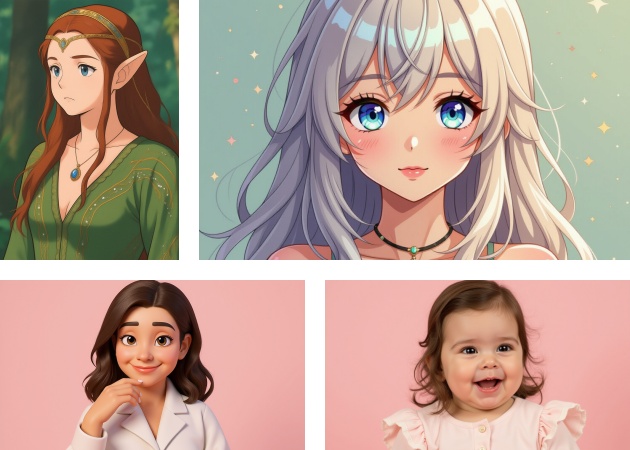
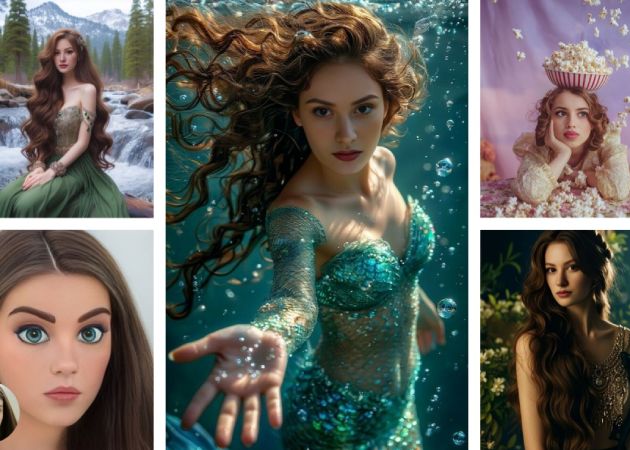
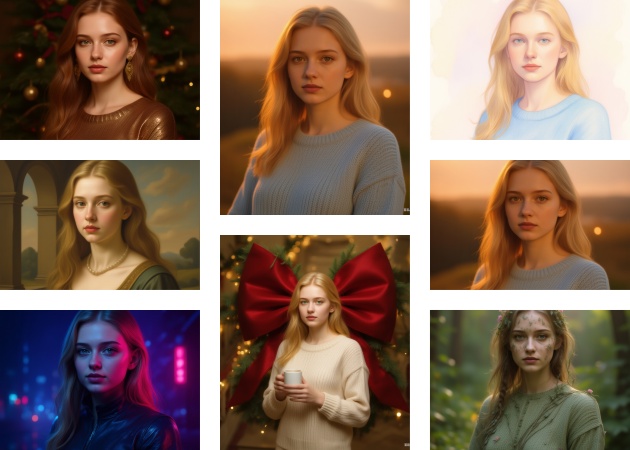
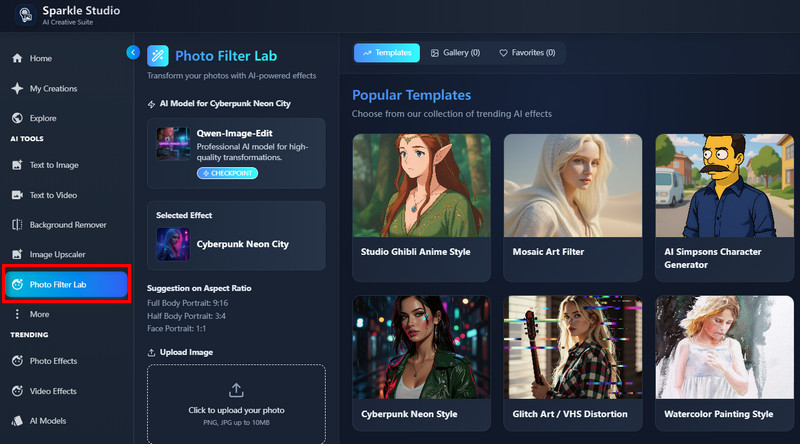
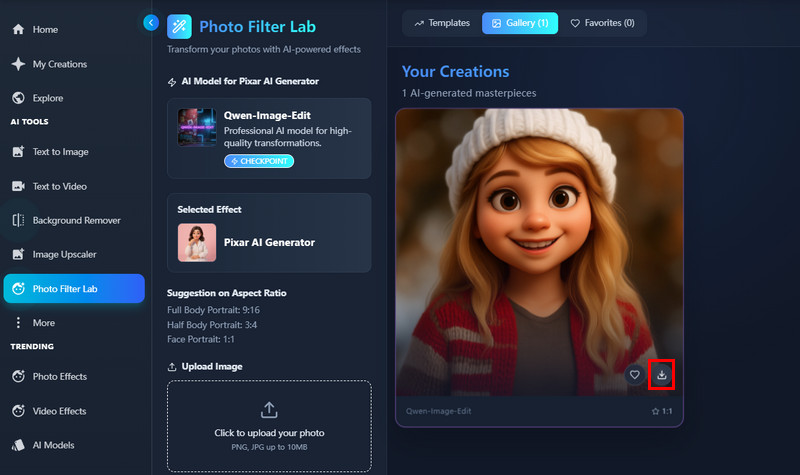
Sometimes you just want your photo to look different without going through complicated editing steps. With the help of our online AI filters of different styles, your simple photo can turn into a detailed artwork in seconds. This process is effortless because the tool allows you to choose from multiple AI photo filters and apply them instantly. As a result, you get a polished photo that looks like a pro edited it. This makes it perfect for people who want fast improvements without learning complex editing skills. It's a quick way to turn ordinary pictures into something more striking.
This AI image to image filter tool free helps you add textures that blend naturally with your original photo. Rather than applying flat or fake filters, our tool creates details that look real and match your image's lighting and depth. This makes your final image feel more professional, even if you started with something basic. Besides, it gives you the freedom to experiment with different photo filters without worrying about ruining the original image. You'll notice that each texture feels tailored to your photo.


The AI filter keeps your facial details clear and lifelike, even when you apply strong style changes. It avoids the common problem of distorted eyes or strange facial shapes that many tools struggle with. Instead, it keeps your face looking like itself while still updating the overall image. This is especially helpful if you're working on portraits or social media posts that still need to feel natural. Additionally, it saves you time because you don't need to fix anything manually afterward. The result is a balanced and clean portrait without distortion.
If you're dealing with blurry or grainy photos, this AI image filter gives them new life. It boosts clarity and detail while keeping the image looking natural rather than overly processed. Even your old or low-resolution pictures get a noticeable upgrade. Plus, it works well for both personal memories and professional content, so you can use it anytime you need a quick improvement. The enhancement feels smooth because our AI photo filter fills in missing details without making the image look fake. It's a reliable way to turn low-quality photos into something much more usable.


The generator is easy to use, permitting anyone to transform images without technical skills quickly.
It produces high-quality output that looks sharp and professional every time.
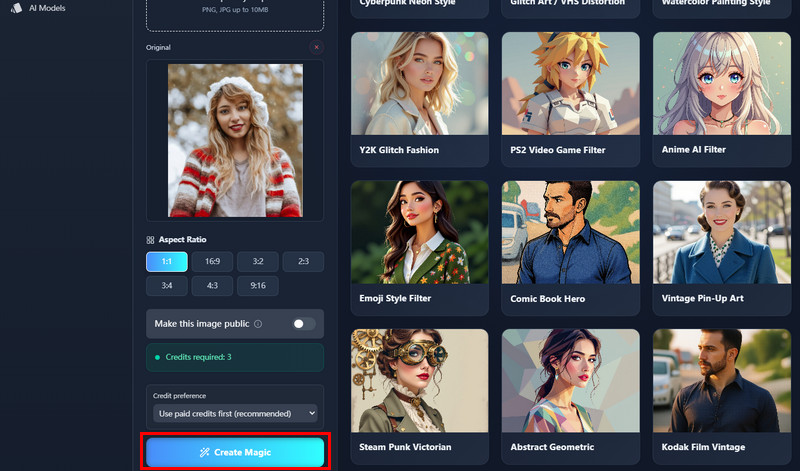
You can preview before downloading, ensuring the results match your expectations perfectly.
Input images that are clear and well-lit work best so our tool can easily recognize them. Simple backgrounds also help our AI image to image generator focus on the main subject without confusion. Images with high resolution produce better results compared to blurry or pixelated photos. Additionally, using images that match the effect improves the final output. It is also helpful to avoid overly cluttered images, as too many elements can reduce accuracy. After all, clear, focused, and well-composed photos give the best results with this tool.
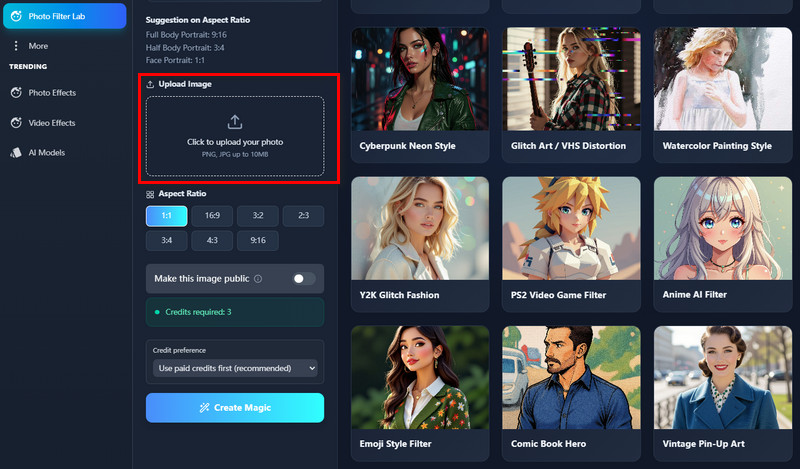
Our image generator supports common formats like JPG and PNG, which are widely used and easy to handle. These formats retain good quality while being compatible with most devices. Some image generator tools may also accept other formats, but JPG and PNG are the most reliable for consistent results. Additionally, PNG works well if transparency needs to be preserved. Using the supported formats ensures the AI processes the image correctly. Therefore, sticking to these common types avoids errors during conversion or enhancement.
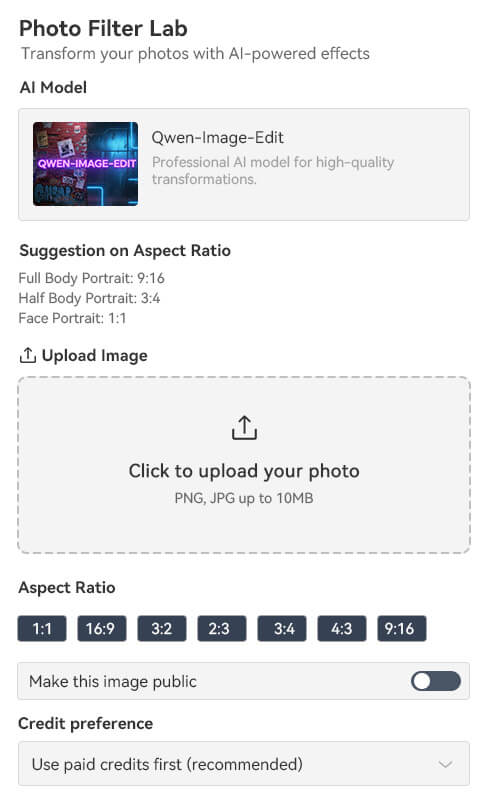
No design experience is required, as our image generator is straightforward and intuitive. Users can upload an image and apply filters with a few clicks. The interface of this online tool provides clear options without requiring knowledge of advanced editing software. Additionally, the AI handles most of the adjustments automatically, so the results look professional. Even beginners can achieve high-quality outputs without learning complex techniques. This makes the tool accessible to everyone, from casual users to creative professionals.
Our AI tool prioritizes safety for its users, so it has content restrictions to prevent harmful or illegal material. For example, it does not allow violent, adult, or offensive images. These measures ensure the tool remains safe and suitable for everyone. Content that violates these rules may be blocked or rejected by the system. It is also recommended to avoid copyrighted images unless permission is granted. While our tool is flexible, following these guidelines ensures a secure and reliable experience for all users.