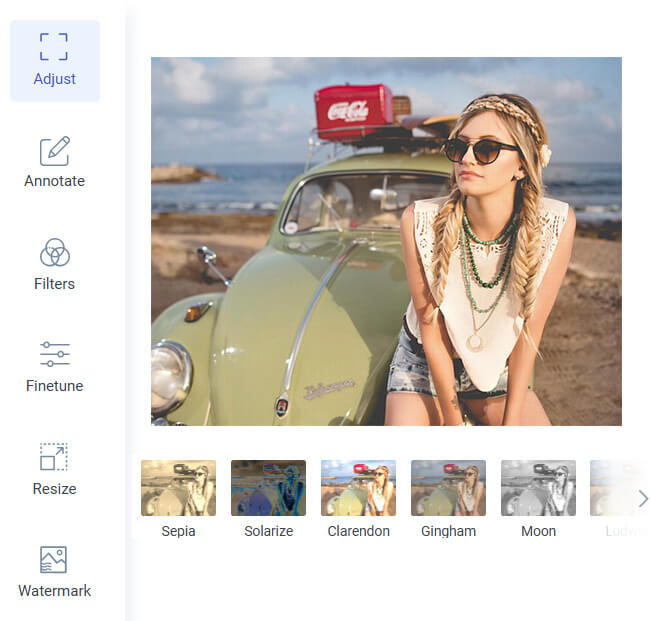
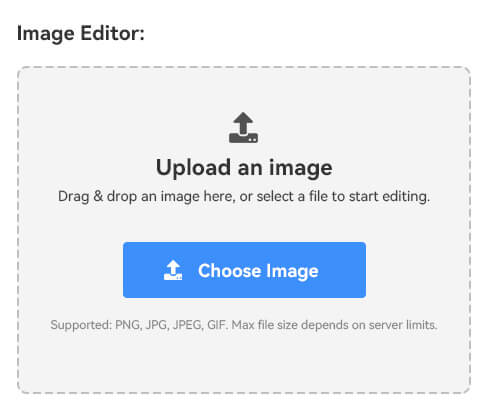
Uploading your image takes just a moment, allowing you to select a file and have it processed immediately. You won't have to deal with setup, logins, or lengthy steps. The clean layout speeds up everything, allowing you to brighten photos quickly without having to search through tabs or navigate confusing options.
After your brighter image appears, downloading it is equally quick. The tool saves your enhanced photo in full resolution with a single click. Whether you're correcting many dark shots or fixing just one picture, the whole process stays simple, fast, and friendly for any skill level.
The brightening engine improves lighting without harming detail, lifting shadows, and sharpening visibility. It adjusts exposure precisely while maintaining a clean and natural look. Colors remain accurate, textures remain intact, and every image appears bright without being washed out or overly edited in any way.
This ensures your improved image appears polished and consistent, even after stronger corrections. Portraits, landscapes, and product shots all maintain depth and clarity. The tool enhances visibility while preserving natural tones, giving you a bright, clear photo ready for posting, printing, or sharing anywhere you need.


You can use the brightening tool on phones, tablets, laptops, or desktops with no installation needed. It works smoothly on all major browsers. You can edit photos instantly, whether you're at home, traveling, or working on different devices.
This flexibility makes the tool ideal for creators, professionals, and casual users. You can brighten images even on smaller screens while keeping the same smooth workflow. No matter the device or system, the tool delivers fast Processing and reliable results whenever you need them.


Start by uploading the dark or underexposed photo you want to improve. Navigate to the edit image tool and choose the file from your device.
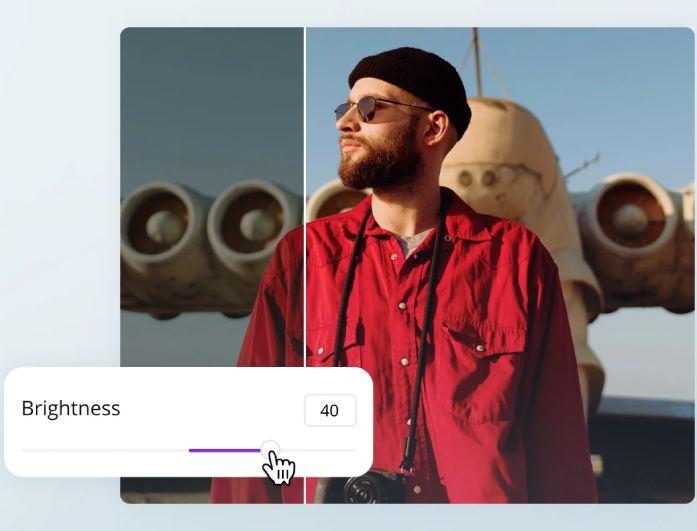
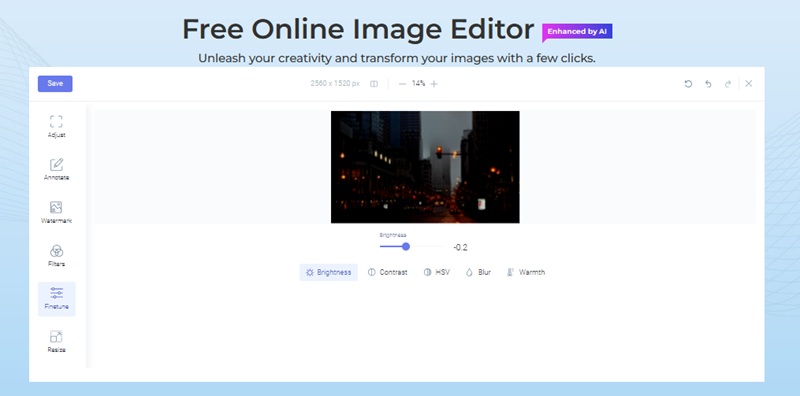
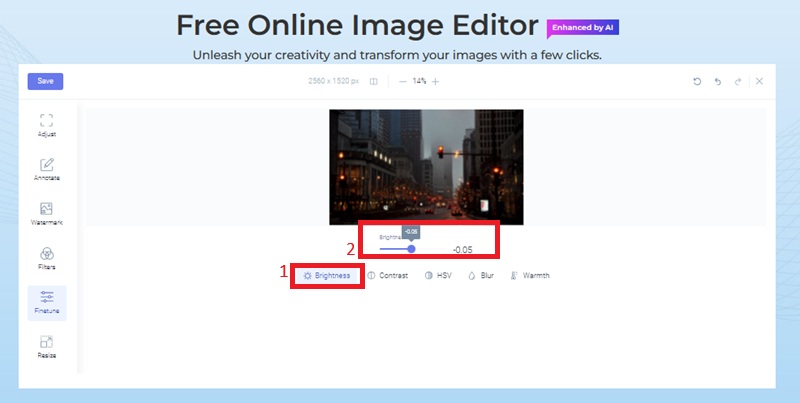
Once the image is uploaded, go to the Finetune menu. The tool will display the brightness slider, which you can adjust to achieve the look you want.
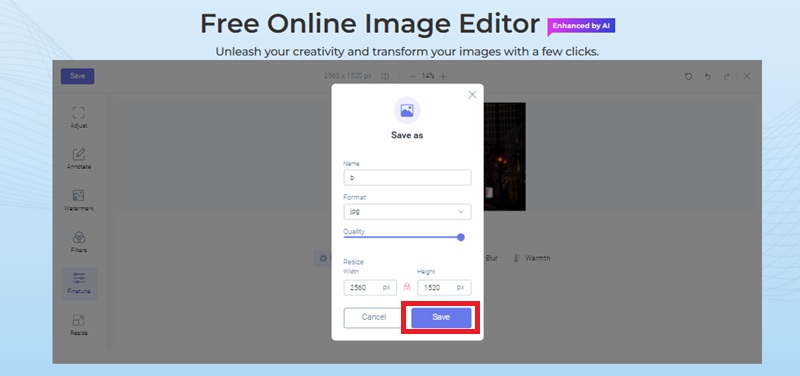
After you complete the adjustment, your photo is ready to save. Display the brightened image and click the "Save" button to get the full-resolution version.
The tool uses AI to detect underexposed areas and dark shadows in your photo. It automatically adjusts brightness, contrast, and exposure to produce a natural, well-lit image. The process is fast and requires no manual editing, giving consistent results in seconds.
Yes, it can significantly enhance low-light or shadow-heavy images. While extremely dark areas with lost details may not fully restore, the AI increases visibility and balances lighting effectively. You can repeat the process for stronger results if needed.
No. The tool preserves textures, sharpness, and original colors while improving brightness. It avoids overexposure and retains natural skin tones, making your photo look clear and professional after enhancement.
Absolutely. The AI brightening maintains facial features and skin tones in a natural way while correcting uneven lighting and shadows. It works well on indoor selfies, nighttime photos, or group portraits, ensuring each subject appears bright and detailed.
Yes. All uploads are processed securely and deleted automatically after Processing. The tool does not store, share, or use your images for AI training, ensuring full privacy and protection for every photo.