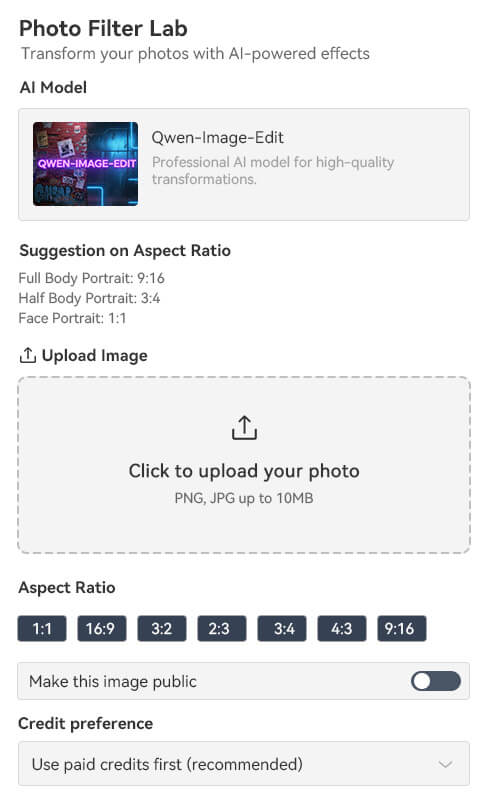
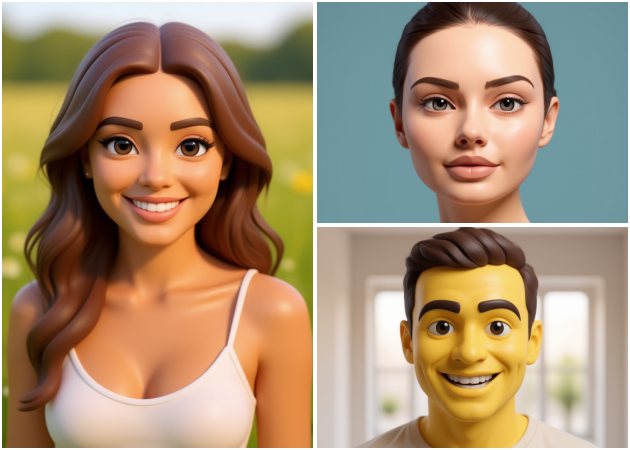
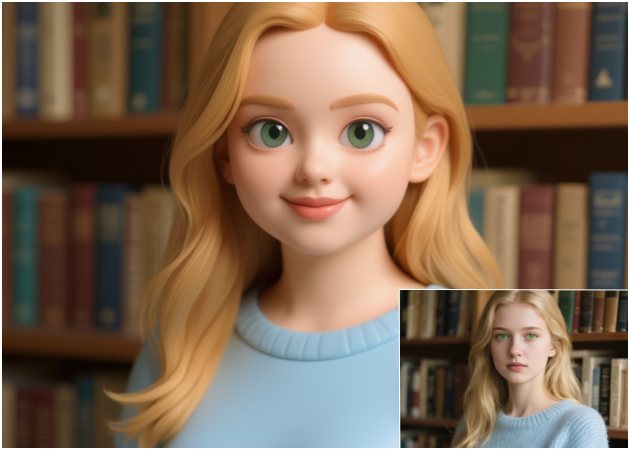
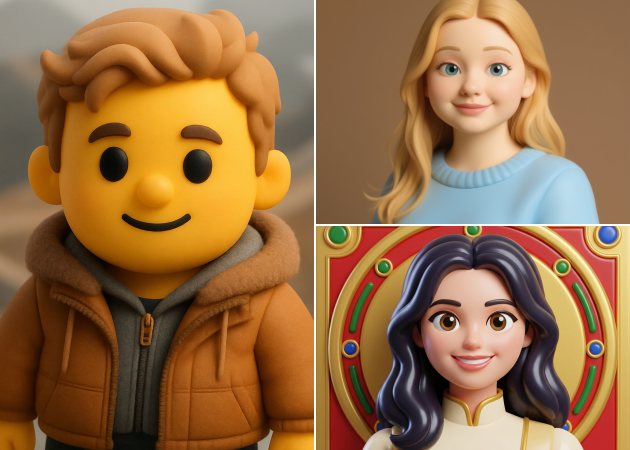
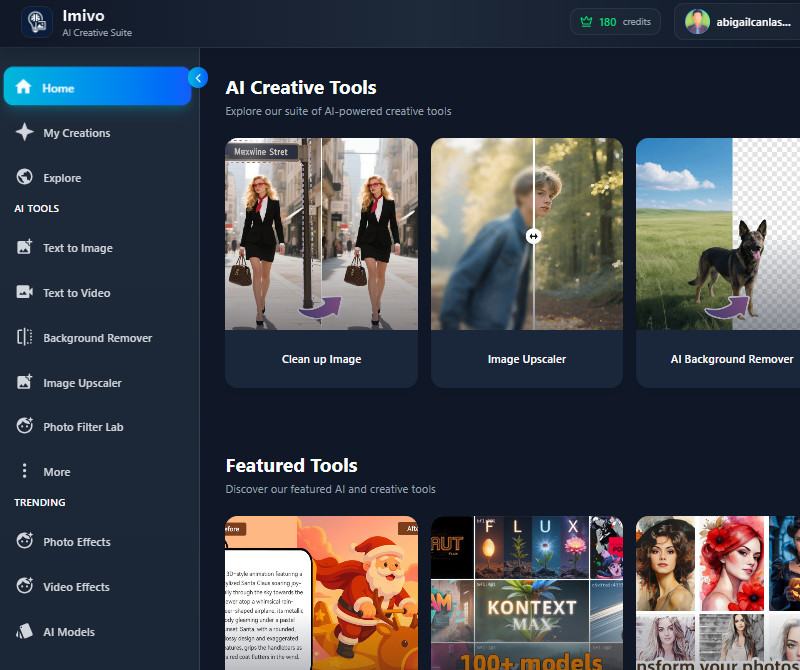
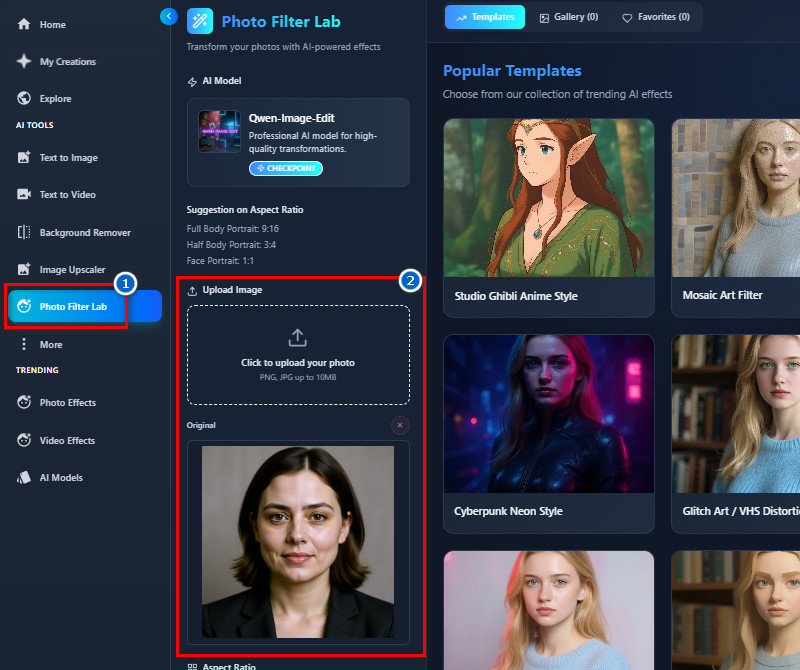
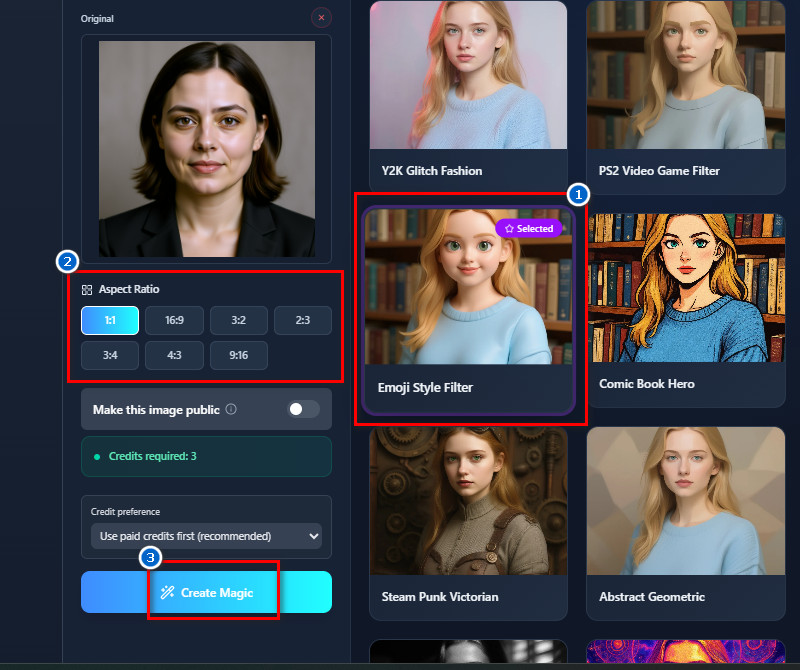
Transform any photo into a lively, cartoon-style emoji in seconds. The AI brings your facial features and expressions to life with a whimsical, animated twist. Whether you use selfies, portraits, or snapshots, you can craft one-of-a-kind emoji art with ease. Even first-timers can dive in and get creative results right away. This playful tool instantly adds personality and charm to your images, making photo to emoji magic accessible to everyone.
Want to create adorable emojis from your photos? This feature lets you effortlessly generate cute, expressive emoji versions of yourself. Use selfies, headshots, or casual photos for the conversion. The AI ensures your face and expressions are accurately represented while adding a playful style. It is a convenient image to emoji converter for quick results, so you can easily share personalized emojis with friends and family.


Looking to make your social media profiles stand out? This feature helps you create emoji-style profile pictures for platforms like Instagram, Facebook, Pinterest, or TikTok. The AI generates polished, fun images ready for immediate use. You do not need to edit manually, which saves time and effort. Many users rely on this photo to emoji converter app to make their accounts more engaging. It is a creative way to personalize your online presence.


The tool produces clear and detailed results, perfect for sharing.
Your photos are processed quickly, so you don’t have to wait long for results.
Your uploaded images are handled safely and protected throughout the process.
Yes, the emoji will look 100% like the original image. The tool keeps your facial features and overall appearance accurate. It only changes the style to an emoji look. Details like face shape and expression are preserved well. This helps make the emoji recognizable. The result feels personal and natural.
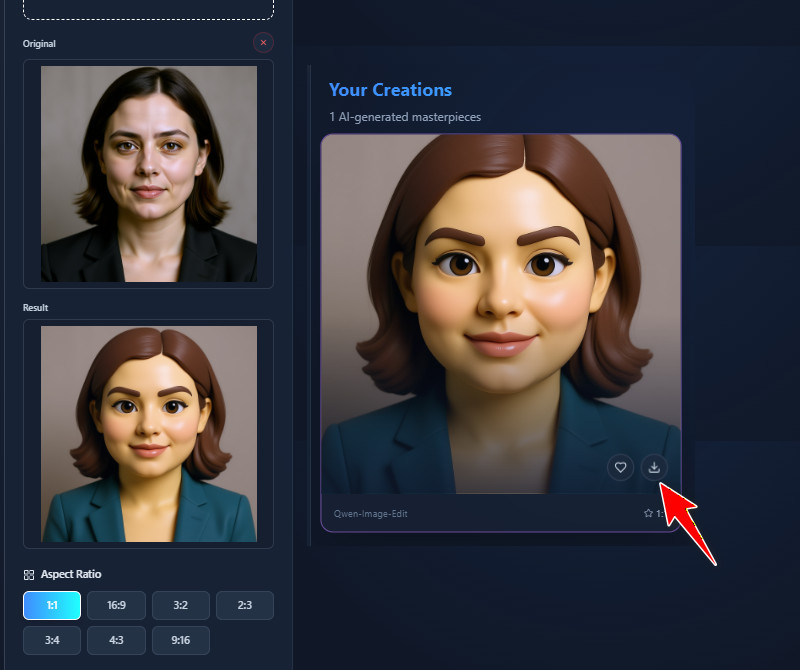
After the emoji is created, you will see a download icon on the output image. Click this icon to save the image to your device. The process is quick and simple. Just simple as that, no extra steps are needed to store the image. Once saved, you can share it anywhere you want. This makes sharing easy and convenient.
Yes, you can use the created emojis for commercial purposes. Just make sure the photo you upload is yours. Do not use photos taken from paid or licensed image sites. Besides, using your own photos avoids copyright issues. This ensures safe commercial use. Always follow basic content ownership rules.
The final emoji image will be provided in JPG format. This format is widely supported on most devices and platforms. You can easily upload or share JPG files online. Don't worry, because the quality remains clear after downloading. Additionally, no conversion is required after saving, since the format is supported by all. It also works well for personal and commercial use.
Yes, registration is required to use our emoji maker. Creating an account helps manage usage and features. The sign-up process is simple and quick. You can register using basic information or directly sign up using your Goggle account. Once registered, you can start creating emojis right away. This helps keep the tool organized and secure.