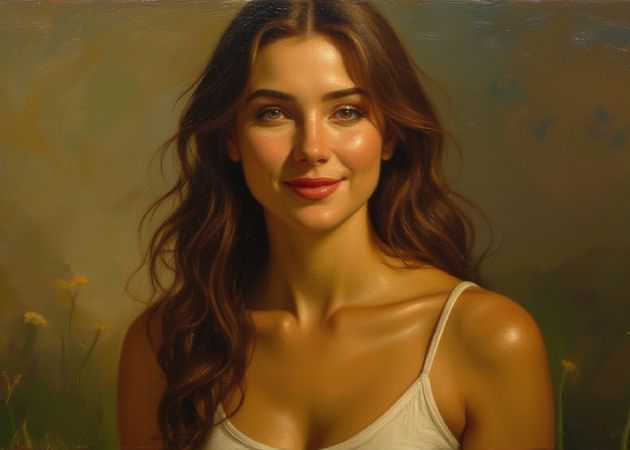
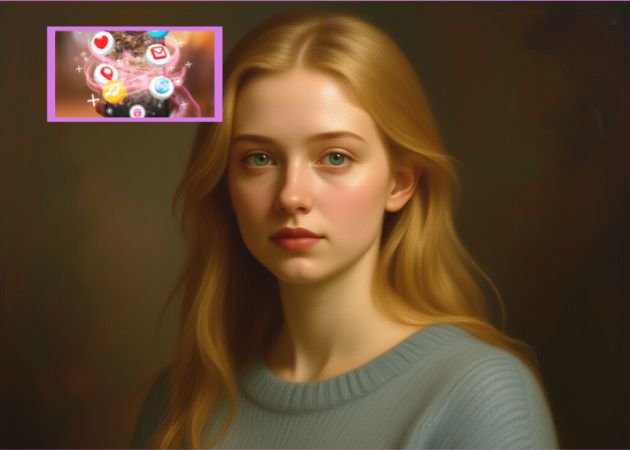
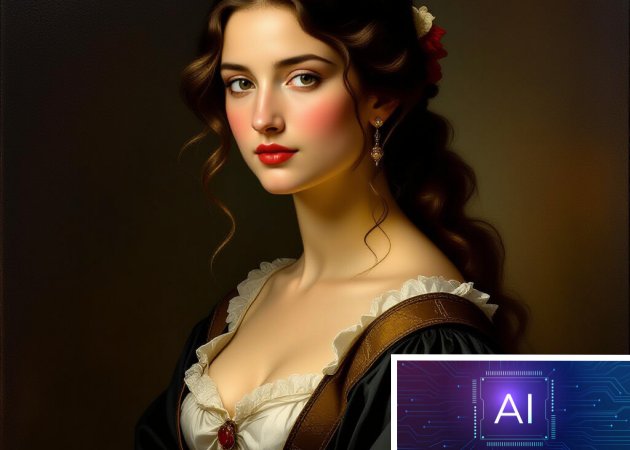
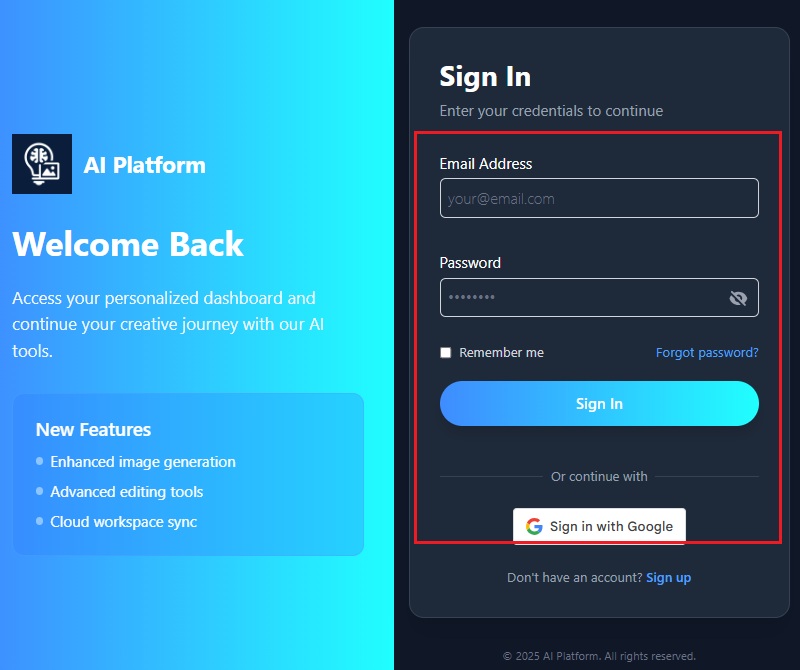
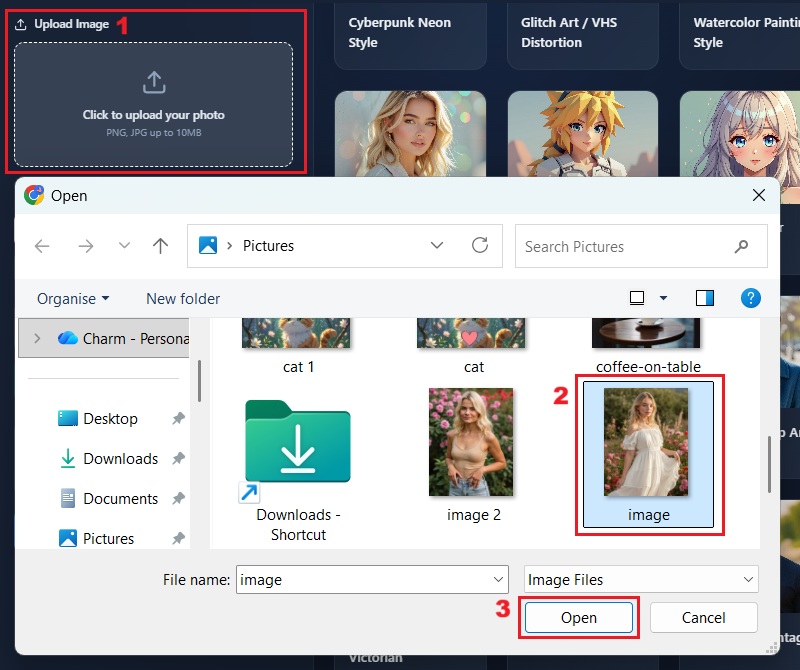
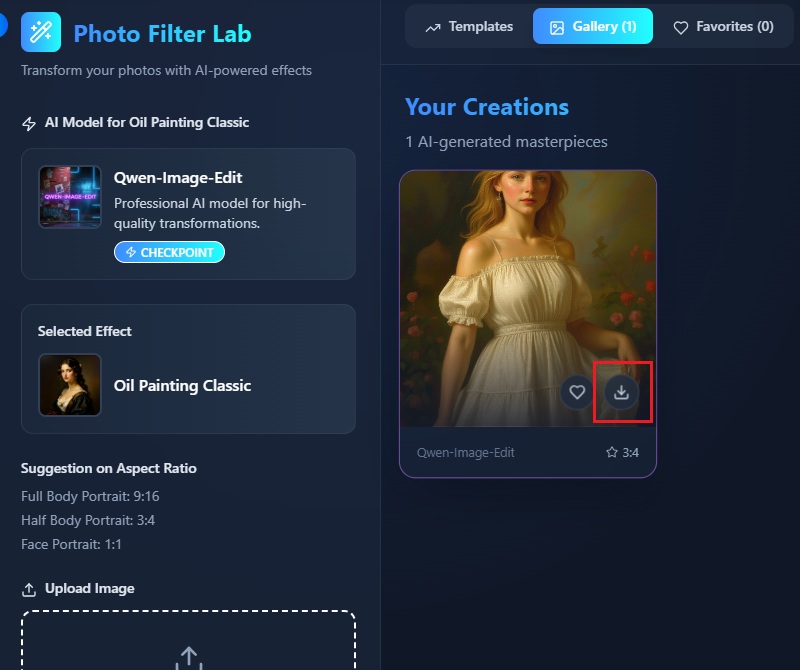
With our online photo to oil painting converter, you can transform your pictures into stunning oil paintings without touching a single brush. The AI carefully adds layers and textures to give your image depth. You simply upload your photo, and the system handles the rest, saving time and effort compared to traditional painting methods. Moreover, the results capture fine details and subtle gradations, making each artwork look professional. This makes it easy for anyone to create art-quality images from their personal photos.
The photo-to-oil painting online tool helps you turn ordinary images into eye-catching artwork perfect for social media. You can use the painted versions in posts, reels, banners, or profile pictures. This allows you to capture your audience's attention and increase engagement. By creating avatars or images in artistic styles, your content stands out in crowded feeds. Beyond that, the tool works quickly, so you can generate multiple variations and see which one resonates most with your audience.


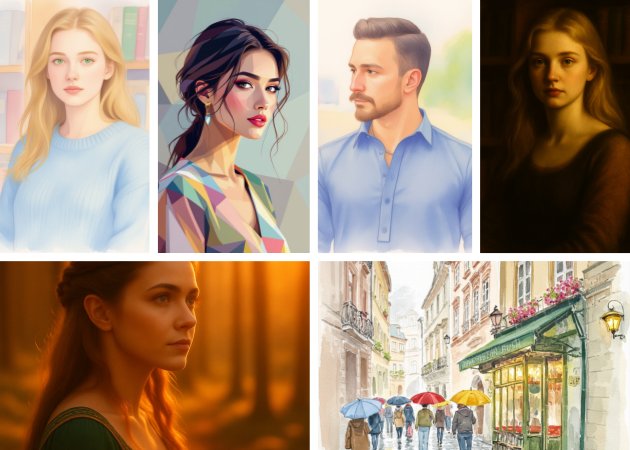
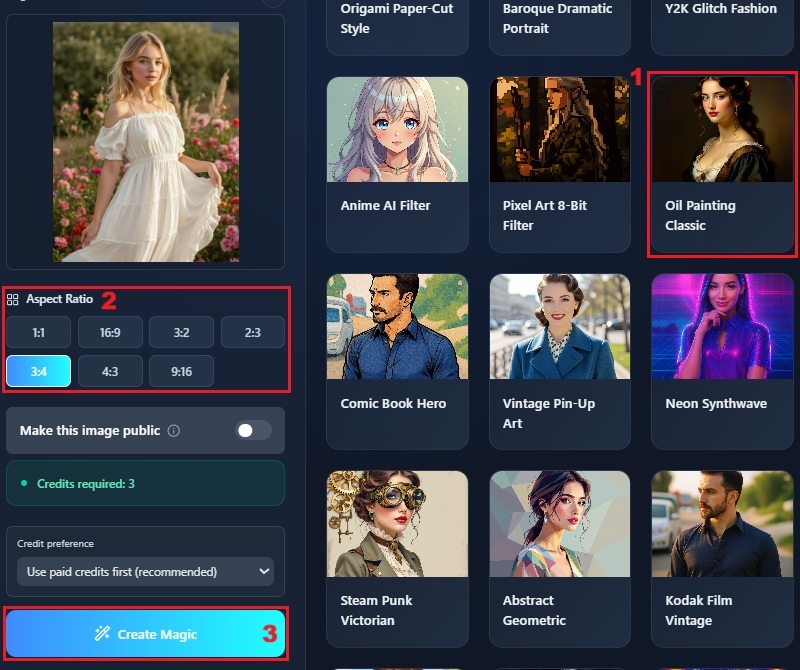
You can easily convert photo to painting by experimenting with different styles to see which one suits your image best. Beyond oil painting, you can also apply filters such as watercolor painting style, watercolor pastel dream, or abstract geometric to your image. This photo to oil painting lets you try multiple artistic looks without a complicated setup. As you switch styles, you can preview how textures, colors, and brush effects change your photo. This helps you find the version that feels most authentic and visually appealing.
Our AI photo to oil painting feature ensures your images are converted with precision and lifelike texture. The AI captures details such as shadows, highlights, and color depth, making the painting feel authentic. Additionally, our tool deeply analyzes your photo and applies the filter without distortion. This allows you to create professional-looking art without any prior painting experience. Plus, this makes your images suitable for prints, gifts, or creative projects.


All images are free of watermarks, giving you professional-looking results.
The tool produces high-quality images with clear details and sharp colors
It works on all browsers, so you can use it anywhere without compatibility issues.
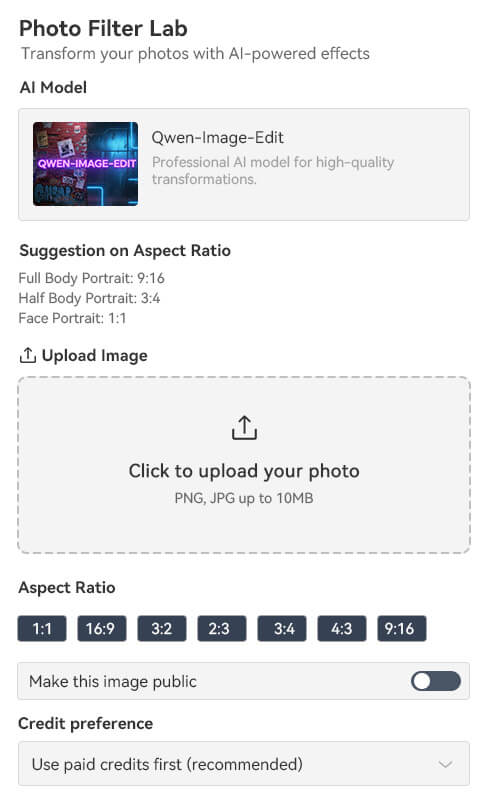
This online photo to oil painting filter works by analyzing your image and recreating it with brush-like textures. You upload your photo, and the AI studies its shapes, lighting, and details. Then it applies digital painting effects that mimic real oil strokes. Furthermore, you don't need to adjust anything because the tool handles the entire process automatically. As a result, you get an artwork that still looks like your original photo but with a richer, painted style. It makes the whole process easy, even if you have no editing experience.
You can upload common formats like JPG and PNG as long as the file size is within 10 MB. This tool accepts a variety of images, including landscapes, portraits, and close-ups. You can also use selfies, group photos, or even pet pictures. The AI handles each type well because it focuses on shapes and colors rather than perfect lighting. It works best when your photo is clear and not too dark. This gives you more flexibility to try different styles with any image you like.
The process only takes a few seconds because the AI is optimized for fast rendering. Once you upload your image and choose the oil painting effect, our tool immediately starts applying it. You don't need to wait long or refresh the page. It quickly creates a preview so you can see the result right away. This speed makes it convenient when you want to try multiple styles. It keeps the whole experience smooth and efficient.
Your uploaded photos stay secure because the platform uses protective measures to keep your data private. This tool does not share your files with anyone, unless you allow it. Once the image is processed, it is handled safely within the system. You don't have to worry about your photos being exposed or misused. This gives you confidence to upload personal images without concern. It ensures that everything stays in your control.
You don't need to install anything because the tool works completely online. Everything happens in your browser, so no extra apps or software are required. This makes it easier to start right away without setup. You simply upload your photo and let the AI do the work. It also saves time since you don’t need to update or maintain any program. The online setup keeps the process simple and accessible on any device.