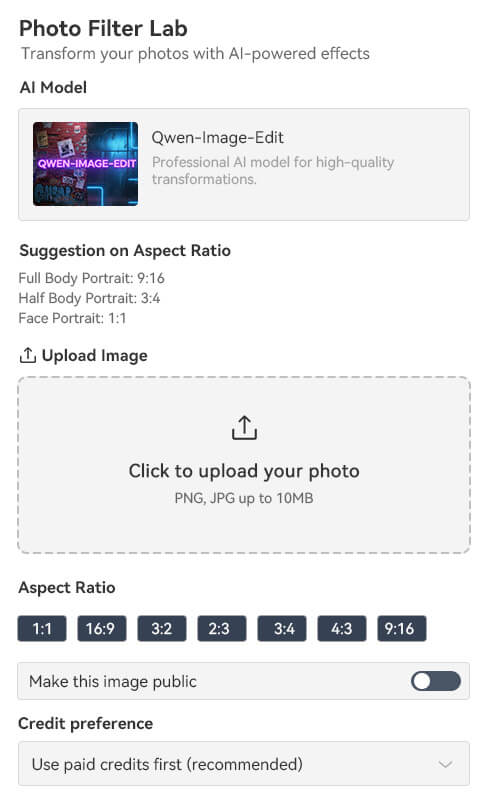
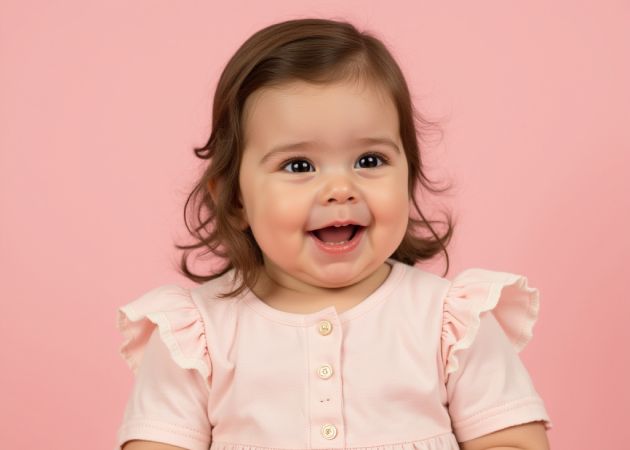
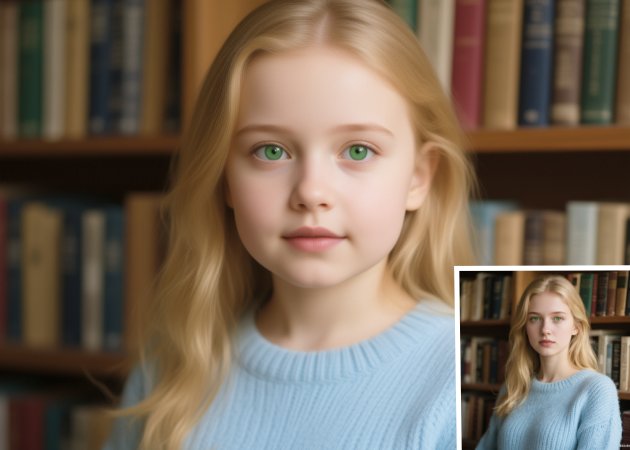
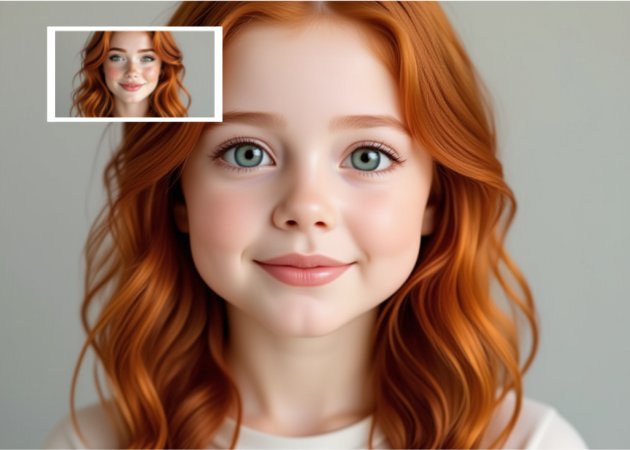
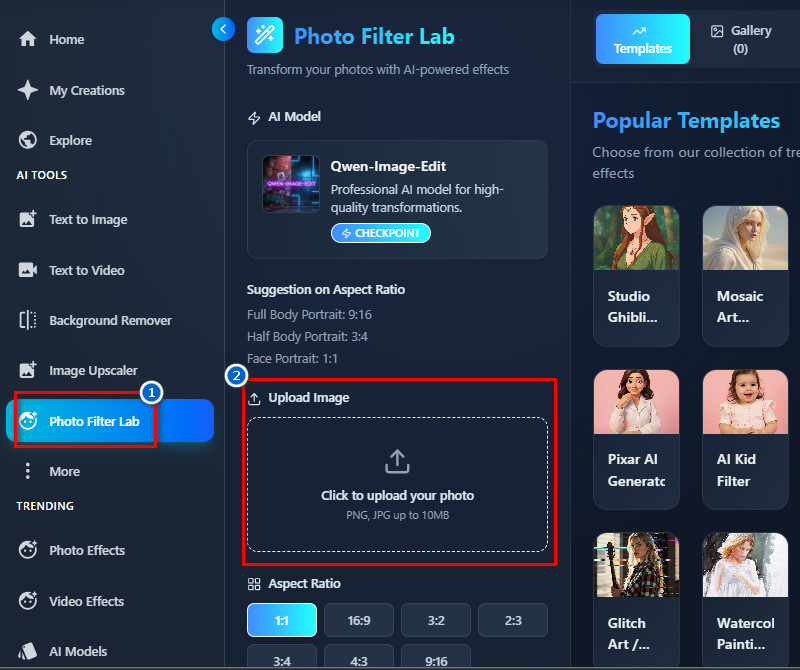
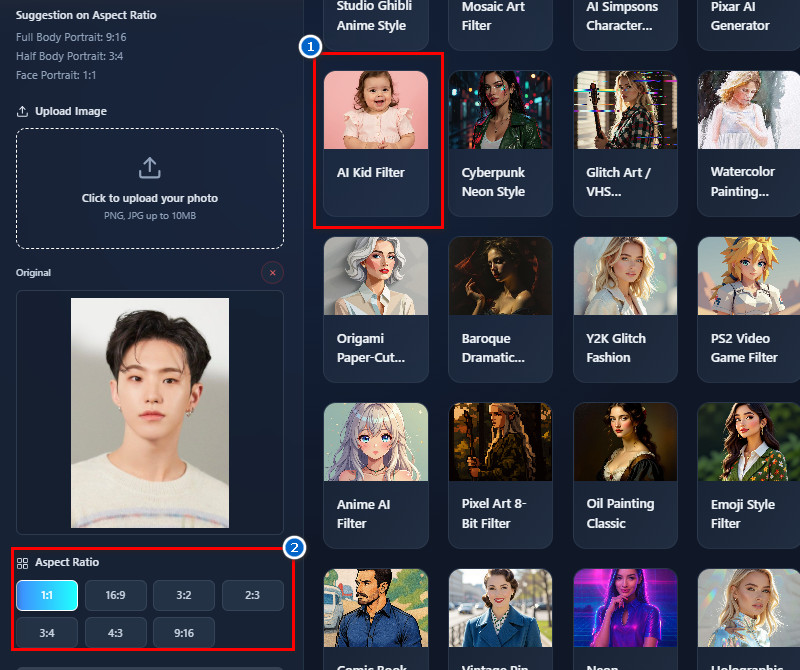
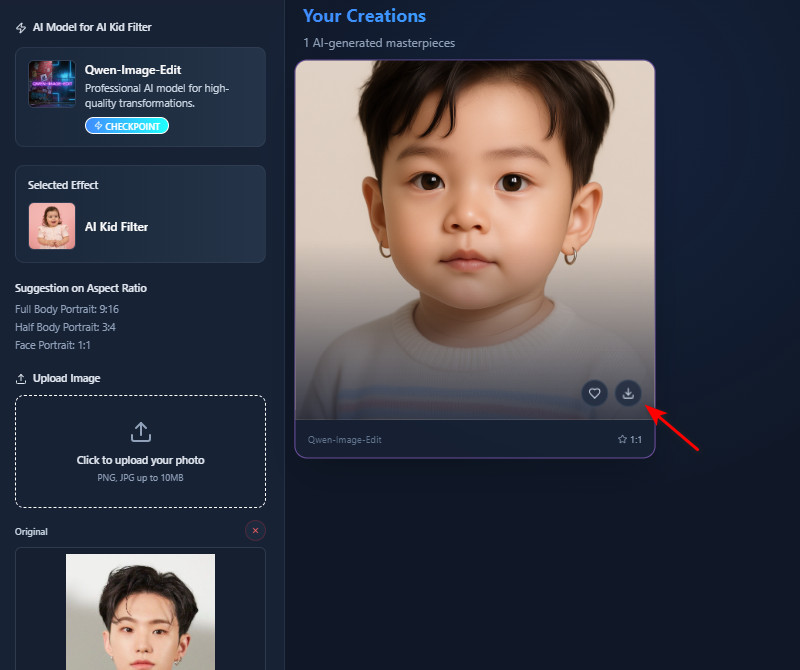
Looking for a free AI baby filter tool that could turn your photo cute in just one tap? Try this tool! It can instantly transform your picture without any tools or settings. Moreover, it keeps the process simple so anyone can use it right away. Simply upload your image, choose the baby filter, and see the change in seconds. Therefore, you can save time and effortlessly get a fun, adorable baby-style look. This makes it perfect for quick posts, playful shares, or just trying something new.
Get an accurate representation of your facial expression with our free baby filter online. It keeps your real expressions while making you look like a baby. This feature focuses on preserving the emotion in your eyes, smile, and face shape so the final result still looks like you. Additionally, it avoids strange distortions that often happen in other tools. Your baby-style version will feel more natural and expressive because your original mood stays visible. Therefore, you can get a result that looks like you. This helps make your edits more authentic and more fun to share.


Have you ever wanted a baby filter online that makes the baby version look more realistic? Our tool uses smart AI to blend skin texture, softer features, and rounder shapes while still keeping your identity. It avoids fake or overly cartoonish effects so your edit feels more natural. Additionally, the tool creates a baby face that looks smooth and cute but still recognizable as you. So, the final photo feels more polished and share-worthy. This makes it ideal for people who want adorable results without losing realism.


This feature ensures all your photos and data stay private and are never shared or stored.
You can download your edited images in high-definition quality at no cost.
The tool works directly in your web browser, so you don’t need to install any apps.
A baby filter is an AI tool that changes an adult’s face into a realistic, cute baby version. It softens the skin, rounds the cheeks, and makes the eyes look larger while keeping the face recognizable. The AI analyzes your facial features and applies age-regression effects. Some filters also add small movements or expressions for a more natural result. Moreover, people use it for fun, entertainment, or to trigger nostalgic memories. It has become popular for sharing playful photos and videos online.
Yes, you can easily share the baby image. After the filter generates the photo, you can download it like a normal image. It can then be posted on social media or sent to friends. The file is saved locally, so it’s private to you until you decide to share. You can also make it your profile picture on any of your social media accounts. Many users enjoy showing their friends the results for fun reactions.
Yes, you can use the baby filter on any existing photo. Our tool works as an image-to-image editor. You just upload the image you want to edit. The AI then automatically applies the baby effect. It works on old photos or selfies with clear faces. This makes it convenient for editing pictures you already have.
The baby filter usually takes one to two minutes to process. When you upload a photo, the AI quickly detects your face and applies the effect. You don’t need to adjust anything manually. The short processing time makes it easy to use multiple photos. Even group photos finish fast. Overall, it’s quick and efficient.
Yes, the tool supports photos up to 10 MB. I tested it with high-resolution images, and it uploaded without any issues. Larger files allow the AI to detect more details, resulting in better results. You don’t need to compress or resize your photo. It works smoothly with big files. This makes it easy to use high-quality images for edits.