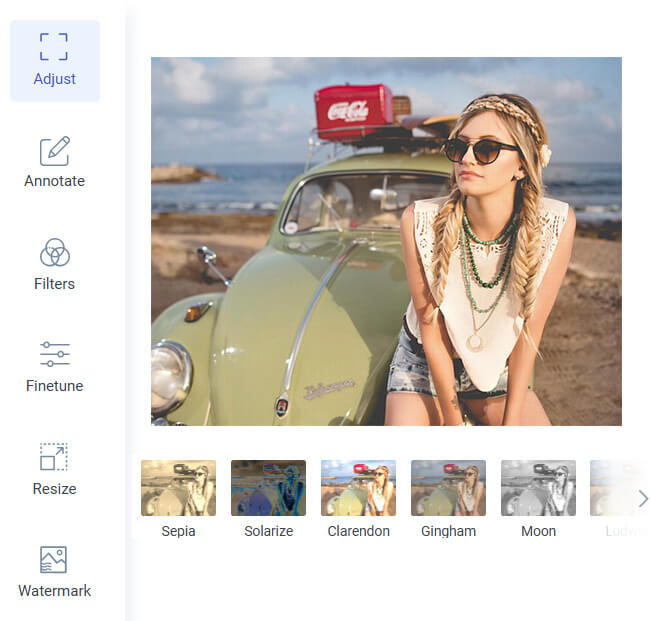
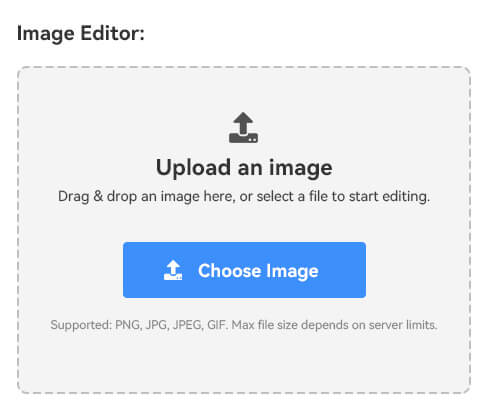
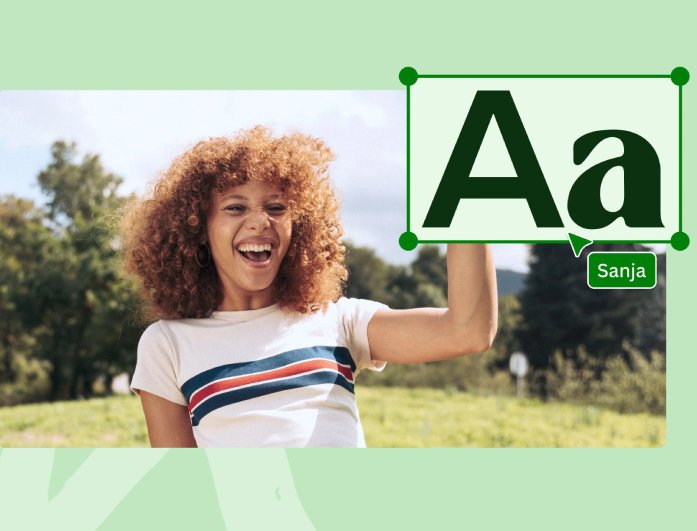
You don't have to download or install anything to start adding text to your images. Just open the tool, upload your photo, and you can instantly begin editing right from your browser. It's a simple way to personalize your photos whenever you want.
With this write text on image online feature, you can add captions, messages, or creative designs without limits. Whether you're using your mobile phone, tablet, or computer, it's always ready to help you make your photos more expressive. It's fast, free, and easy to use anytime you need it.

Whether you're designing a greeting card, adding quotes to an inspirational post, or making a fun meme, this tool can do it all. It gives you the freedom to express your creativity on any photo — from personal moments to social media images. You can even use it for invitations, posters, or product promotions.
This add text to a picture online tool is all about flexibility and fun. You can mix different fonts, play with colors, and try unique layouts to make your images stand out. Whatever your idea, the tool helps you bring it to life with just a few clicks.


You don't need any design experience to make your photos look great. The interface is clean and straightforward, making it easy for everyone to start editing right away. Every option is clearly laid out, so you can be creative instead of figuring things out.
Even if it's your first time trying to add text to a photo, you'll get the hang of it in seconds. You can experiment freely without worrying about mistakes; everything's simple. It's designed to make the editing process enjoyable for both beginners and professionals.


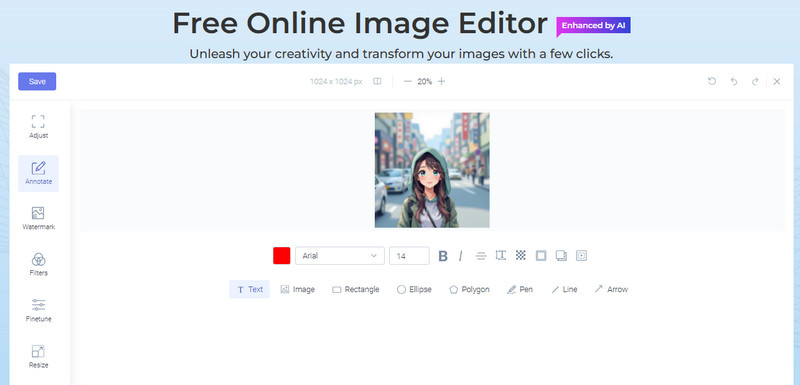
First, open our image editor in a web browser. Then, click any feature on its main page and select the picture to which you want to add text.
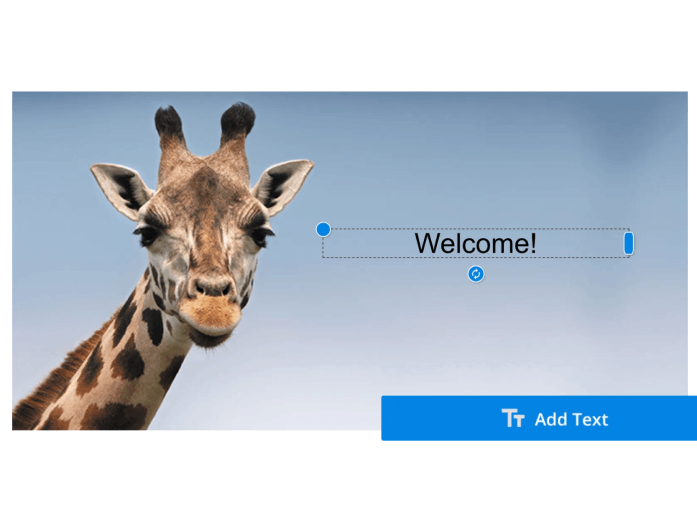
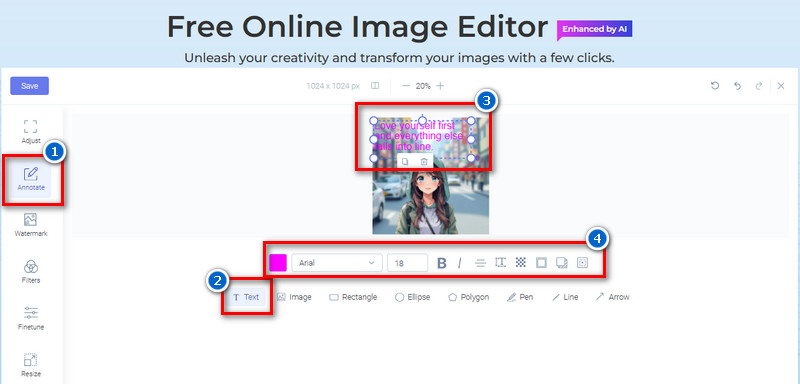
Go to the "Annotate" tab and click the "Text" option. Next, add a text box to the photo, add your caption, then customize the text.
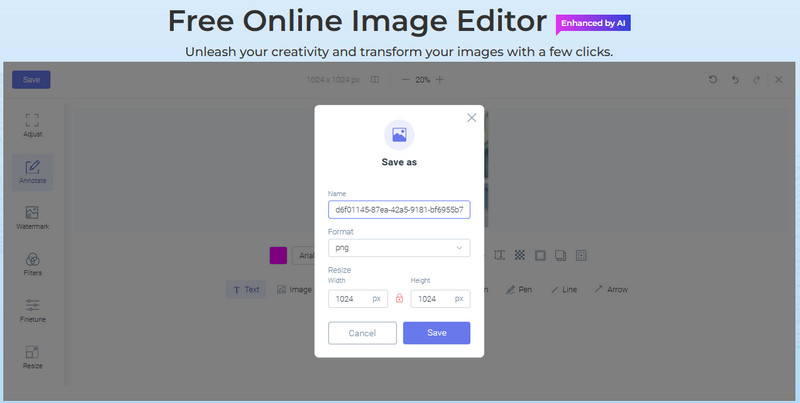
Once done, download the edited photo by clicking the "Save' button. Then, rename the file, select a format, and resize the image (if desired) from the pop-up menu. Finally, hit the "Save " button again to get the photo.
Absolutely, yes! Our tool works seamlessly with popular image formats, including PNG and JPG. You can upload your photos in either format and start editing right away without any issues.
Yes, you can make changes at any time with ease. If you want to adjust, move, or delete the text, just double-click on the existing text box, and you can start editing it. This makes it simple to perfect your photo without starting over.
No, there's no limit at all. You can edit as many photos as you want without restrictions. It's completely free to use, allowing you to enjoy unlimited creativity.
Yes, you can download your finished photo with no watermark attached. Our online image editor keeps your photo clean and professional-looking. You'll get your final result exactly how you want it.
Yes, you can add more than just one text box to your image. This lets you place different words or quotes anywhere you like. It's a great way to make your design more expressive and organized.