menu

Turn Any Image into a Transparent Masterpiece

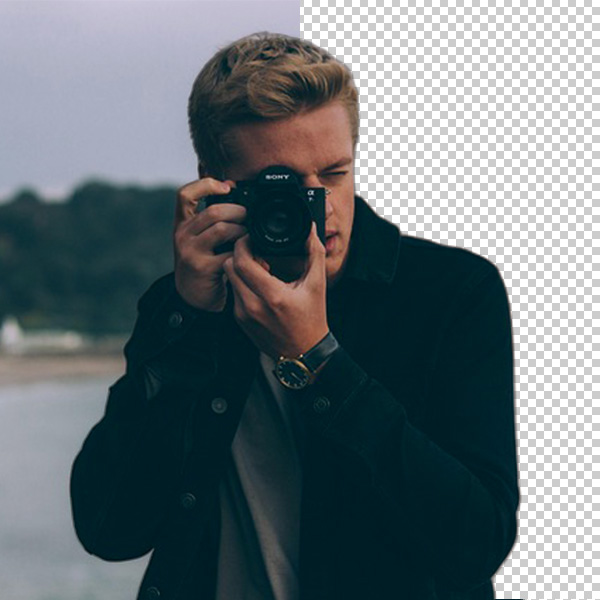
lightning fast ai background removal

Lightning-Fast AI Background Removal

Eliminate backgrounds and use the magic of intelligent AI. Automatic background clearing and identification of the main subject in a couple of seconds save time and effort on the part of our tool. No editing or design skills required - upload and let the system do the rest.

It is the best option for making quick edits, product pictures, and even personal pictures. Professional transparency will be provided promptly and without the need for complex software.

Keep Details Sharp in HD

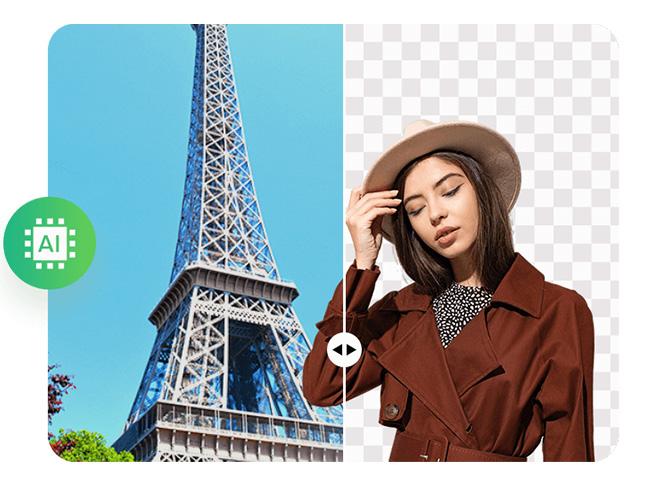
Your pictures are good enough to remain clean and crisp. The Online Transparent Background Maker is resolution-preserving, and the edges of the photos appear smooth, with colors that remain vibrant even after the background is removed.

Each of the details can be seen as beautiful, and your final transparent PNG will appear to be of high quality and refined. It is the best for logos, portraits, or e-commerce photographs with a clean finish.

keep details sharp in hd
accessible to all browsers

Accessible to All Browsers

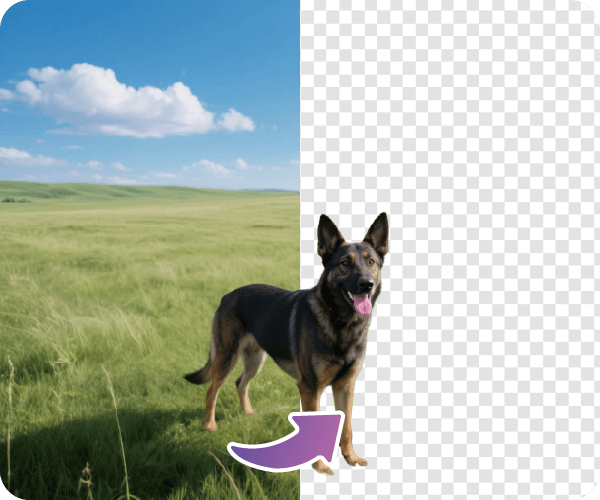
Enjoy hassle-free access anywhere, anytime. The tool will work smoothly on any major browser and various devices, including computers, tablets, and phones. There is no need to download or install any plugins.

Open it on the web, save your photo, and begin editing immediately. It is designed to be lightweight, dependable, and affordable for all individuals seeking fast and clear results.

3 Simple Steps to Create a Transparent Background

upload an image
let the ai do its magic
download image in transparent background
  • 01
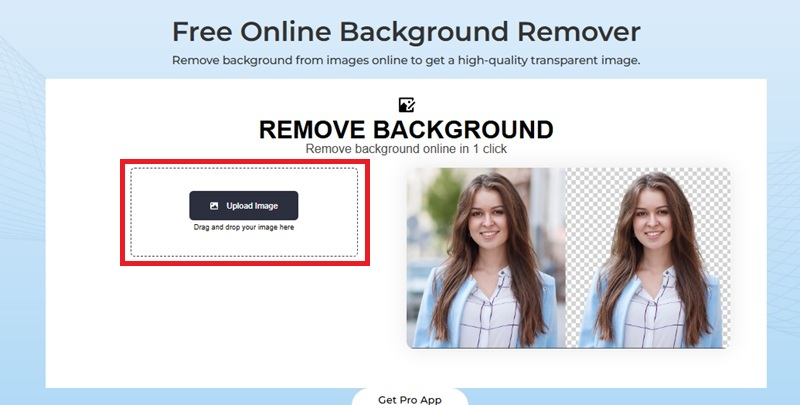
    Upload an Image

    Open the Transparent Background Maker in your browser and click “Upload Image” to import your image. No account or installation needed.

  • 02
    Let the AI Do Its Magic

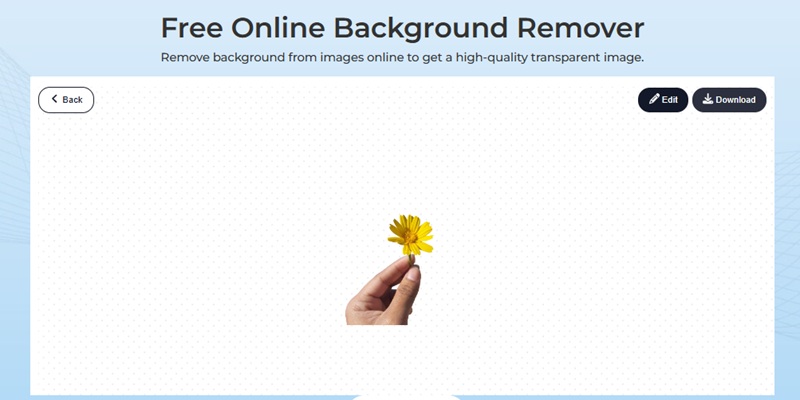
    Once uploaded, the background is automatically removed using our advanced AI recognition system. You can edit the result or preview it instantly.

  • 03
    Download Image in Transparent Background

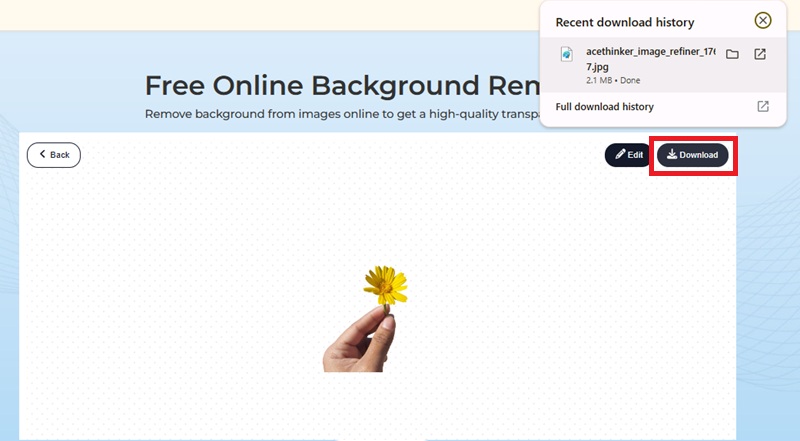
    When you’re satisfied, click “Download” to save your high-quality image in a transparent background. You can also edit, crop, or replace the background right away if needed.

Frequently Asked Questions

What is a Free Transparent Background Maker?

It is a web application that automatically removes the background of a photo, leaving only the subject matter intact. You can instantly transform your photos, logos, or graphics into transparent PNGs without needing to edit them.

Do I need to install any software to use it?

No installation is needed! Our Transparent Background Maker Online is a fully web-based application that works directly in your browser. All you have to do is open the tool, upload your image, and get your transparent result in just a few seconds.

Can I adjust the background after removing it?

Yes. Once the background has been removed, you can easily edit the picture by adding a new color, pattern, or even changing the background, after which you can save it.

Does the tool support high-resolution images?

Our background remover preserves the original resolution while maintaining sharp, detailed, and transparent photos, perfect for both printing and digital use.

Is it free to download the transparent image?

Yes, you can download your transparent PNG without watermarks or hidden costs. The process is completely free and straightforward from start to finish.

product iconAceThinker PicWish

PicWish — Advanced Background Editing Made Easy

picwish banner
Back to Top
Contact Us
Learning Center