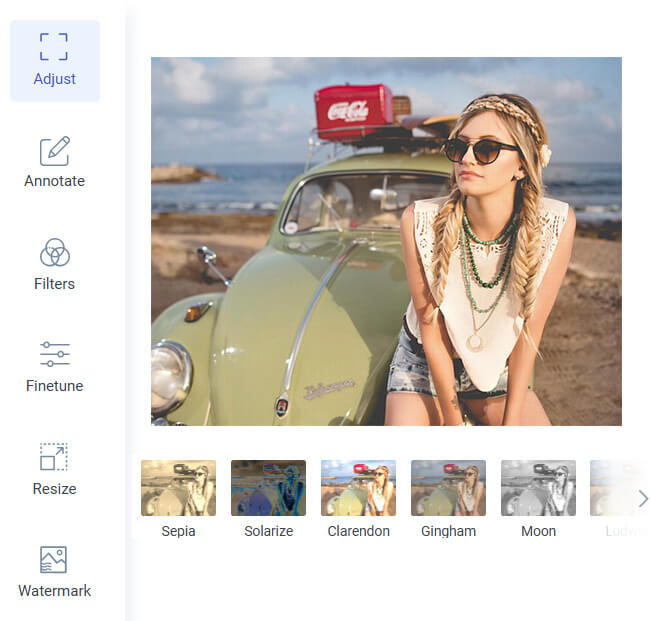
After you invert your photo, you can easily fine-tune its brightness and contrast to get the perfect look. This feature gives you more control over how your image appears, whether you want a darker or lighter tone. It helps balance the inverted shades for a clean, polished result when you invert image colors.
With just a few sliders, you can adjust every detail without needing advanced editing skills. You can quickly enhance highlights, soften shadows, or make the overall picture pop. This makes it easy to accomplish professional-looking results directly from your browser.
Our tool lets you invert image colors free as many times as you want, with no limits. Whether you're editing one image or experimenting with several, you can use it freely without restrictions. It's fast, reliable, and available anytime you need it.
There's no sign-up, subscription, or hidden charge—just simple, unlimited access. You can upload, edit, and download your inverted images in seconds. It's the perfect choice for everyone who wants quick results without worrying about limits.


Do you have many photos that need to be inverted? Whether it's a photo, logo, or hand-drawn design, our online editor lets you invert image color online with ease! It instantly reverses colors, giving your designs a fresh and creative twist. It's ideal for testing contrast in design or creating unique visual effects.
No matter what type of image you upload, the tool maintains the original quality. You can experiment with different ideas, from bright inversions to soft tonal changes. It's an easy way to explore new looks and styles for your images.


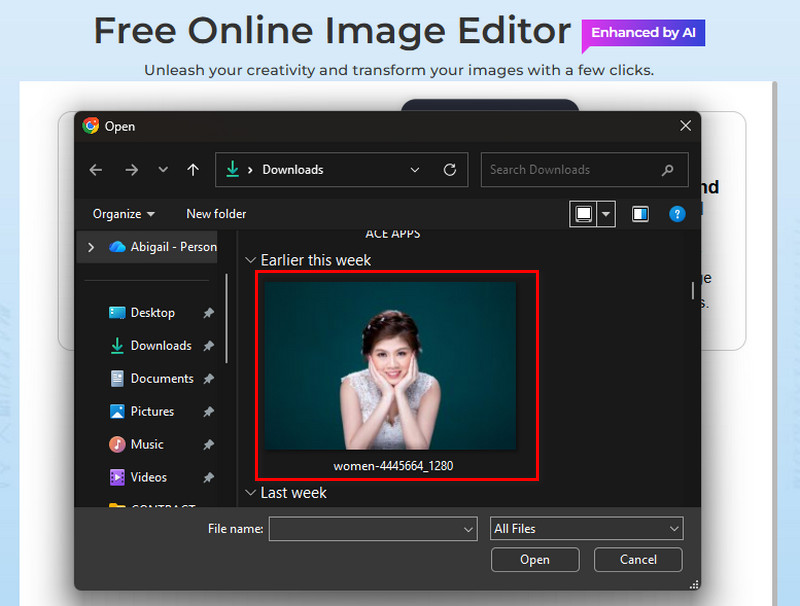
Start by accessing our online image editor on your web browser. Then, click "Image Filters & Effects" and upload the image you want to invert the color of.
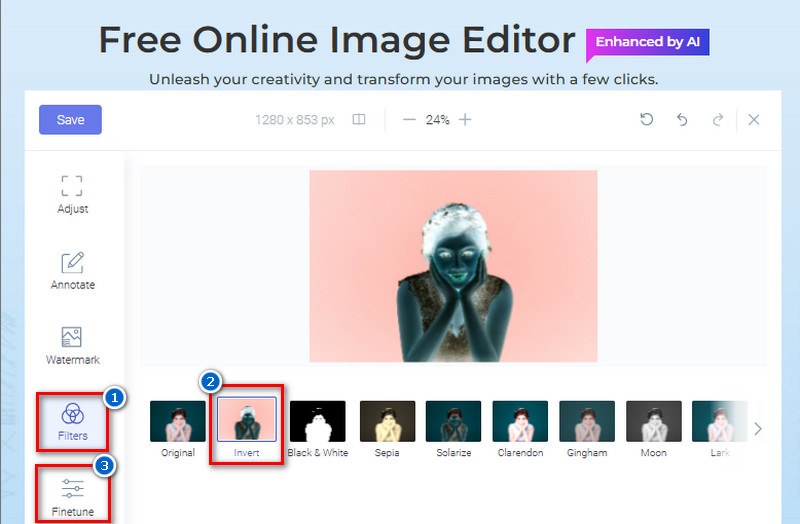
From the available filters, click "Invert" to apply it to the photo. Then, go to the "Finetune" tab to adjust the image's brightness and contrast.
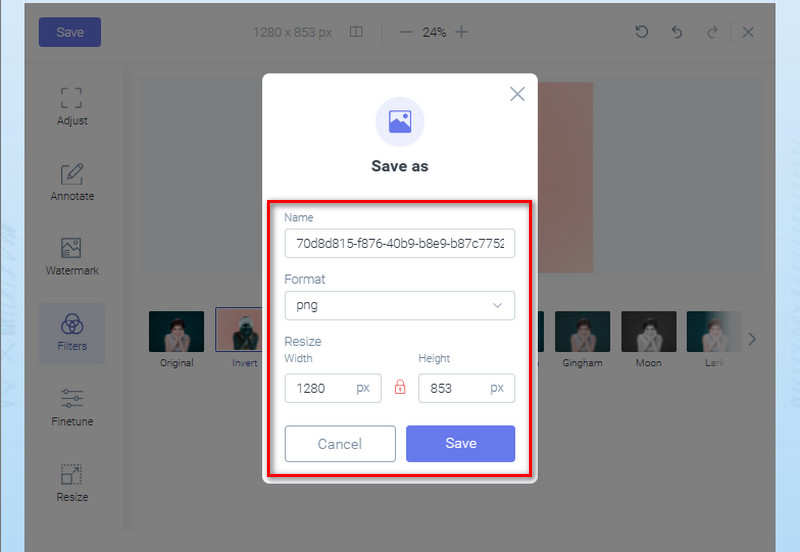
Once satisfied, hit the "Save" button above. Next, rename the file, select an output image format, and resize it (if you prefer). Finally, click the "Save' button from the pop-up menu to get the inverted photo.
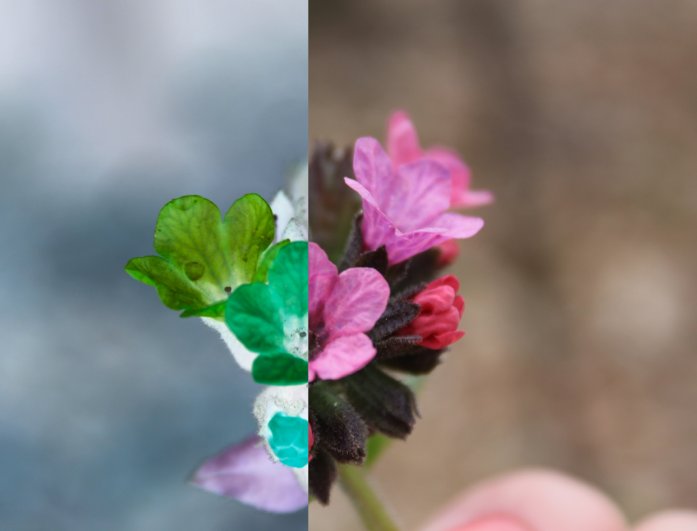
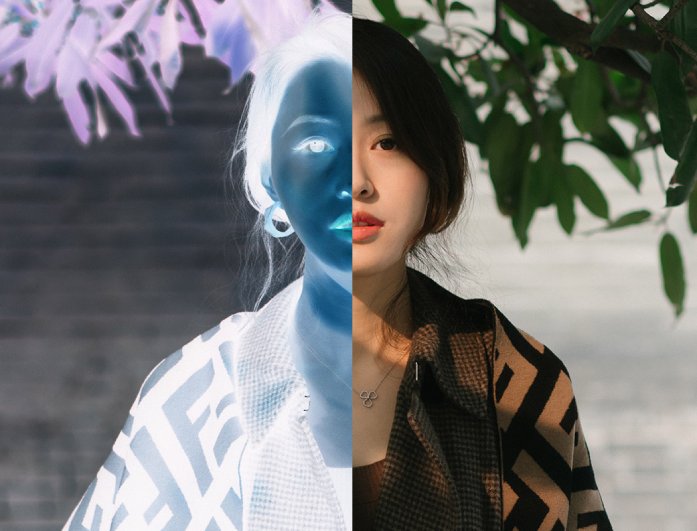
Color inversion means swapping each color in an image with its opposite shade on the color wheel. For example, white becomes black, and blue turns into orange. It creates a reversed color effect that gives photos a unique and creative look.
No, our image editor preserves the original quality of the uploaded image. You can invert colors without worrying about blur or pixel loss. The final result will keep the same clarity and resolution as your original photo.
Not yet, we're still improving our tool to make that feature available in the future. Right now, you can invert one image at a time for the best results. Our team is working on batch support to make editing faster and easier.
Yes, our tool is safe, and your uploaded images are deleted once you exit the tool. We don't store or share any files, so your privacy is fully protected. You can edit your photos confidently knowing they remain secure.
The tool supports image formats such as JPG, PNG, BMP, and WEBP. This means you can upload almost any type of photo or graphic. It ensures flexibility so you can easily work with different file types.