menu

Make Your Images Visually Stunning

adjustable brush for precise editing

Adjustable Brush for Precise Editing

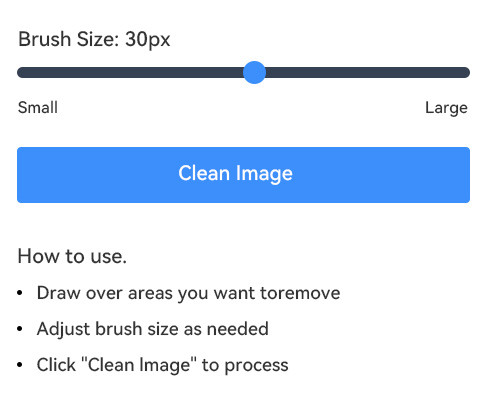
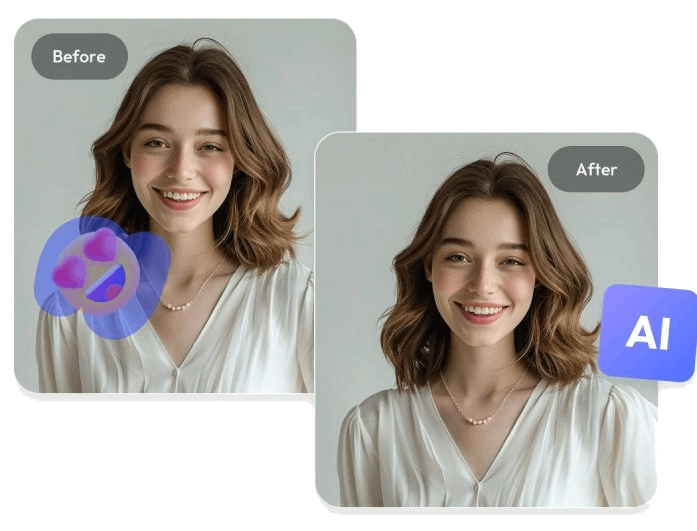
With the adjustable brush feature, you can control how much area you want to edit. Whether you’re dealing with a small emoji or a large sticker, you can resize the brush for better accuracy. This makes it easier to remove emoji from picture without touching other important details.

In addition, you can zoom in on your photo to ensure every spot is handled perfectly. This gives you more control and helps you achieve cleaner, more natural-looking results.

Remove Any Unwanted Object

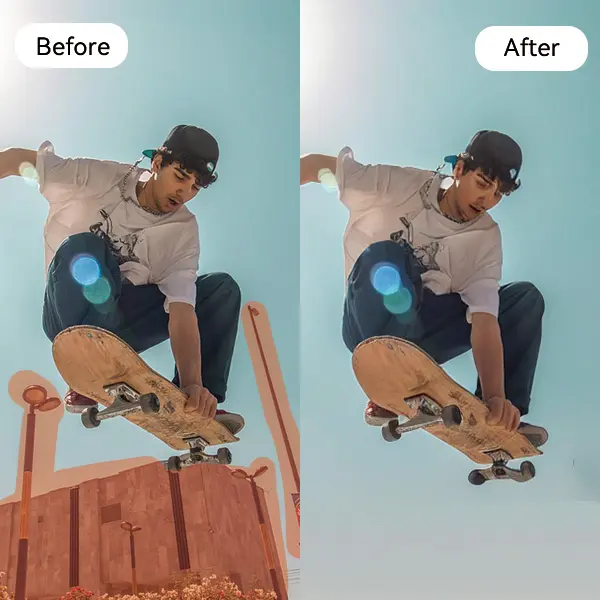
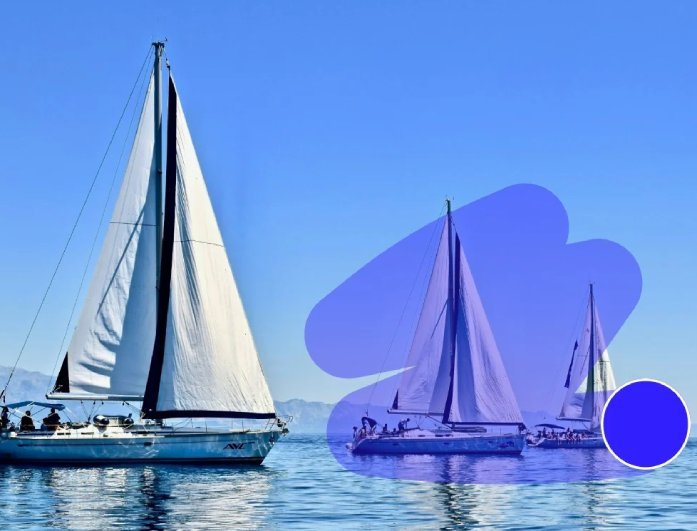
Besides emojis, our online inpainting tool can remove emojis from a photo as well as other unwanted items like stickers, text, or logos. You can clean up your image completely and keep only what you want to show.

It’s a fast and simple way to enhance your photos and make them look neat again. With this feature, you can efficiently restore the original beauty of any picture by removing distractions.

remove any unwanted onject
works with multiple image

Works with Multiple Image Formats

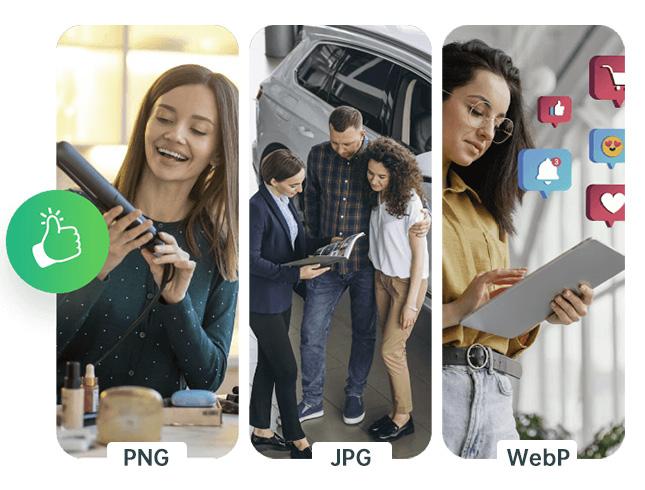
Our tool supports many image formats, making it convenient for all kinds of users. Whether your file is JPG, PNG, or another common format, you can easily remove emoji from photo online AI without worrying about conversions.

This flexibility saves you time and ensures compatibility with most cameras and devices. That said, you can simply upload, edit, and download your clean image in your preferred format.

How to Remove Emoji From Photos Online?

import photo
brush the emoji
Img ALT
  • 01
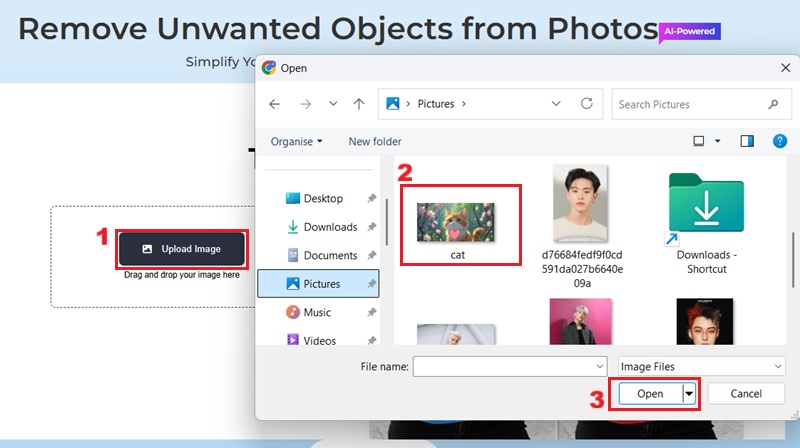
    Import Photo

    On the online emoji remover, click the upload photo option to import your desired image from your device.

  • 02
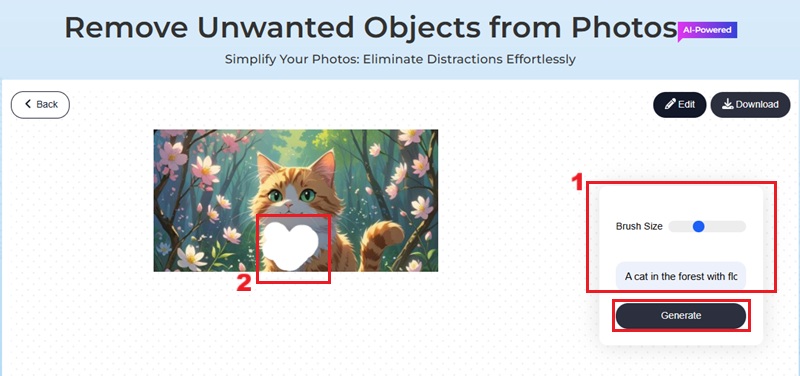
    Brush the Emoji

    Use the adjustable brush tool to precisely select the emoji in your image that needs to be removed, and then click Generate.

  • 03
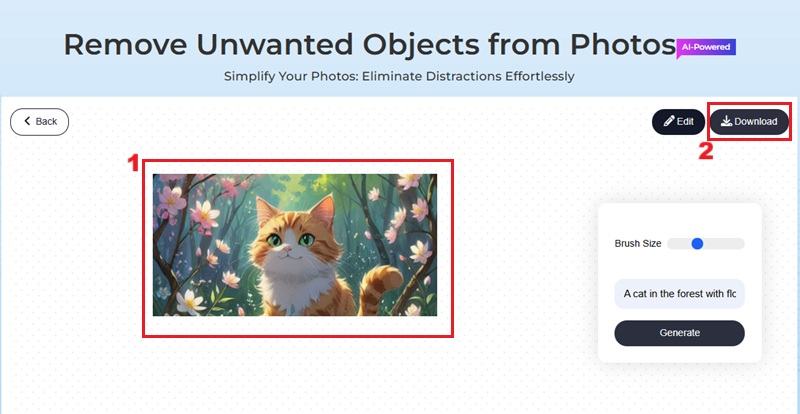
    Download Photo

    Once the processing is complete, you can download your newly edited image, free from unwanted emojis.

Frequently Asked Questions

What is an emoji remover?

An emoji remover is a specialized online tool designed to identify and eliminate unwanted emoji symbols from digital images. These kinds of tools usually employ advanced technology that leverages artificial intelligence and inpainting algorithms. Because of this, they can seamlessly reconstruct the background content that was obscured by the emoji.

Will removing emojis from pictures lower the image quality?

No, removing emojis from your pictures on our online emoji remover will not reduce the quality. It carefully blends the cleared area with matching colors and textures to keep your photo natural. Your image will stay sharp and clear, just without the unwanted emoji.

How long does removing emojis from a picture take?

With our AI-powered online tool, the process of removing emojis from pictures is typically instantaneous, often completed within seconds. However, the exact duration can vary slightly depending on the complexity of the image and the size of the emoji being removed.

What is the generative box for?

The generative box refers to the feature of our online emoji remover. It helps you to describe your output image to make your desired edits more precise and contextually relevant. This is particularly useful when attempting complex object removal tasks.

Can I edit my image further after removing an emoji?

Yes, our platform offers a suite of editing tools that allows you to improve your photos. You can crop, resize, add filters, or adjust colors after emoji removal to achieve your desired aesthetic.

product iconAceThinker PicWish

PicWish - Make Your Images Clean and Stunning

picwish banner
Back to Top
Contact Us
Learning Center