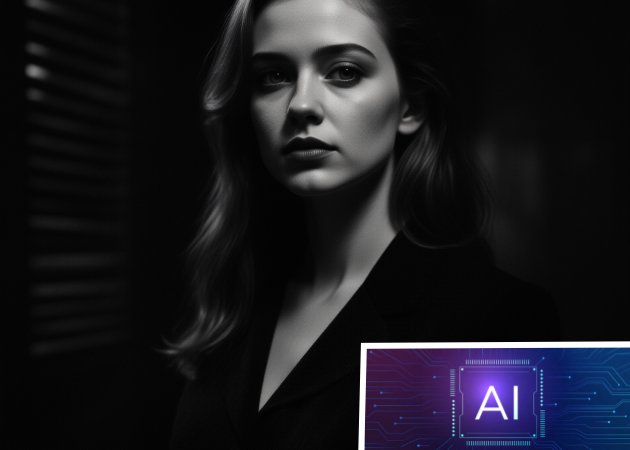
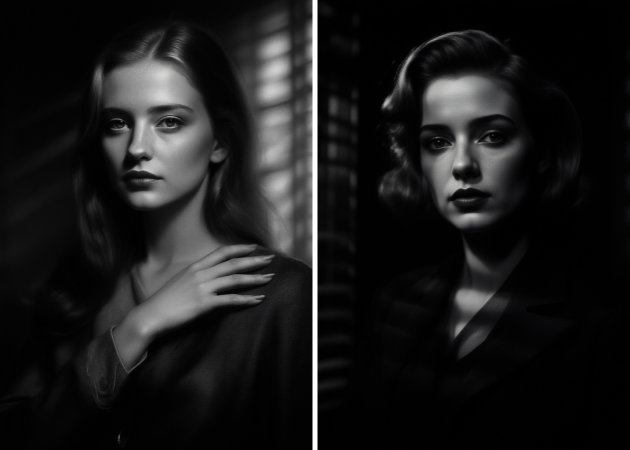
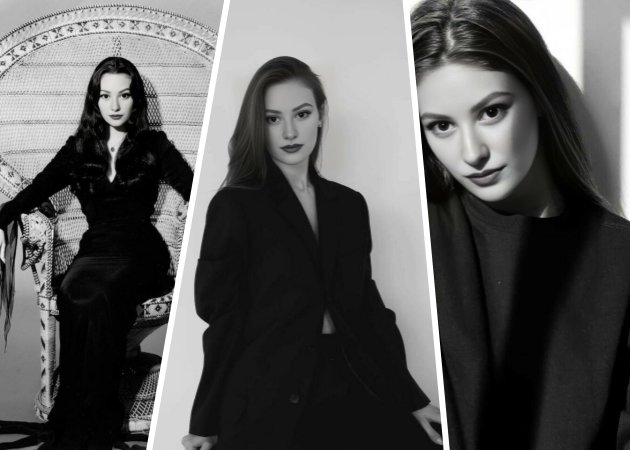
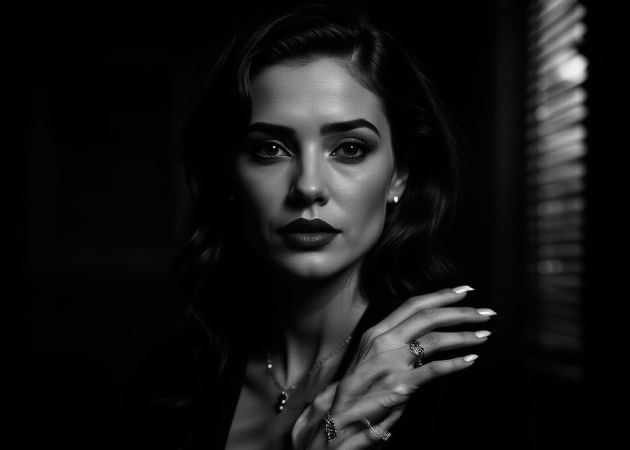
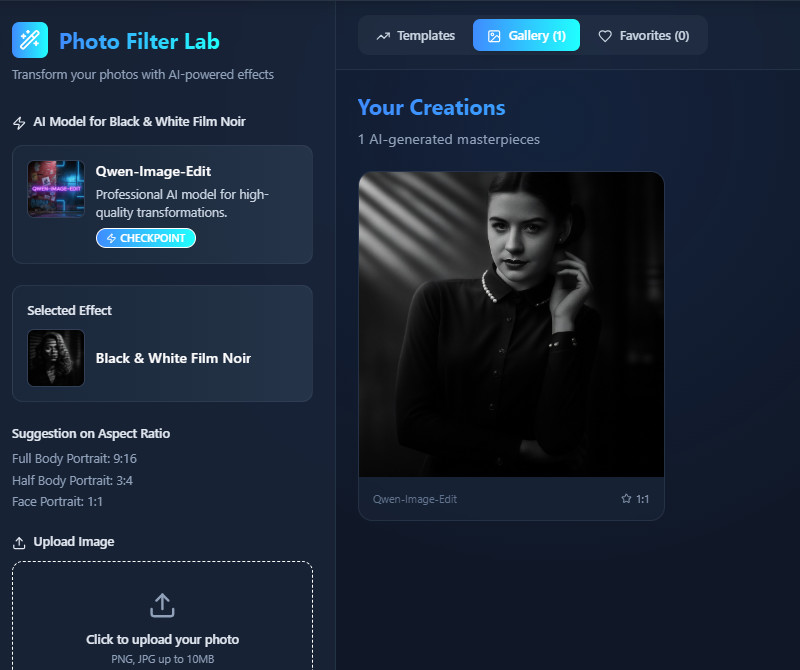
With this high-contrast black and white filter, your photos don't just get converted—they're fully enhanced with AI. The tool analyzes your image, keeps the subject clear, and produces a sharper, cleaner version. Moreover, it adds subtle depth and contrast, making the final result look more artistic. It also includes an option to create a vintage noir feel for users who want a classic, dramatic style. Because of this, even simple photos can become powerful visual pieces. You get an upgraded black-and-white version without losing the original emotion.
This black and white photo maker works with any picture, whether it's a selfie, pet photo, landscape, product shot, or event image. It converts your photo into a clean, balanced monochrome style that feels calm and classic. Additionally, the tool ensures that shadows and highlights are evenly distributed, making the image look natural. The goal is to create black-and-white photos that feel meaningful and lasting. Even casual snapshots appear more polished and intentional after processing. As a result, you get simple yet powerful monochrome images with just one upload.


Using the AI black and white filter online, you can produce photos that are suitable for printing without worrying about blurry or low-resolution results. The tool sharpens edges and enhances tones, making your print look clean and professional. Furthermore, the output size is ideal for various print needs—not too small for detail and not too large to cause quality loss. This makes it perfect for posters, album art, mini prints, or framed photo displays. Even if you're not a photographer, the tool helps you achieve a premium look easily. You get print-ready monochrome images in just a few seconds.
With this AI black and white filter free, your photos become more expressive because the tool focuses on tones rather than colors. It carefully adjusts shadows, midtones, and highlights to bring out the scene's mood. As the filter works, subtle details such as facial expressions and textures become more noticeable. This helps your image feel deeper and more emotional without any extra editing. Plus, the tool makes sure the final result still looks natural and easy to understand. In the end, your black-and-white image conveys a stronger story through simple, balanced tones.


You can apply the black-and-white effect quickly without editing skills.
The tool shows the updated black-and-white version right away before saving.
Your photos stay private because all uploads are handled securely.
The purpose of the black-and-white filter is to remove color and highlight the tones and details in your photo. It helps bring more focus to shapes, shadows, and expressions. Many people use it to create a classic or emotional look. It's also useful when you want a clean and timeless style. The filter makes the photo easier to understand visually by simplifying it. Overall, it provides a clearer and more artistic version of your image.
No, using the black-and-white filter will not degrade the original quality of your photo. The tool processes a copy of your image while keeping the original safe. This means the sharpness and details stay the same. Even after conversion, the picture still looks clean and stable. You don't have to worry about losing resolution. The output remains clear as long as your original upload is good.
Any image type works well with the filter. It can handle selfies, portraits, landscapes, products, pets, or even random snapshots. The filter adjusts tones automatically to match different subjects. It also improves details so each photo looks balanced. You don't need special lighting or a professional camera for good results. As long as the picture is clear, the tool can convert it nicely.
There are no daily limits on the number of photos you can convert. You can use the tool as much as you want as long as you still have available credits. Every conversion uses three credits, so your usage depends on your balance. If you're going to generate many images at once, the system supports it. Furthermore, the tool is designed to handle repeated use without slowing down. This makes it convenient for heavy users or big projects.
The tool supports JPG and PNG formats for upload. These are the most common file types, so almost all photos will work. After processing, the output is saved as a JPG. This format keeps the file size small while keeping good quality. It's also easy to use on websites or social media. As long as your file is in JPG or PNG format, the tool can process it without issues.