menu

AI Album Cover Generator

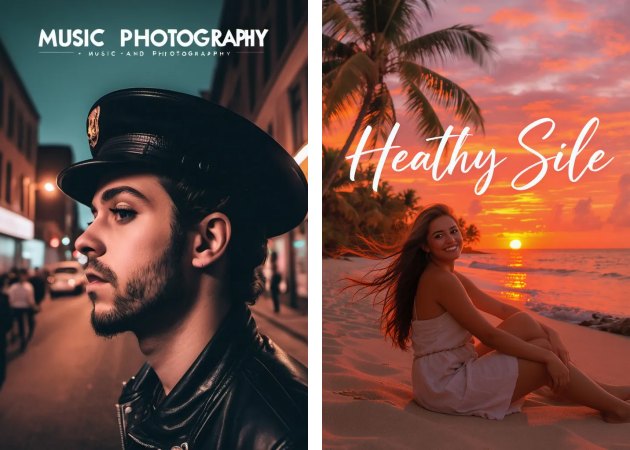
Are you a musician who is looking for a way to make a unique cover for your album? Try this tool! It helps you create professional, eye-catching artwork in minutes, even without design skills.

Your Music Deserves a Cover That Stands Out

craft retro or modern album cover

Craft Retro or Modern Album Cover Art

Are you a fan of a vintage retro look or a sleek modern design? This tool simplifies the process of transforming your vision into reality. You can experiment with colors, textures, and artistic styles until the cover fits your music perfectly. The AI album cover generator quickly interprets your prompts, so even complex concepts are turned into professional artwork in minutes. Moreover, adjusting the style doesn’t require technical skills, making the process smooth and enjoyable. It’s perfect for artists who want a unique cover without spending hours designing manually.

Generate Covers for Promotions

Promoting your music becomes simpler when you have eye-catching visuals ready to go. This AI album cover generator free lets you create high-quality promotional artwork for social media, streaming platforms, and marketing campaigns. Using this tool, you can quickly produce multiple variations to see which design works best. It saves both time and money while keeping your music visually appealing. Additionally, you can try different styles or concepts without starting from scratch. This makes it easy to adapt your promotional strategy based on trends or audience preferences.

generate covers for promotion
boost your music with stunning covers

Boost Your Music with Stunning Covers

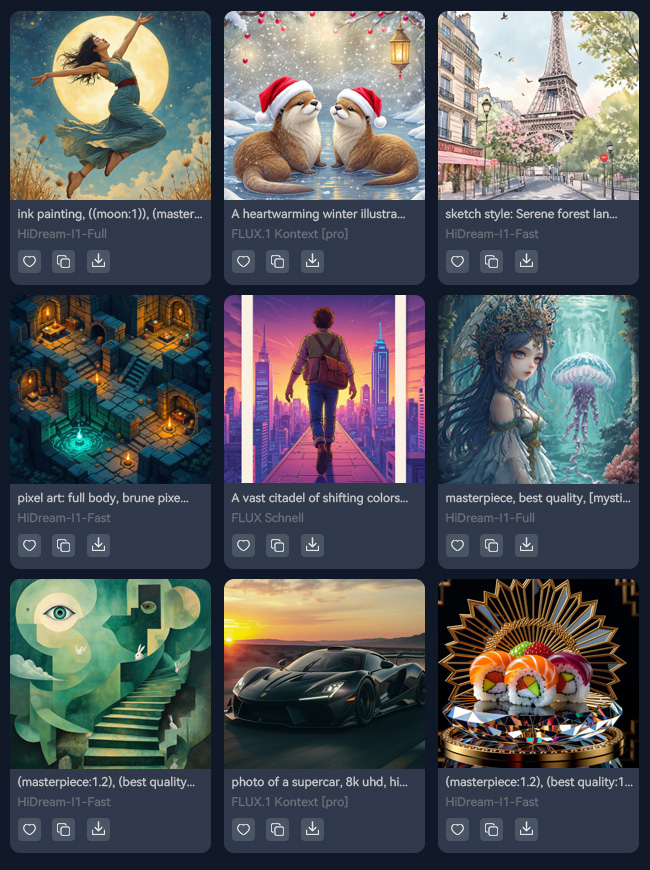
A strong album cover can make your music stand out and grab attention instantly. The tool provides over 30 AI models that help you create a variety of cover styles that match your genre or mood. From abstract art to realistic illustrations, the best AI album cover generator ensures each cover feels professional and visually striking. This helps musicians enhance their branding and attract more listeners. With this feature, your music gets the visual impact it deserves without complicated software or design knowledge.

Create Unique Album Covers Easily

No matter your experience level, this tool makes it simple to design truly one-of-a-kind covers. Whether you’re a beginner or a professional, the AI metal album cover generator easily generates what you want your album cover to look like. Besides, users can create distinctive artwork without needing advanced design skills or expensive software. All you have to do is enter your text prompt, choose an AI model and size, and start generating your album. Overall, it empowers artists to express their style visually while saving time and effort.

create unique album easily

Simple Steps to Create an Album Cover

  • 01
    Visit AI Album Generator
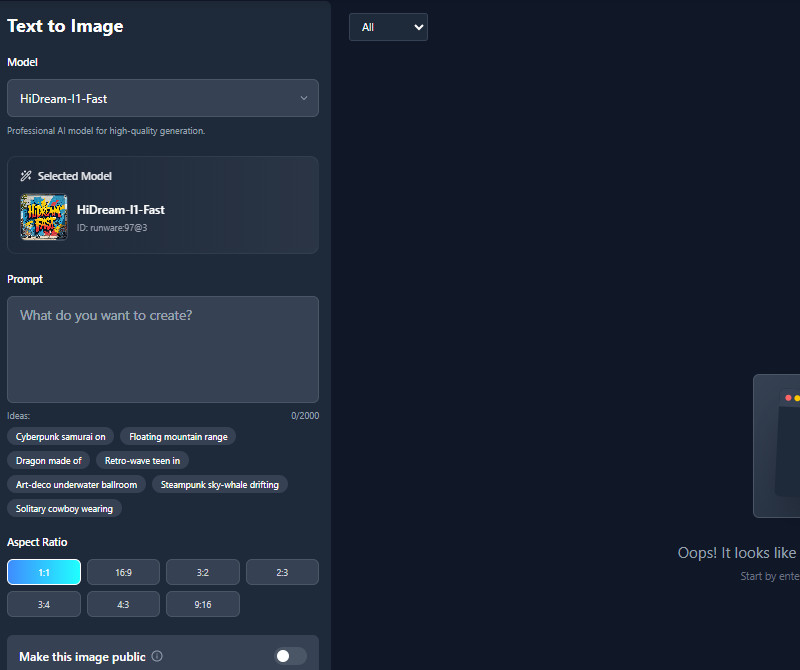
    Open the AI Album Cover Generator on your browser. You can visit it on any device with internet access. Once on the page, log in or sign up, and you'll see a simple interface ready to start your design afterward.
  • 02
    Enter Your Concept
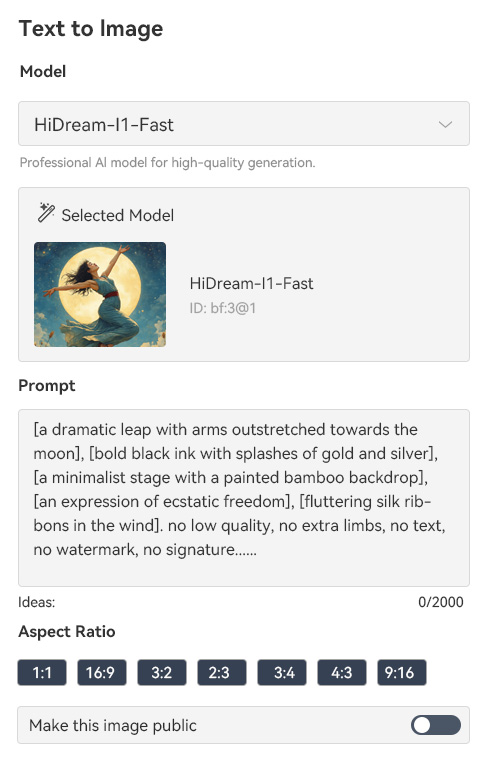
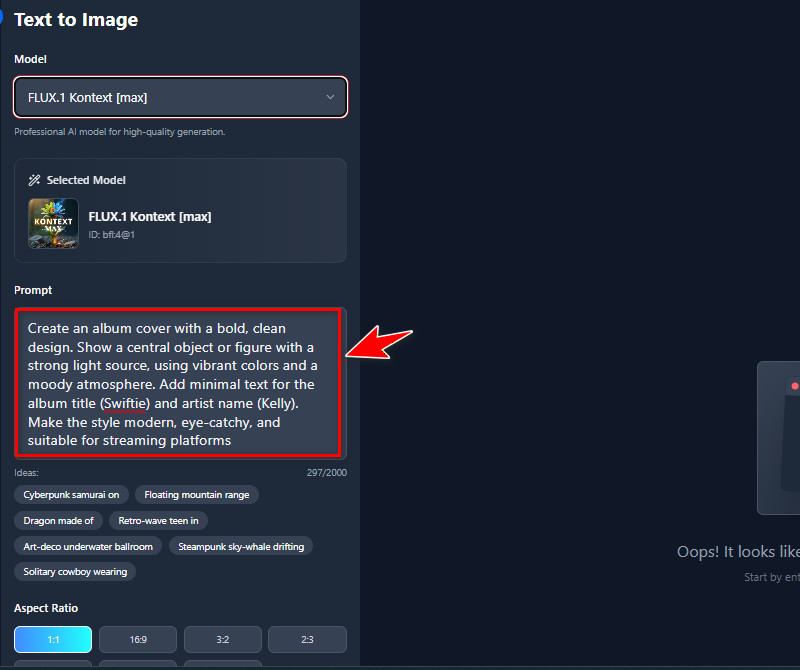
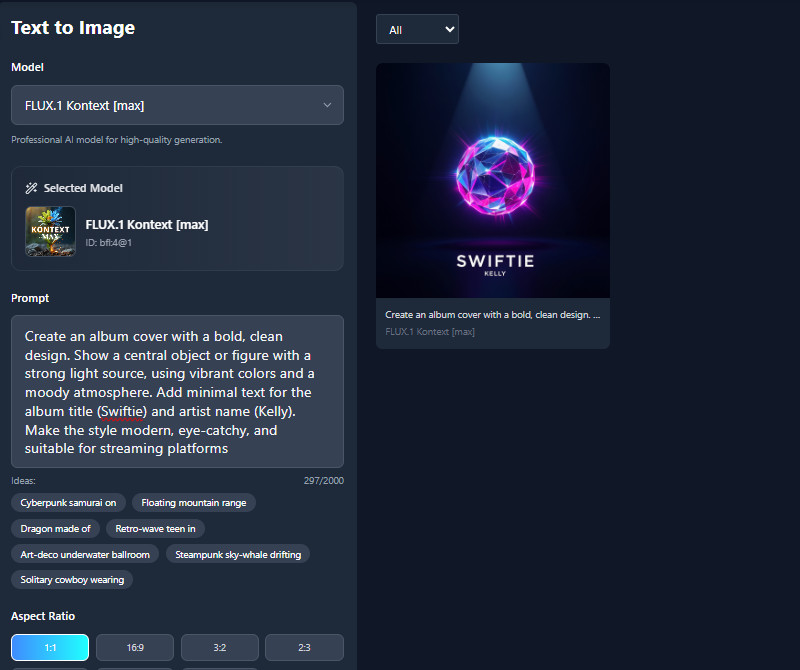
    Type a clear description of your album's theme, mood, or style in the prompt box. You can include details like music genre, emotion, or visual references. Also, add your album or track title and choose optional styles or color schemes you prefer.
  • 03
    Adjust the Settings
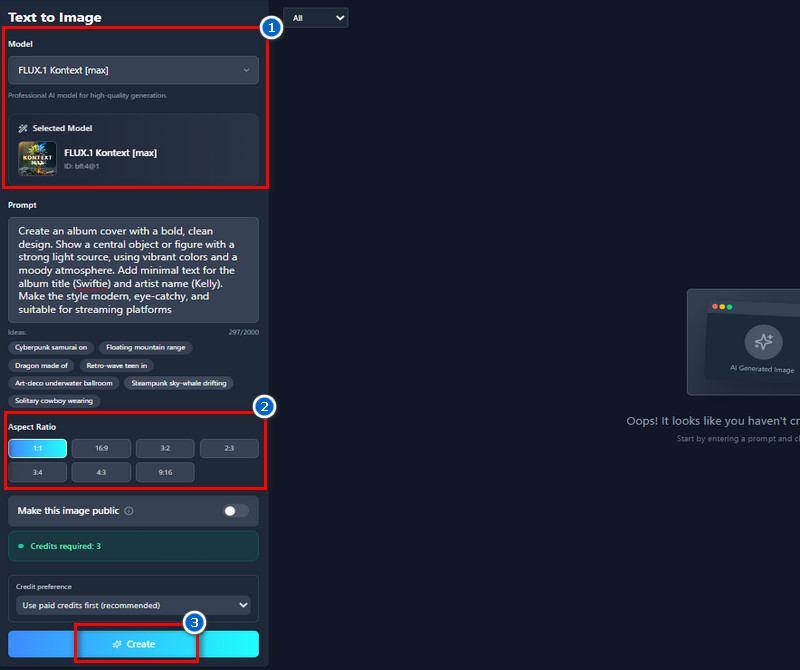
    Next, click the dropdown menu under the AI models and select the one you desire. Then scroll down to choose an aspect ratio for your album; 1:1 (square) is the best size for album covers. After that, hit the "Create" button and let our tool create your album cover.
  • 04
    Preview and Download
    Once done, check the generated cover using the preview feature to make sure it meets your expectations. If satisfied, download the image in JPG format for streaming, promotion, or printing. You can also share the direct image link for easy online use.
visit the ai album generator
enter your concept
adjust the settings
preview and download

Your next favorite tool might be on this list.

Looking for more AI generator online apps? Find the right app for your specific needs below. Exploring these apps can also expand your creative possibilities and simplify your workflow.
"I can create covers for any music genre. The AI gives high-quality results every time. It’s very convenient for releasing singles quickly."
Teresa Vargas, Singer-Songwriter
10-08-2025
iiiii
iiiii

"This generator is simple and intuitive. I typed a short description, and the AI produced a great cover. The process is also fast and user-friendly."
Marcus Allen, DJ
11-13-2025
iiiii
iiiii

"I love how flexible the tool is. You can easily try different styles and colors. The results look professional enough for streaming platforms."
Chloe Rivera, Composer
11-27-2025
iiiii
iiiii

"It’s straightforward and produces quality results. You just type your ideas, and the AI generates a suitable cover. Previewing and sharing online is very easy."
Lily Chen, Recording Artist
12-02-2025
iiiii
iiiii

"This tool is really easy to use. I typed a few ideas and got a professional-looking cover quickly. It saved me a lot of time compared to designing it myself."
Alex Turner, Independent Musician
11-19-2025
iiiii
iiiii

"Creating covers used to take hours, but this tool does it in minutes. The interface is clean and simple. It makes releasing music much smoother."
Nolan Barbier, Indie Artist
10-21-2025

iiiii
iiiii

Why Choose Us

Frequently Asked Questions

What kind of album covers can I generate?

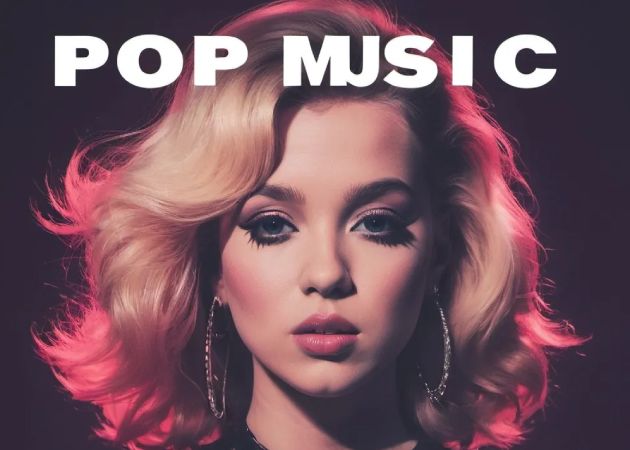
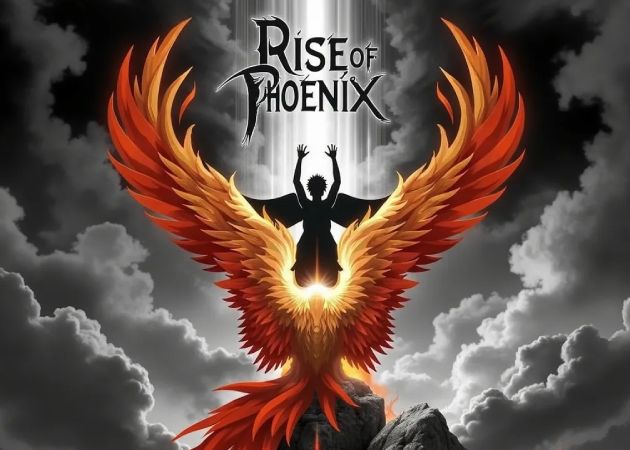
You can generate virtually any type of album cover you want. The AI supports a range of styles, from retro and vintage to modern and abstract. Additionally, you can create covers for any music genre, including pop, rock, metal, electronic, or indie. It also works for unique concepts, like fantasy themes or experimental visuals. Users can experiment with colors, layouts, and styles to match their music. Overall, the tool is flexible and lets you turn almost any idea into a visual cover.

What kind of input leads to the best album artwork?

The best results come from providing clear, detailed input. Start by describing the concept or theme of the album so the AI understands the story or message. Include the mood and emotion of the music, like energetic, melancholic, or futuristic, to guide colors and composition. Also, mention the music genre and target audience so the visuals align with listener expectations. Furthermore, you can provide examples or references of artwork you like, which can help the AI create something closer to your vision. Also, adding details like the artist name, album title, and any brand colors ensures the final cover is consistent and ready for release.

Can I use the album covers for streaming platforms and releases?

Yes, you can use the covers for streaming platforms, digital releases, and promotional purposes. The AI generates high-quality images suitable for online music platforms like Spotify, Apple Music, and YouTube. Many users create covers specifically for singles or albums without needing additional editing. The tool produces images that meet standard requirements for online platforms. You can also use them for physical releases, like CD or vinyl covers. Overall, the covers are ready for professional use in music distribution.

Can I add my album/track title to my album cover?

Yes, you can add your album or track title directly on the cover. This AI Album Cover Generator allows you to include text when generating the artwork. You can position it anywhere and adjust style, size, and font to match your design. Just be specific in your prompt about where you want it placed. This helps the cover feel complete and ready for distribution. Adding titles also ensures consistency across all your music releases.

What formats are the album covers available in?

The covers are available in JPG format, which is widely compatible. JPG files are suitable for streaming platforms, social media, and online promotion. The format also keeps the file size manageable without losing much quality. Users can download the cover immediately after it is generated. It can be resized or edited later if needed. This format ensures the cover is ready to use for most music projects.

pro image logoAceThinker PicWish

Make Your Images Stand Out Effortlessly

pro banner image
Back to Top
Contact Us
Learning Center