menu

AI Fantasy Landscape Generator

This AI tool helps you build your own imaginary lands into reality with no hassle. It’s made for creators, map makers, writers, and game developers who need quick, detailed landscapes, helping them visualize worlds and create stunning scenes without complex tools.

Produce Fantasy Landscapes Easily for Any Creative Use

create your fantasy worlds

Create Your Fantasy World

Bringing a world from your imagination into something you can actually see shouldn't feel complicated. When using an AI fantasy landscape generator, all you do is describe what's in your head. It transforms those thoughts into clear, detailed visuals. This lets you stay focused on the story you're building instead of worrying about drawing skills or technical steps. And because you can freely change styles, shapes, and moods, you're never stuck with just one version of your world. Even if you're new to creating visuals, you can still build something that feels polished and intentional.

Craft Unique Adventure Worlds

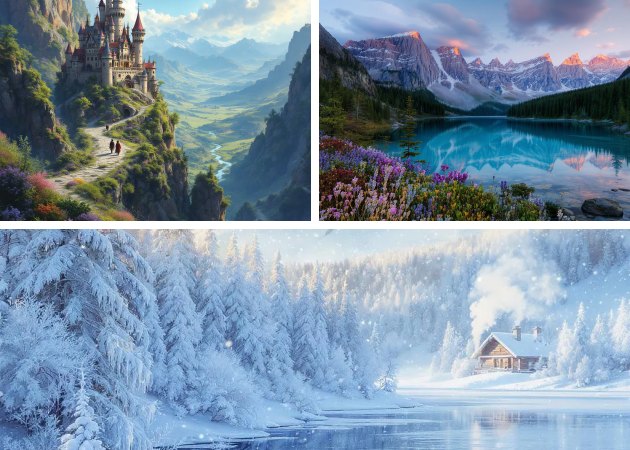
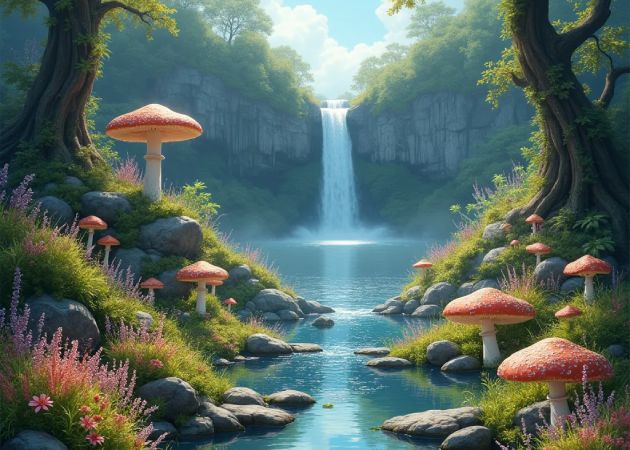
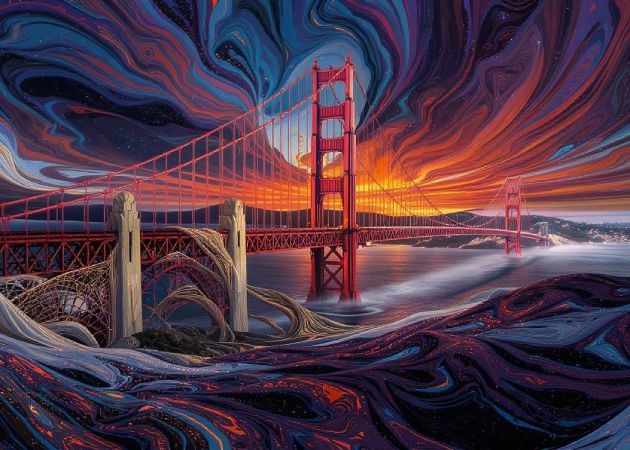
Imagining places like floating islands or shimmering crystal caves becomes even more fun when you can immediately see them in an image. Our fantasy landscape art generator turns your descriptions into vivid scenes, bringing life to ideas hard to find anywhere else. Instead of searching through endless photos online, you get visuals that match what you expected from the start. Every result can spark new inspiration, helping you explore twists, expansions, or entirely new locations. This is especially useful when you want something magical or unusual that doesn't exist in typical references.

craft unique adventure worlds
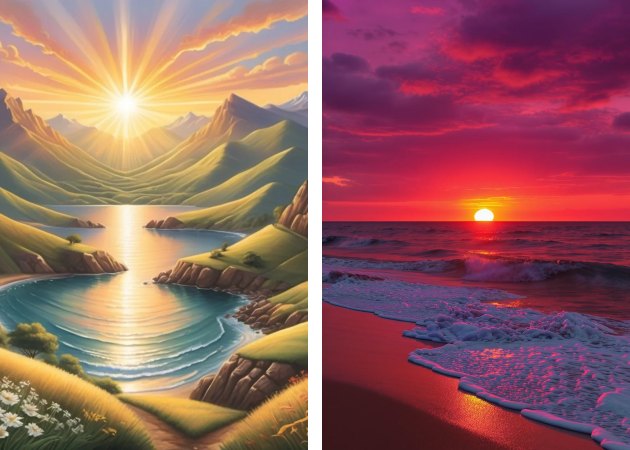
generate sunset or sunrise scenes

Generate Sunset or Sunrise Scenes

Capturing the warmth of a sunrise or the dramatic glow of a sunset is often easier said than done. With an AI landscape maker, you can simply ask for the mood you want—soft morning light or strong evening colors—and watch it appear in seconds. These lighting choices add emotion and atmosphere to your scenes, which can completely change how a world feels. Plus, you no longer need to manually adjust colors and shadows across multiple tools to get the right tone. Whether you're building a game moment or crafting a visual for a story, having lighting-ready options makes everything run more smoothly. It's a simple way to bring more life and feeling into your creative work.

Produce Ready-to-Use Scenery

There are times when you don't want to do extra editing—you just want a scene that looks complete and fits well into your project. That's where an AI fantasy scene generator becomes incredibly helpful in creating images with balanced lighting, texture, and composition from the start. You skip the boring steps and go straight to using the final image. This is especially useful when you're working on multiple scenes or handling a deadline. The results fit naturally into presentations, drafts, mood boards, or creative mockups without needing extra cleanup.

produce ready to use scenery

4 Easy Steps to Make Your Own Fantasy Landscape

  • 01
    Visit the AI Generator
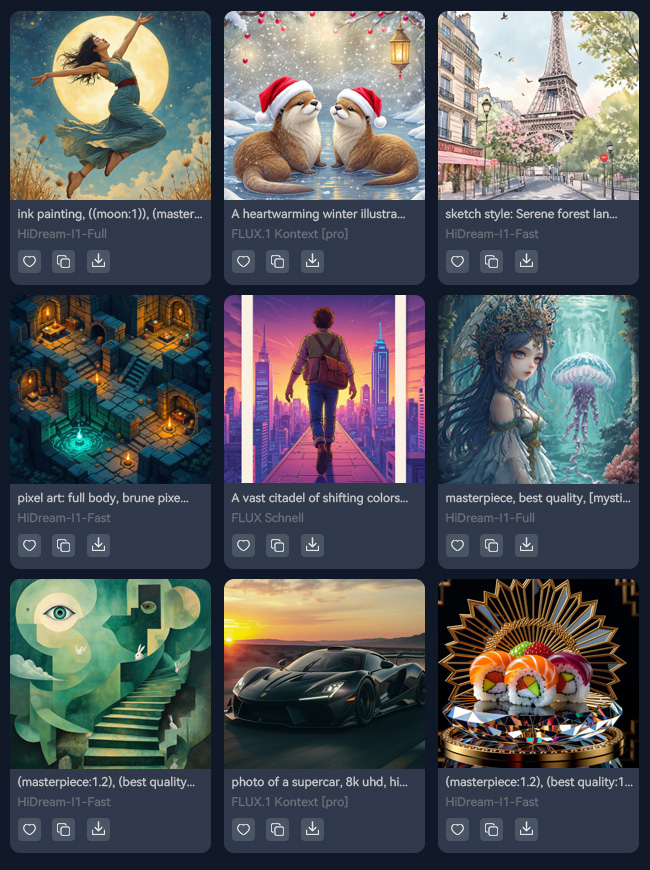
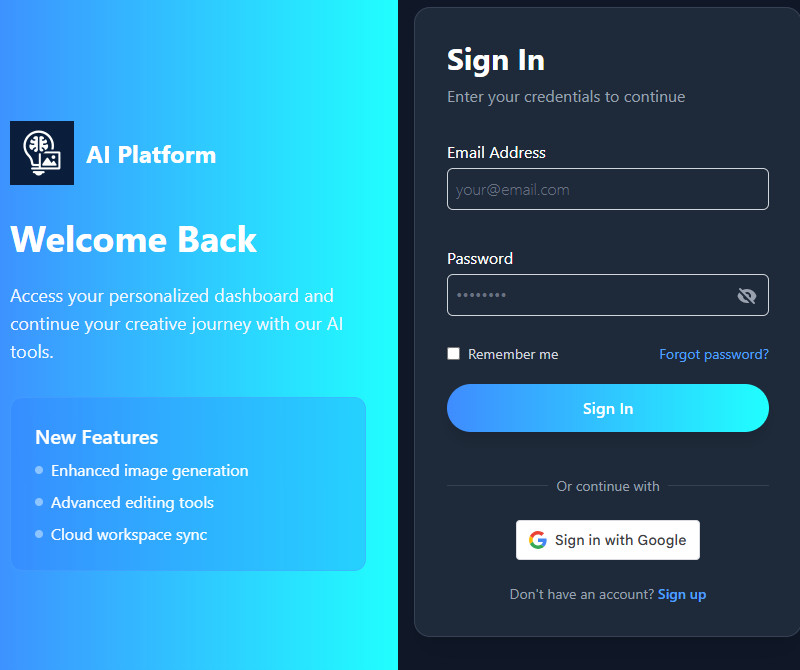
    Begin by opening a web browser to visit the AI Fantasy Landscape Maker. On the homepage, you need to create an account before using the tool. You can directly sign up using your Gmail account.
  • 02
    Input Your Details
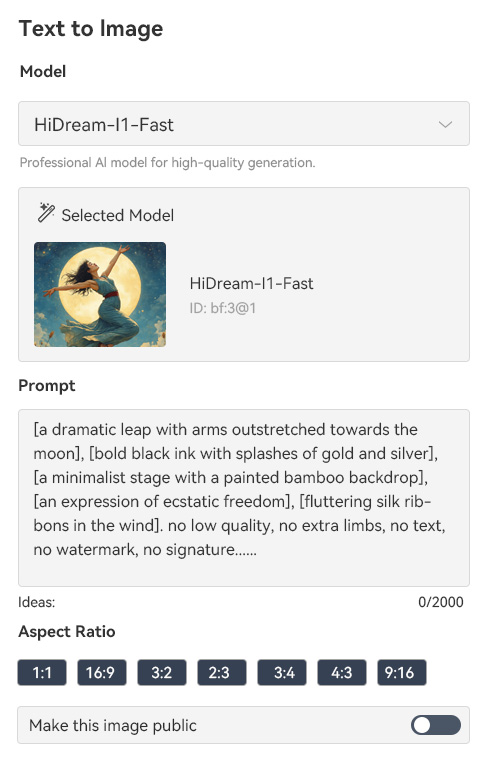
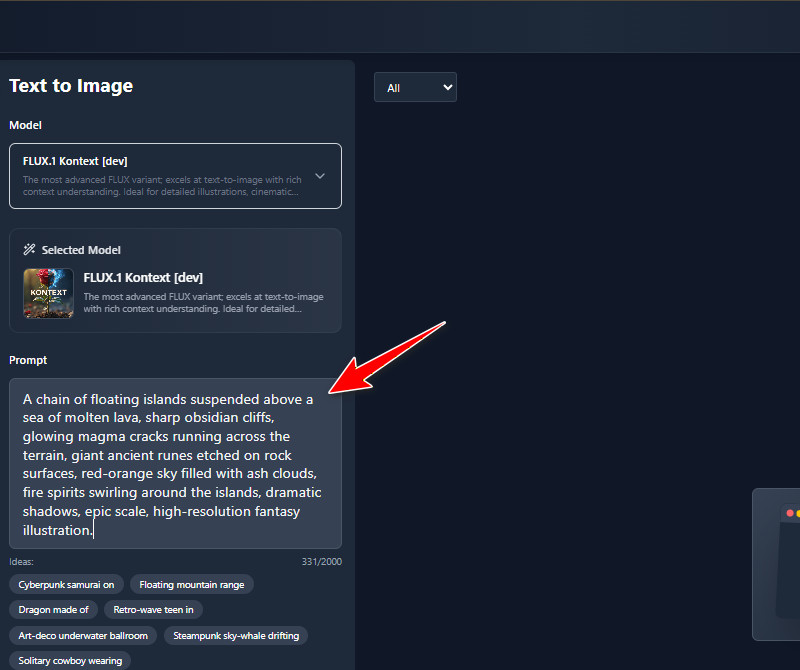
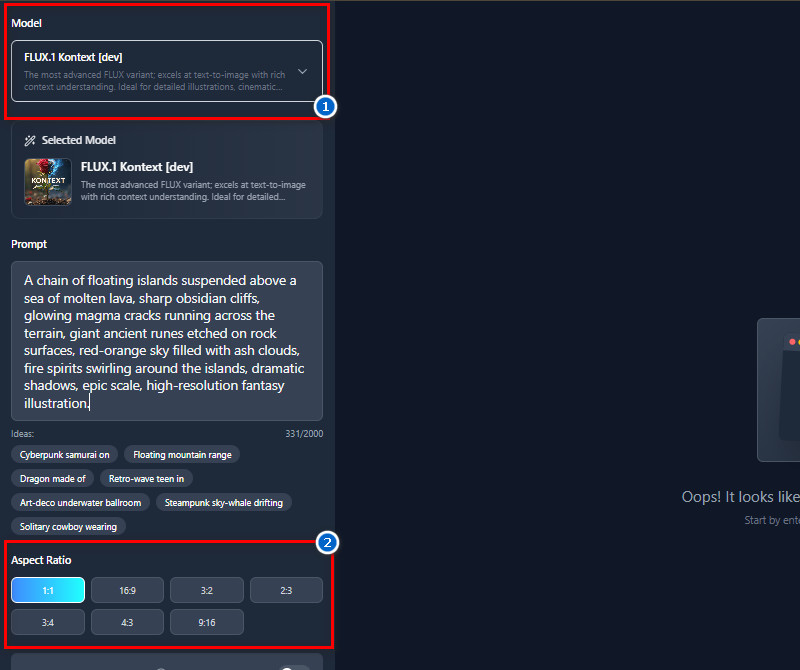
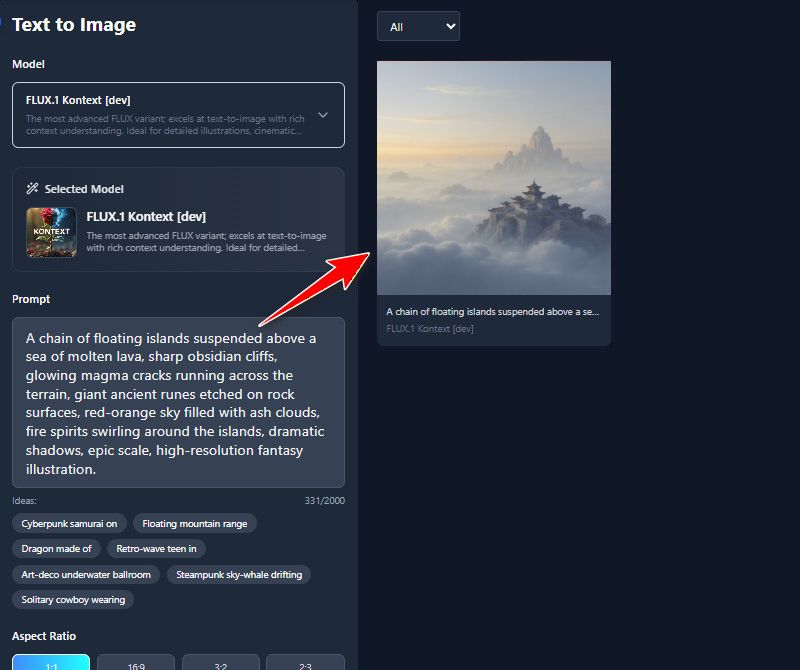
    After signing up, go to the Text-to-Image tool where you can generate your fantasy landscape. From there, navigate to the prompt box and start adding the details of the landscape. The description should be detailed to get a perfect result.
  • 03
    Choose Preferred Settings
    Next, choose one AI model you prefer from the list of available ones. Then go to the Aspect Ratio section to select the landscape image size. You can also make the generated image public or private.
  • 04
    Generate and Download
    Once everything is set up, click the "Create" button, and our tool will start generating your text prompt. After a few seconds, the AI tool will display the result. Finally, preview the image and download it once you are satisfied.
visit the ai generator
input your details
choose preferred settings
generate and download

Find new tools that fit your creative flow.

These recommendations are meant to help you find more apps that match what you’re trying to do. Each tool is easy to use and made for all users, saving time or making tasks easier. This way, you can quickly find tools that fit your needs without having to search on your own.
"I appreciate how flexible this generator is. I can experiment with different types of landscapes I want. It’s a practical tool that saves time and sparks creativity."
Andre Lim, Concept Artist
11-28-2025
iiiii
iiiii

"I’m not very artistic, but I wanted to create visuals for my fantasy book. This tool turned my descriptions into amazing landscapes without any drawing skills. It really brought my story to life."
Clara Mendoza, Author
12-04-2025
iiiii
iiiii

"I needed images for my fantasy blog posts, and this AI tool made it so simple. I just input a few ideas, and the landscapes came out beautiful and ready to use. It really speeds up content creation."
Carlos Dela Cruz, Blogger
10-03-2025
iiiii
iiiii

"I love using this tool to experiment with different landscape styles. The results are surprisingly realistic, and it lets me focus on composition rather than the technical side. It’s a fun way to brainstorm ideas."
Lila Ramos, Digital Artist
10-10-2025
iiiii
iiiii

"I’m learning animation, and having ready-made fantasy landscapes helps me focus on character movement and storyboarding. The generator produces high-quality images that feel real and usable. It’s a great learning tool."
Ryan Lim, Student Animator
11-27-2025
iiiii
iiiii

"Seeing my concepts turn into vivid landscapes instantly is amazing. The AI lets me focus on story and mood rather than technical drawing. It’s practical, fast, and really fuels creativity."
Johan Lim, Visual Storyteller
12-02-2025

iiiii
iiiii

Why Choose Us

Frequently Asked Questions

What is a fantasy landscape?

A fantasy landscape is a creative depiction of imaginary lands that don’t exist in real life. It can include mountains, forests, rivers, or entire worlds shaped by imagination. People use them in stories, games, or illustrations to visualize magical or unusual scenes. They also often include elements that are not possible in reality, like floating islands or glowing trees. Moreover, fantasy landscapes help set a mood or atmosphere for a story or project. They let creators explore ideas freely and give audiences a visual experience of a fictional world.

What is an AI landscape generator?

An AI landscape generator is a tool that creates landscapes automatically using artificial intelligence. You describe what you want, and the AI produces an image based on your input. It saves time because you don’t have to draw or design the scenery manually. The tool can also create realistic, fantasy, or abstract landscapes depending on your needs. Furthermore, many of these generators let you adjust style, lighting, and other details. It’s useful for writers, artists, and developers who need visuals quickly without having to start from scratch.

Who Can Benefit from the AI Fantasy Landscape Generator?

This AI Fantasy Landscape Generator can benefit more users. Like the Game developers, it can quickly generate maps and environments for levels without spending hours drawing. Fantasy authors can also visualize their worlds, which helps them describe their settings more clearly. Likewise, Digital artists can use it for inspiration or create backgrounds for illustrations and projects. Furthermore, Educators or students might use it for school projects or creative assignments. Even hobbyists who enjoy world-building or storytelling can benefit from seeing their ideas come to life. Overall, anyone who needs creative landscapes or ideas for visual storytelling will find it helpful.

Can I add magical elements to my landscapes?

Yes, you can add magical elements like floating crystals, glowing plants, or ancient ruins. The AI allows you to include portals, energy streams, or other fantasy details easily. This makes your landscapes feel unique and imaginative. You can mix realistic and magical elements for different moods. It’s especially useful for games, books, or art that need to feel otherworldly. Adding these elements helps bring your vision to life without manually creating each detail.

What aspect ratios can I use?

You can choose from common aspect ratios like 1:1, 16:9, 3:2, 2:3, 3:4, 4:3, or 9:16. This flexibility lets you create images for different platforms and purposes. For example, 16:9 is ideal for videos or widescreens. 1:1 works well for social media posts. Portrait ratios like 9:16 are good for mobile-friendly content. Using the correct aspect ratio ensures your image looks professional and fits where you need it.

pro image logoAceThinker PicWish

Transform Photos with a Single Click

pro banner image
Back to Top
Contact Us
Learning Center