menu

Transform Your Imagination into Sketches

explore different artistic styles

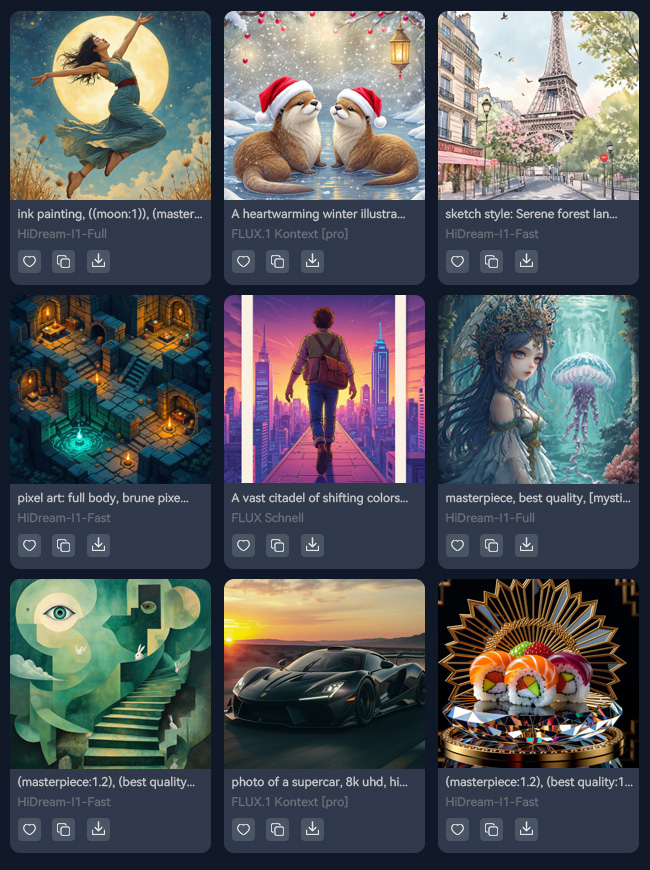
Explore Different Artistic Styles

With this tool, you can easily try many artistic styles. Make pencil sketches from simple outlines to detailed shading, bold ink drawings with crosshatching, or soft charcoal art. You can also create minimalist line art or fun styles like anime, cartoon, and fashion illustrations.

Switching between styles is fast and fun with our AI Sketch Generator from text. It helps you match the mood or theme you want for your project. This way, every sketch looks unique and creative without extra effort.

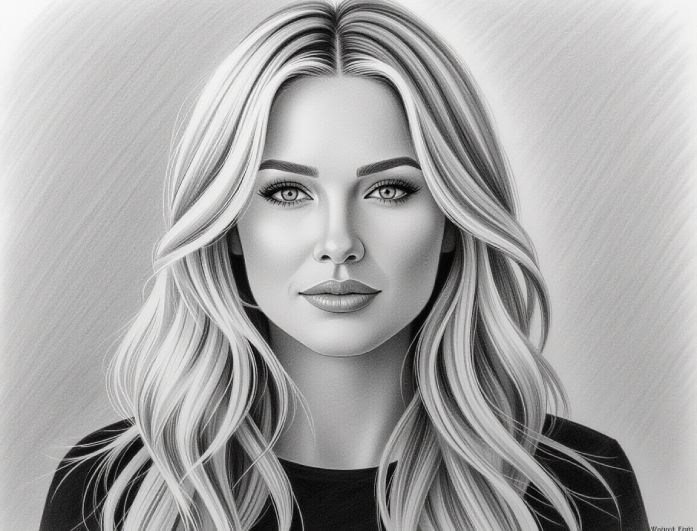
Sketch Characters and Portraits

Creating characters and portraits is easy with this AI Sketch Generator free. You can design realistic faces, fantasy heroes, or cartoon characters just by describing them. No drawing skills are needed—enter your description, and the AI brings them to life.

You can tweak expressions, poses, and outfits to make each character your own. It’s perfect for games, stories, or personal projects. Besides, your characters will feel unique and full of personality.

sketch character and portaits
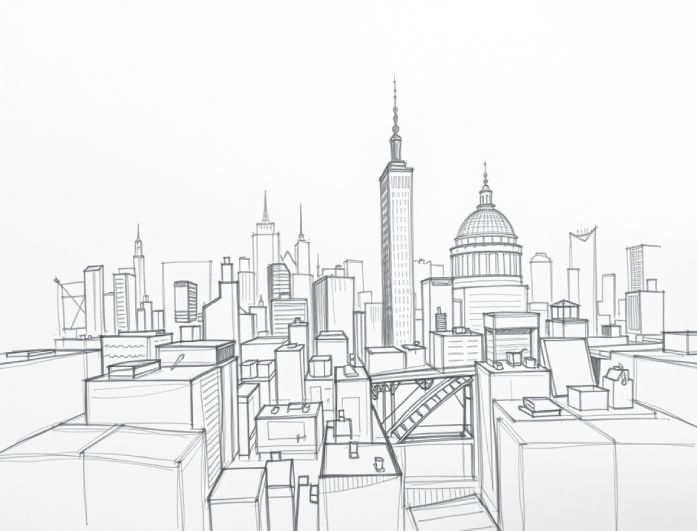
create detailed landscape scenes

Create Detailed Landscape Scenes

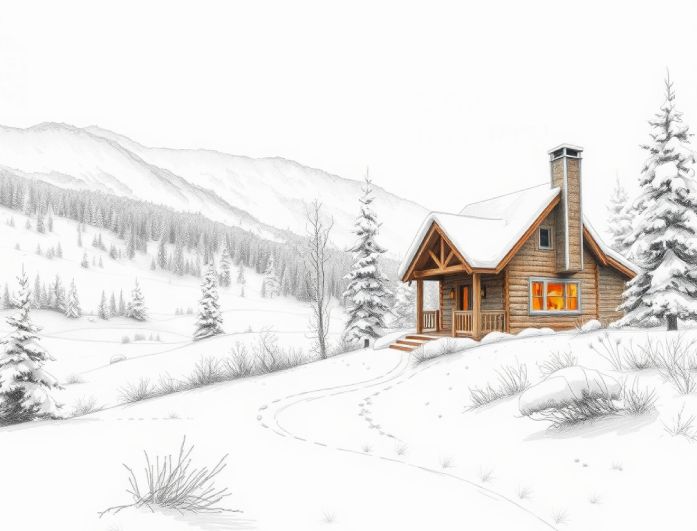
Our free AI Sketch Generator from text can turn simple descriptions into amazing landscape sketches. From magical forests to bustling cities or fantasy mountains, the AI creates detailed backgrounds quickly. You can describe the lighting, weather, or time of day to make the scene fit your story.

It’s easy to try different ideas and end up with multiple versions of the same place. Perfect for artists, writers, or game creators who need beautiful backgrounds fast. You can get ready-to-use scenes without spending hours drawing.

Make Sketches Images in Just 3 Easy Steps

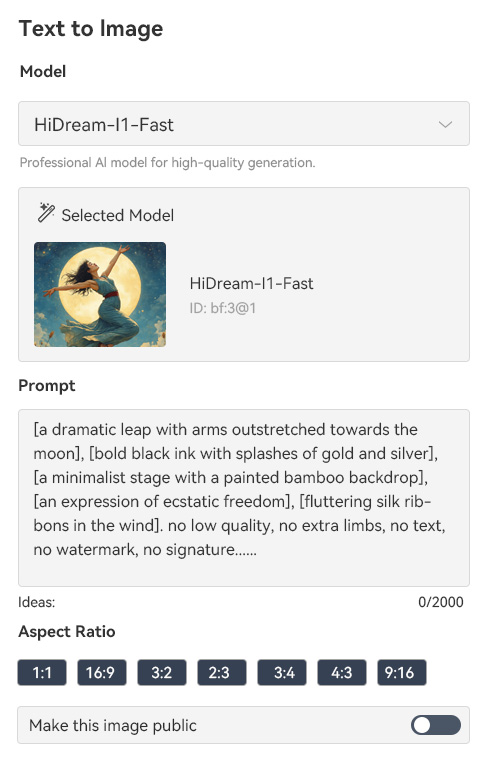
enter your prompt text
create sketch instantly
get the output image
  • 01
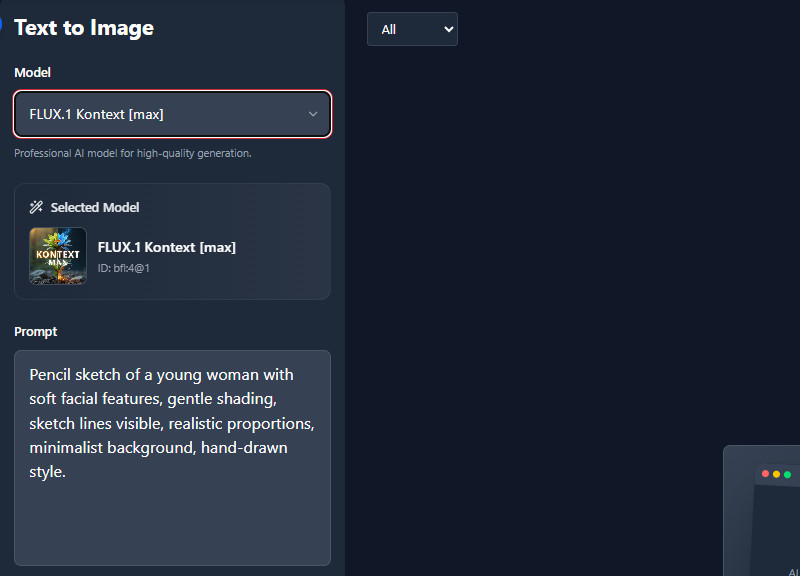
    Enter your Prompt Text

    Go to the prompt box and start typing your description for the sketch image. Make sure the description is detailed to get an accurate result.

  • 02
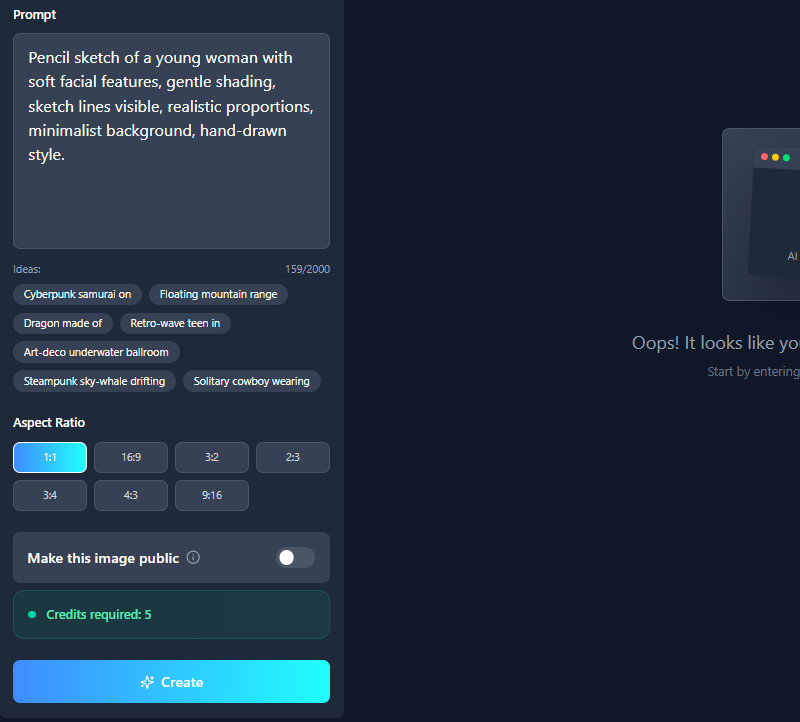
    Create Sketch Instantly

    Before generating your prompt, choose an image size first. After that, click the "Create" button, and the tool will start analyzing the text and developing it.

  • 03
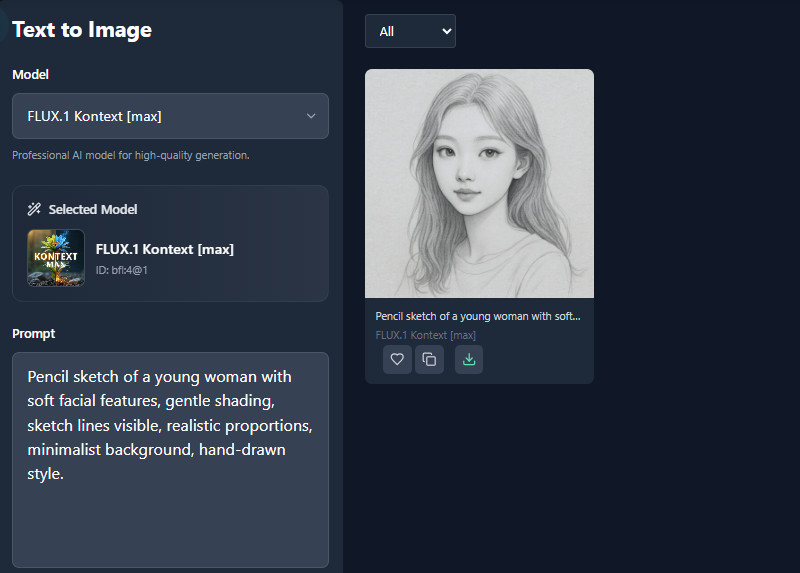
    Get the Output Image

    Once the generation process is complete, see the results on the right. Finally, use the download button to get the sketch if you're satisfied.

People Also Asked

Why use an AI art generator?

An AI art generator helps you create sketches quickly, even if you’re not good at drawing. It turns your ideas into visuals with just a few clicks, saving you time. It’s also fun to experiment with because you can easily try different styles and concepts.

Who owns the copyright in AI-generated art?

Copyright for AI-generated art remains unclear because laws vary by country and are still growing. In most places, fully AI-generated images don’t get copyright protection unless there is strong human creativity involved. This means ownership may depend on the user’s input, the AI developer, or even the creators of the training data.

Can I refine or regenerate a sketch if I’m not satisfied?

Yes, you can easily refine the results by editing your prompt. Small changes in words can create a big difference in the output. You can regenerate as many times as you want until you get the perfect sketch.

Does the generator support different sketch styles?

Yes, the tool can create many sketch styles as long as you mention them in your description. You can ask for a pencil, ink, charcoal, anime, cartoon, and more. The AI adjusts its output to match the style you want.

Can I use the AI tool on my mobile device?

Yes, the AI sketch generator works on mobile devices without any problem. You can create sketches directly from your phone anytime. It’s also convenient if you need quick ideas while on the go.

product iconAceThinker PicWish

Effortless Background Removal for Any Image

pro image editor
Back to Top
Contact Us
Learning Center