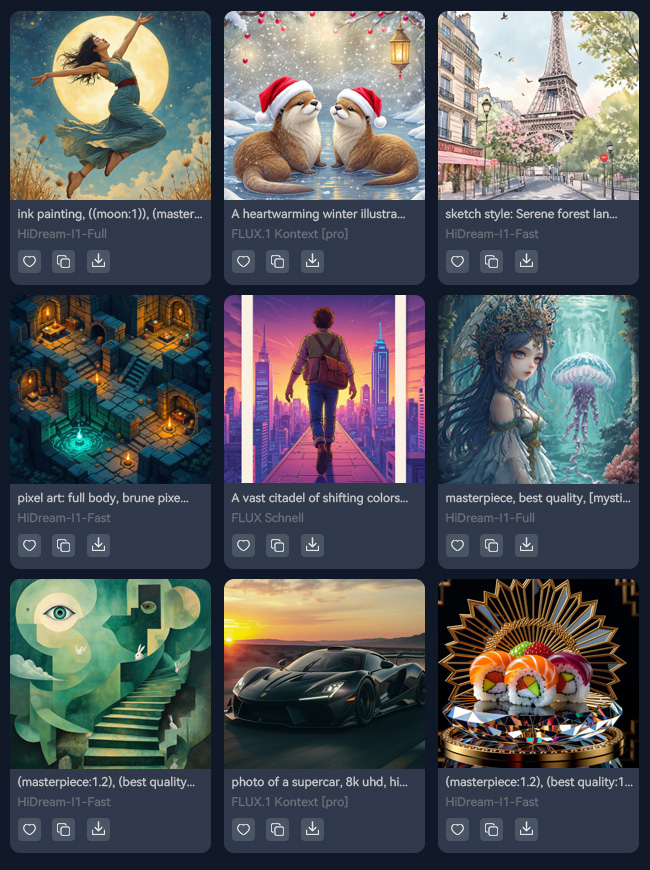
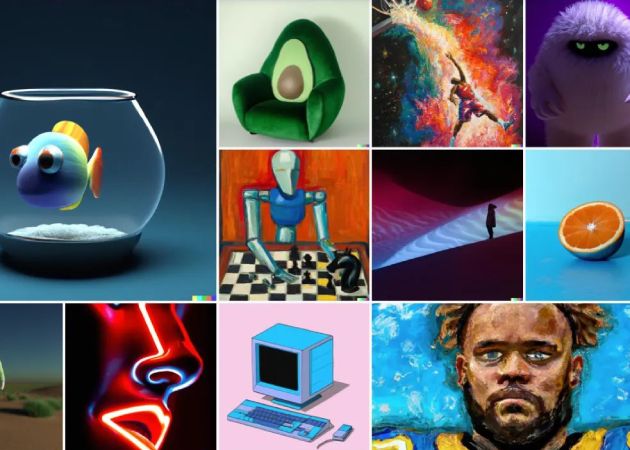
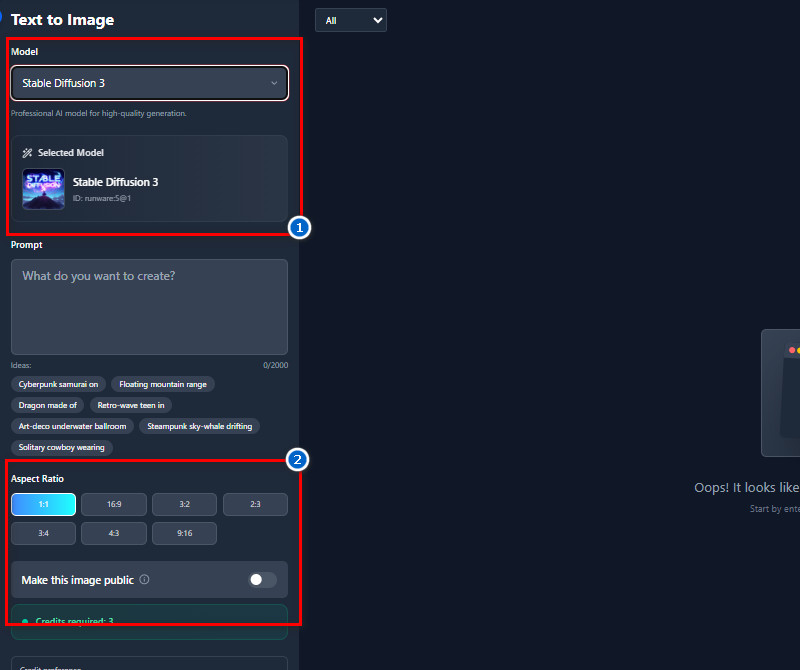
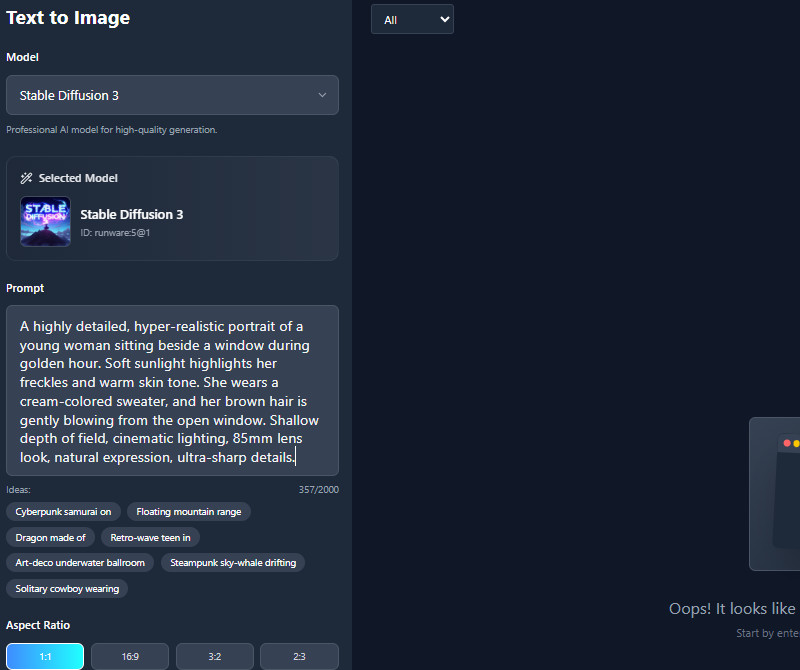
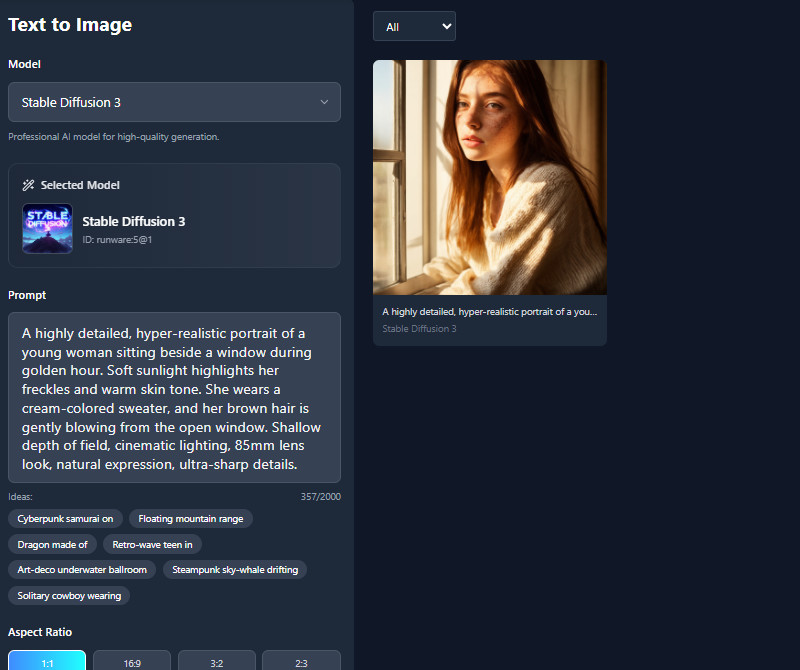
With an AI image generator from text free, you can experiment with multiple AI models to get the style you want. Our tool offers a range of models with their own strengths. For example, FLUX.1 Kontext for creative designs, Juggernaut XL Lightning for bold and detailed results, and Stable Diffusion 3 for realistic images. Furthermore, Pixelwave Flux 0.4 and epiCRealism offer unique artistic effects that make your visuals stand out. By exploring different models, you can see which one fits your idea best without starting from scratch. Also, users no longer need to settle for one style or compromise on quality. It makes exploring creativity fun and easy, even for beginners.
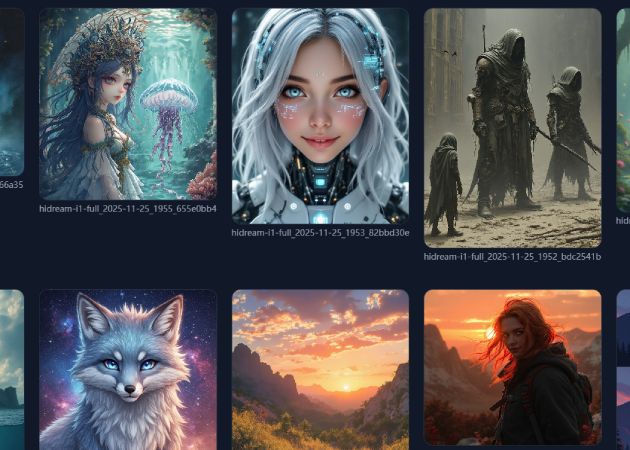
The AI Text to Image generator free tool allows you to turn any description into a picture. From real humans to anime, cartoons, fantasy scenes, robots, or animals, anything that you want. You don't need drawing skills to bring your imagination to life. Simply type what you want, and the AI generates it for you in seconds. This is perfect for creators, students, and marketers who need unique visuals fast. Besides, you can mix styles, experiment with concepts, and even create content for social media, games, or presentations. You'll find that your ideas come alive in ways you might not even expect.


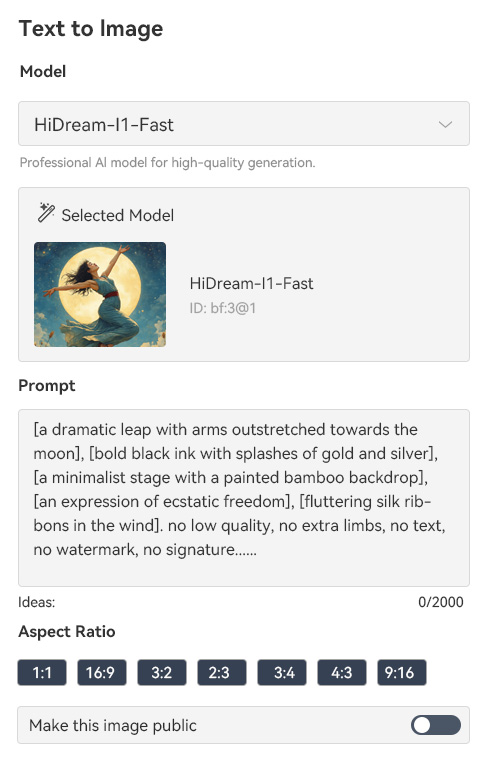
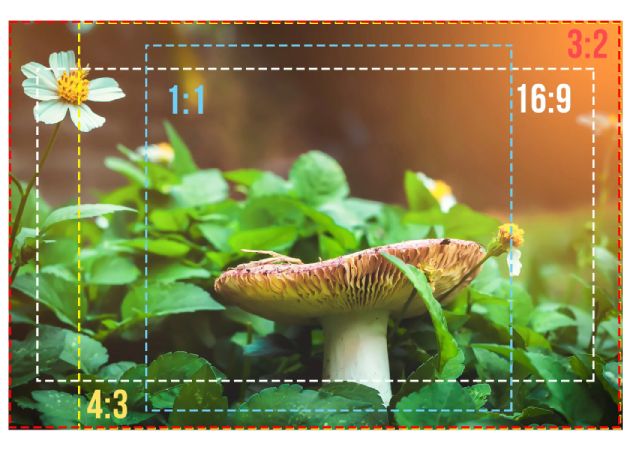
Using our AI image generator online, you can select the aspect ratio you prefer before generating your image. You can choose from 9:16, 3:4, 1:1, 16:9, 3:2, or 4:3. With that, you can create images that fit perfectly into social media posts, banners, or presentations. Also, you don't have to crop or adjust images later, saving valuable time. Choosing the right ratio also ensures your photos look professional and balanced. Besides, this feature is helpful for designers who need consistent layouts across multiple projects. Even beginners can make polished images without worrying about technical details. This feature gives you control and precision while keeping the process effortless.
With our online AI Text to Image generator, the images you create can be used anywhere, without worrying about copyright issues. You can include them in your presentations, websites, social media, or personal projects freely. Our tool also doesn't add watermarks, so your images look clean and professional right away. You can be creative without limits, and you don't need to worry about stock photos or copyright. Whether for work, school, or personal hobbies, your visuals are ready to use instantly. It's a practical way to bring your ideas to life without legal concerns or extra steps.


The tool is easy to use so that anyone can create images without prior experience.
You can access it from any device without downloading anything.
The images come out clear and detailed, perfect for any project.
Text-to-image AI lets you turn words into pictures quickly and easily. You don't need drawing or design skills to create visuals. It helps save time compared to manually creating images. Additionally, you can experiment with different styles, colors, and ideas. Besides, it is useful for work, school, social media, or personal projects. Overall, it makes creating images simple, fun, and fast.
To get the best results, type clear and detailed descriptions of what you want. Include information about style, colors, background, or mood. Also, try experimenting with different wording if the first result isn't perfect. Using the right AI model for your idea can improve the output. You can also put multiple ideas into a single prompt for unique results. Don't worry if it's not perfect the first time; you can tweak your words and try again.
You can choose different AI models depending on the style you want for your images. Each model creates a slightly different look, from realistic to artistic. Some models are better suited to anime or cartoon styles, while others are better suited to fantasy or realistic art. You can try multiple models to see which best fits your idea. Besides, switching between models is easy and fast. This way, you have full control over the final look of your images.
Our tool provides high-quality, clear, detailed images. The images can be downloaded only in JPG format. They are perfect for digital use or small prints. For larger prints, the photos may appear slightly blurry. Still, you can create high-quality visuals for personal or online projects. It works well for most standard printing needs.
Our tool runs using a credit system to generate images. When you sign up, you receive free credits to start using it right away. Each image you generate uses some credits. Once the free credits are used up, you can buy more to continue creating images. This system helps manage usage fairly for all users. It's easy to start and try the tool without paying at first.