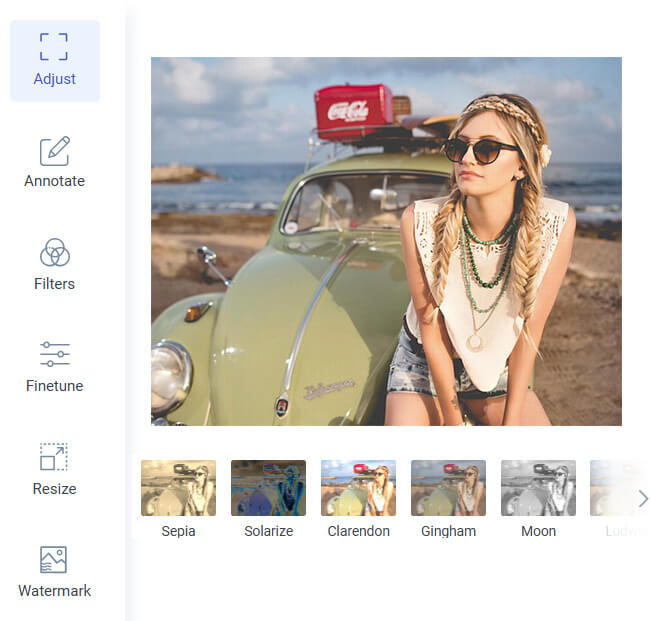
Flip your photos horizontally or vertically instantly with a single click. The tool automatically mirrors or rotates the image while preserving every detail, texture, and color. There’s no need for manual adjustments or technical knowledge, making it accessible to anyone who wants a fast and accurate result.
This feature is perfect for correcting mirrored selfies, adjusting landscape orientations, or creating creative mirrored effects for social media. It saves time by delivering polished, professional-looking images instantly, without the need for complicated software or multiple steps.
Using the flip tool is straightforward and effortless. Simply upload your image, select the desired flip direction, and the AI instantly processes the photo. There are no complicated settings, sliders, or menus to navigate, allowing even beginners to achieve professional results easily.
The streamlined process eliminates frustration and saves time, making it ideal for users who need quick fixes. Whether you are a content creator, designer, or casual user, you can flip your images accurately and efficiently without wasting time on trial-and-error edits.


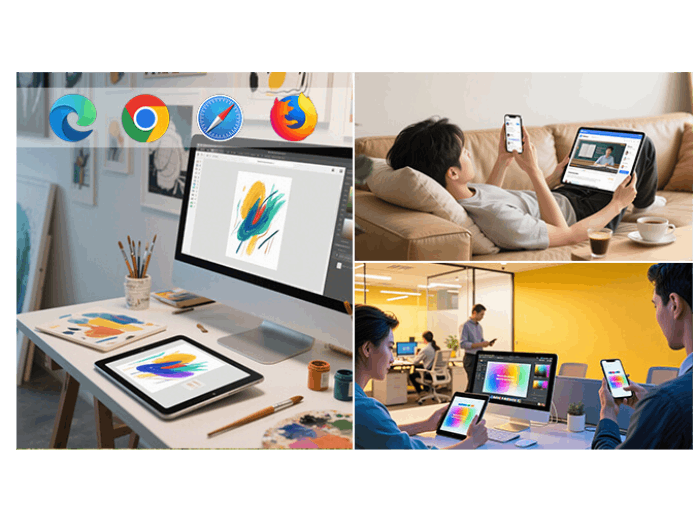
You can access this online flip tool anytime, from any device, desktop, laptop, tablet, or smartphone. It works seamlessly on all major browsers, so you can adjust your photo’s orientation wherever you are without installing additional software or apps.
This flexibility makes the tool perfect for professionals and casual users alike. Whether editing on the go, working remotely, or managing images at home, you can always rely on consistent, high-quality results. The tool ensures smooth performance and reliable outputs on every device.



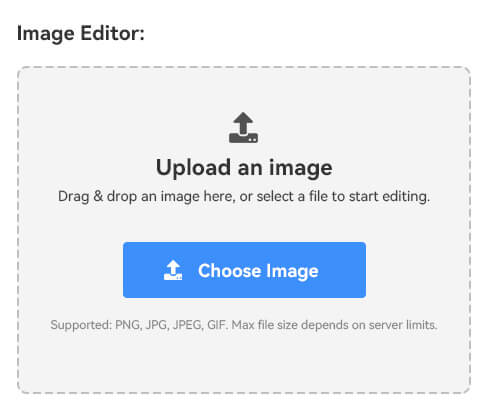
Upload your photo by clicking the "Upload Image" button and selecting a file from your device. The tool supports popular formats like JPG, PNG, and WebP.
After uploading, select whether you want to flip the image horizontally or vertically. Click the flip option, and the tool automatically mirrors or rotates your photo while preserving all details, colors, and textures.
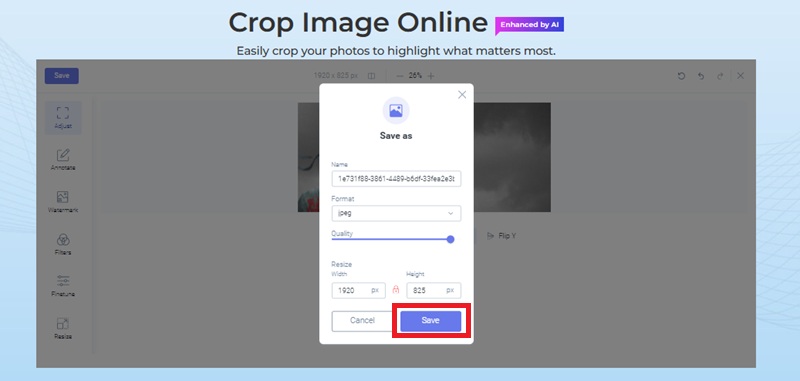
Once the flip is complete, preview your final image and click the "Download" button to save it in full resolution. Your flipped photo retains its original quality and is ready for social media, printing, or personal use.
A horizontal flip mirrors your image left to right, creating a reflected effect like a mirror. A vertical flip turns the image upside down, flipping it top to bottom. Both options adjust your photo’s orientation differently and can be used to correct mistakes or create creative effects.
No, flipping an image does not affect its quality. The process simply repositions the pixels without altering colors, resolution, or details. Your photo remains crisp, sharp, and true to the original, whether it’s a portrait, landscape, or graphic design image.
Most online flip tools support popular formats like JPG, PNG, WebP, GIF, and BMP. Some advanced tools also handle HEIC files from iPhones by automatically converting them. This ensures you can flip almost any image type without compatibility issues.
Yes, the tool is completely free and does not require signing up or making a payment. You can flip any photo instantly in your browser. Free online flip tools provide reliable results without watermarks or restrictions for basic flipping tasks.
Yes. Many online flip tools process your image directly in your browser, so it never leaves your device. This ensures your photos remain private and secure. No files are stored or shared externally, giving you full control over your data.