menu

Revolutionizing Tattoo Design with AI

ai-powered personalization

AI-Powered Personalization

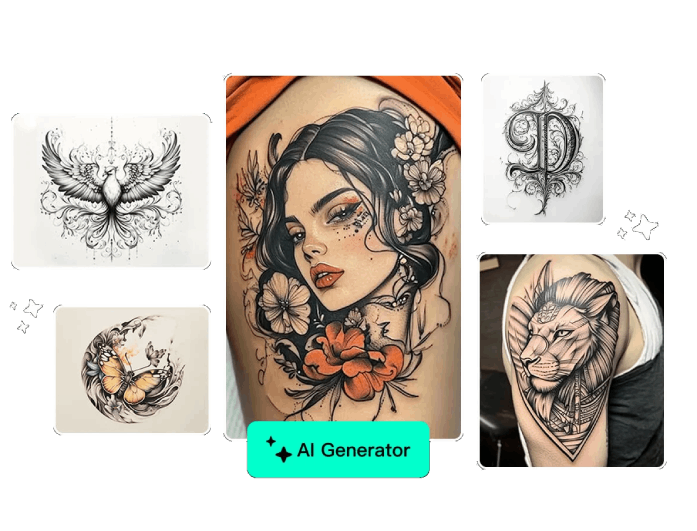
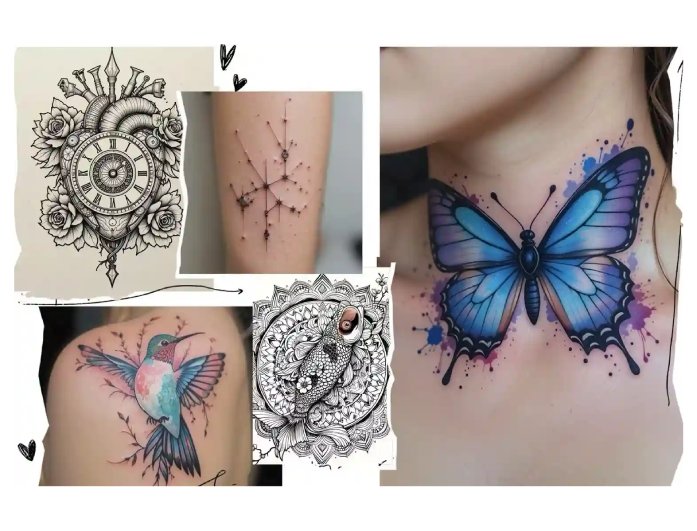
Our AI tattoo generator uses advanced technology to turn your ideas into unique tattoo designs. You can describe your vision in simple words, and the tool instantly creates tattoo designs that match your personality and style..

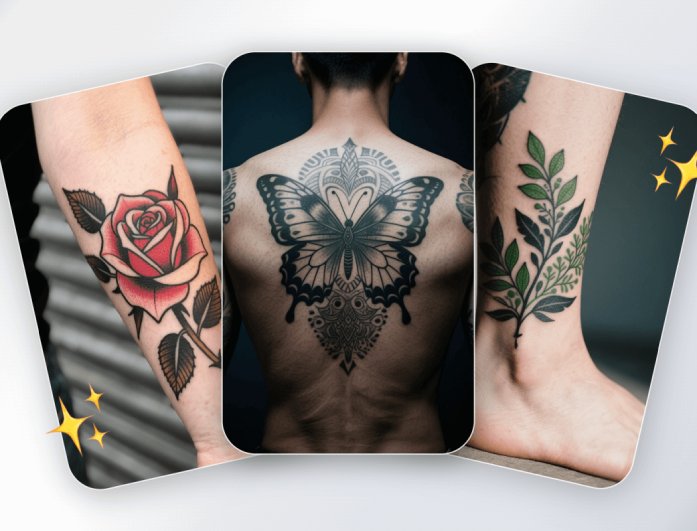
Moreover, this tattoo AI ensures every design feels personal and original. Whether you want a minimal line tattoo or a detailed sleeve, the best free AI tattoo generator adapts to your preferences and gives you designs made just for you.

Extensive Model Selection

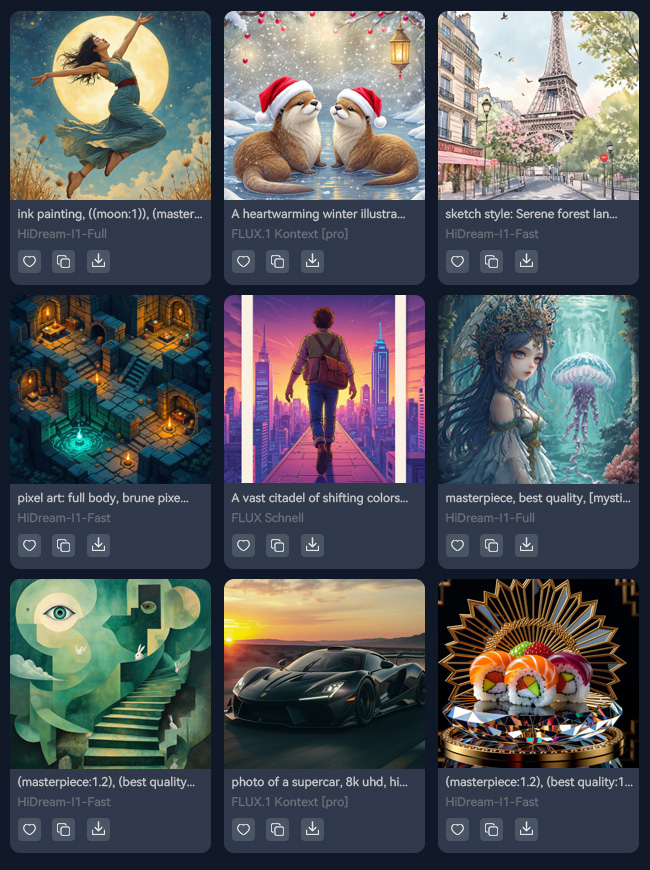
Our free AI tattoo generator features a diverse range of powerful models. This design model includes HiDream-I1-Fast, FLUX Schnell, and many others. Each model is designed to deliver different artistic styles, from realistic shading to clean minimal lines, giving you full creative control.

In addition, you can easily switch between models to explore various design outcomes. Whether you want fine details, bold outlines, or soft gradients, our AI tattoo generator ensures you always get stunning results. It also provides high-quality results that match your artistic taste.


Img ALT
Img ALT

Instant Download and Sharing

After creating your perfect tattoo, you can instantly save or share it with your artist or friends. Our AI tattoo generator from text allows you to quickly download in high-quality formats for easy printing or reference.

Furthermore, this feature makes it simple to collect, compare, and refine your ideas before inking. With our AI tattoo generator free, you get fast access to stunning tattoo art that's ready to bring to life.

How to Generate and Create Tattoos from Text Online

access text to image
input your design prompt
download the generated tattoo
  • 01
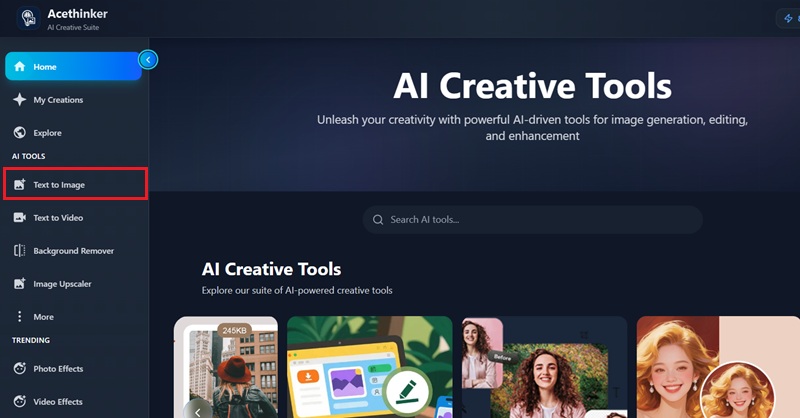
    Access Text-to-Image

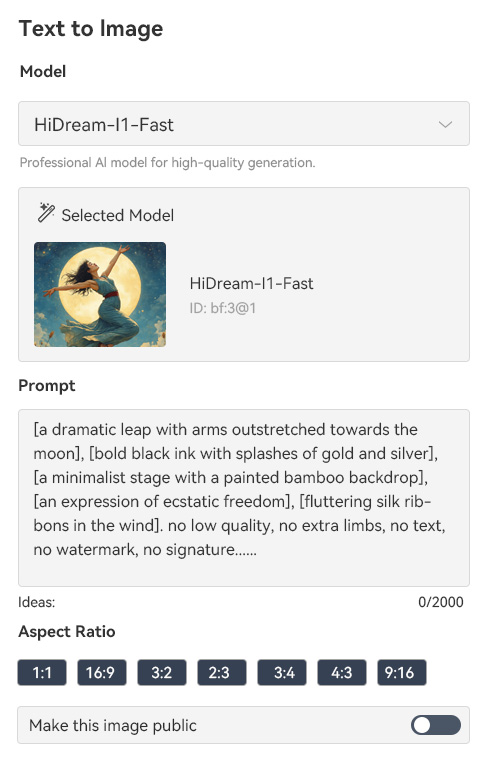
    On your browser, go to the official page of our free AI tattoo generator and navigate to the text-to-image interface.

  • 02
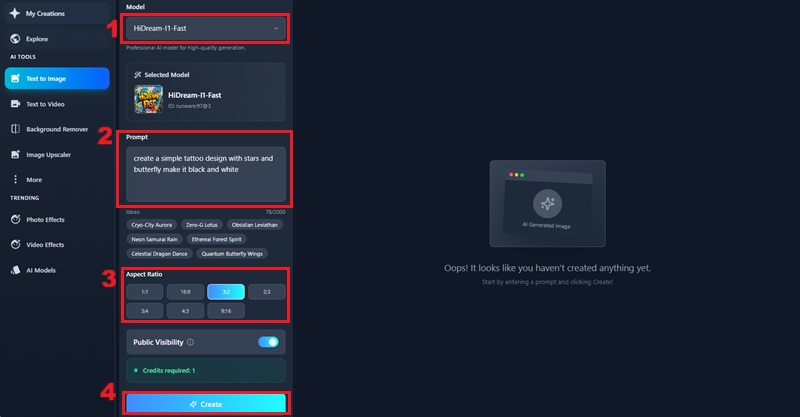
    Input Your Design Prompt

    After that, choose the model for your tattoo design, and input the prompt. Then, select the aspect ratio and hit "Create."

  • 03
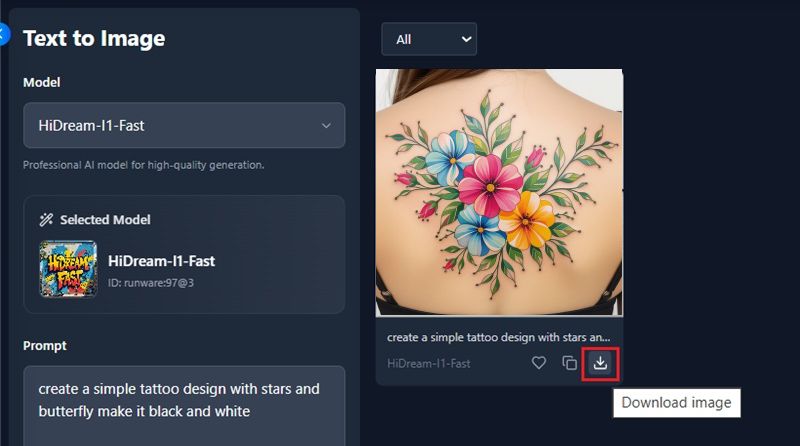
    Download the Generated Tattoo

    Once you hit the "Create" option, our tool will process the prompt and present you with the AI-generated tattoo. Then, click the "Download Image" to save it.

Frequenlty Asked Questions

How does AI generate tattoo designs?

An AI-powered generator utilizes advanced algorithms and machine learning to generate new tattoo designs. It analyzes the text or ideas you provide and then creates original designs inspired by numerous existing artworks and styles. This process uses advanced text-to-image technology that turns your words into matching visuals, producing creative and meaningful tattoo designs.

Can I use the generated tattoos for real tattoos?

Yes, you can use the generated tattoos if you want them. You can bring the AI-generated tattoo to your tattoo artist. The artist can use it as a guide or make small adjustments before tattooing. It's a great way to get a custom design that fits your idea.

Can I download the tattoo designs I create?

Yes, you can download the tattoo designs after they are generated. Our AI tattoo generator lets you save the image in high quality. You can then share it with your favorite tattoo artist or keep it as inspiration.

Is the AI tattoo generator really free to use?

Yes, our AI tattoo generator is free to use for creating designs. Some platforms can offer premium options for higher quality or a more exhaustive range of styles. But you can still make great tattoos with the free version.

Do I need to create an account to use the AI tattoo generator?

No, you don't need to create an account to use our free AI tattoo generator. You can start generating tattoos right away by typing your idea. It's a simple and hassle-free process.

product iconAceThinker PicWish

Make Your Image Ideas Stand Out

pro image editor
Back to Top
Contact Us
Learning Center